SYMPTOM
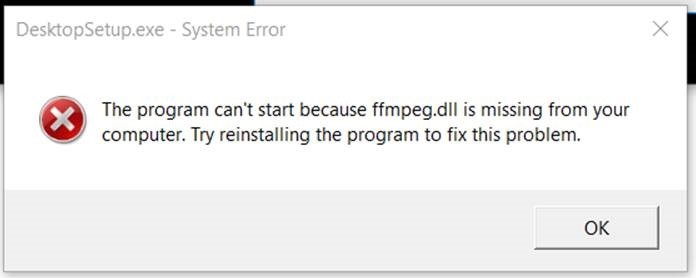
When running the installation file 'DesktopSetup.exe' to install Strategy Desktop version 10.10, users may encounter the following error:
The program can't start because node.dll is missing from your computer. Try reinstalling the program to fix this problem
The program can't start because ffmpeg.dll is missing from your computer. Try reinstalling the program to fix this problem.

CAUSE
During installation of Strategy Desktop version 10.10, Strategy will need to access the node.dll and ffmpeg.dll files. Node.dll is a DLL file associated with Windows 10 Operating System developed by Microsoft Corporation for the Windows Operating System. Ffmpeg.dll is a type of DLL file associated with Third-Party Software developed by Dsnet Corp for the Windows Operating System. If these files are not found on the machine, installation is unable to proceed.
ACTION
Users will need to obtain a copy of these files from a Windows Installation which already has these files or directly from MicroSoft Corporation. After obtainig these file, the dll files will need to be placed in the same directory from where DesktopSetup.exe is being executed
KB439677
