When performing actions, such as importing, refreshing, or editing large objects, with the Strategy for Office add-in, you may experience a crash after a few seconds of it properly working. The add-in then refreshes with the the following error:
ADD-IN ERROR Sorry, we had to restart because this add-in wasn't responding.
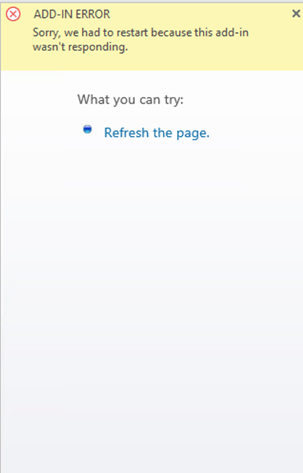
The root cause of this error is the Excel limitations, that in some cases, could be exceeded when using the add-in. This could be more prevalent when working with large reports with 200,000 rows or more.
To prevent the error from occurring, you should change the registry value in Excel. This will turn of resource limit checks for the add-in.
Add the following two keys to the registry:
[HKEY_LOCAL_MACHINE\SOFTWARE\Microsoft\Office\16.0\Wef]"AlertInterval"=dword:00000000[HKEY_CURRENT_USER\SOFTWARE\Microsoft\Office\16.0\Wef]"AlertInterval"=dword:00000000
AddInRegistry.regfile.
