Starting with the release of Strategy ONE (March 2024), dossiers are also known as dashboards.
With the Library app, you can access more than one Library environment without needing to log in again or reconfigure your app to a different Library. With two taps on your Library menu, you can quickly toggle between Library environments.
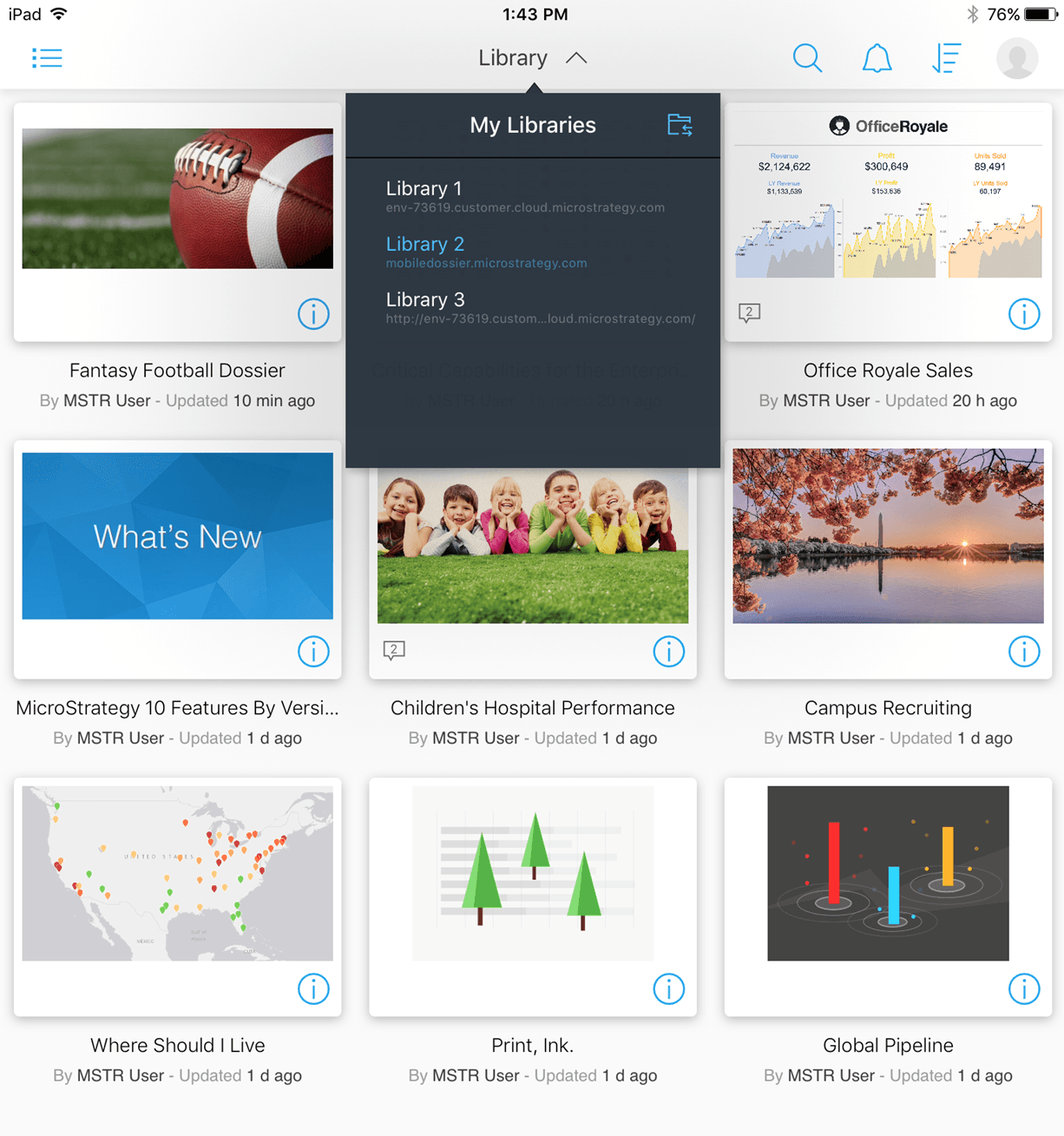
There are two ways to add Library environments to your Library app:
1. Under the Options menu, select Advanced.
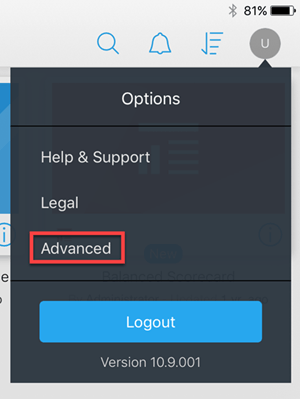
2. Tap Add New Server.
3. Add the server details, then select Back to return to the Advanced Setting menu.
4. Close the menu. The Library is available in the My Libraries list.
An environment is a collection of servers involved in the same Strategy-specific task. An environment consists of an Intelligence Server, or a cluster of Intelligence Servers, together with any Strategy Web servers or Mobile Servers that are associated with the Intelligence Server. KB441036
