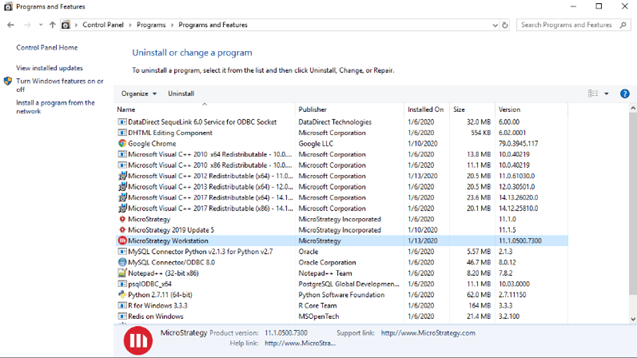
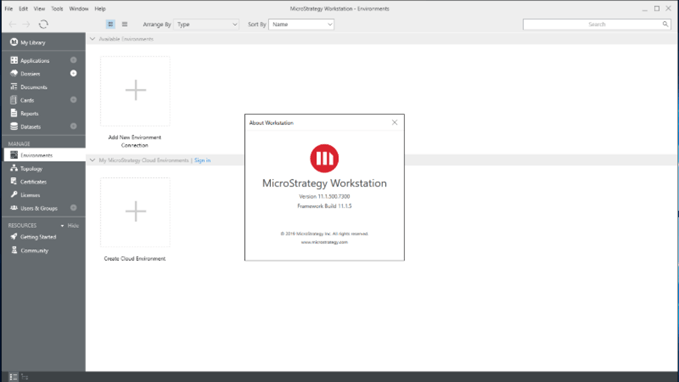
When uninstalling Strategy Desktop or Workstation, you may experience the following error:
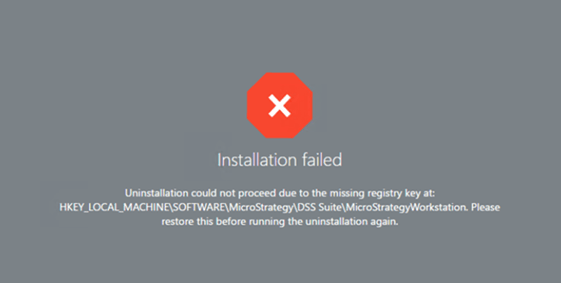
If you have installed Strategy 2019 or previous versions of Platform prior to installing Desktop/Workstation, and then uninstalled Strategy 2019, it will remove a registry key required for uninstalling Desktop/Workstation.
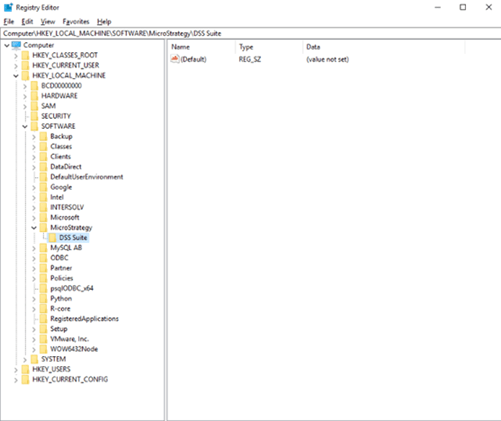
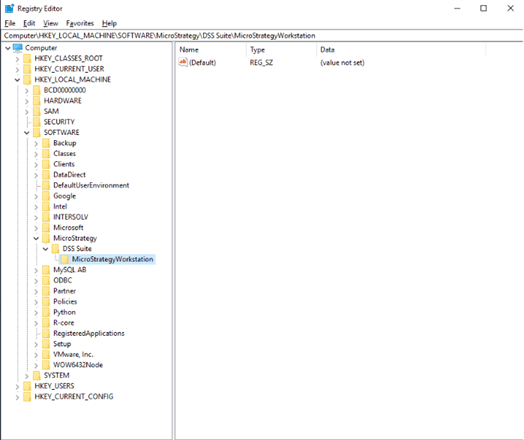
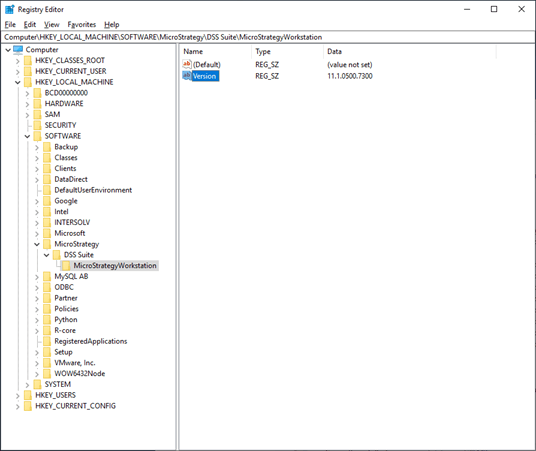
In an ideal scenario, this registry key can be found at
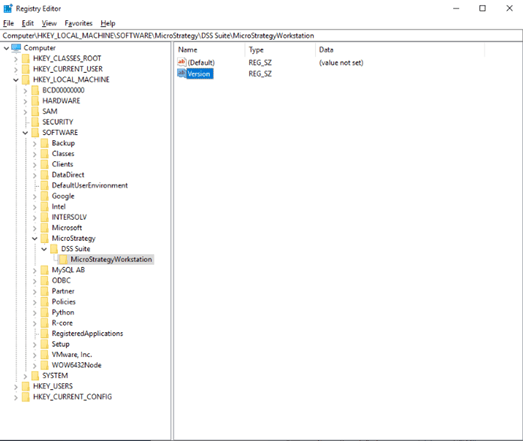
Computer\\HKEY_LOCAL_MACHINE\\SOFTWARE\\Strategy\\DSS Suite\\StrategyWorkstation.
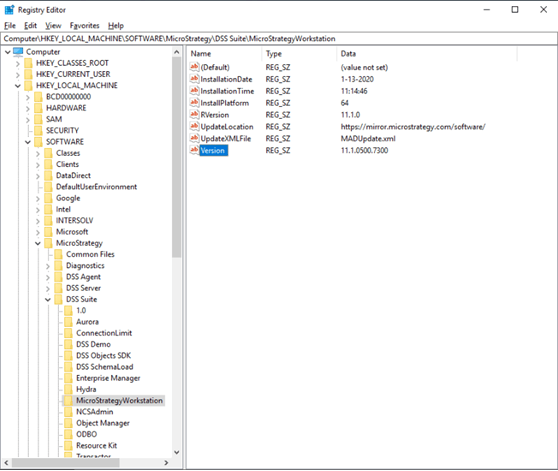
If this registry key is missing, the above error message will appear during the uninstall process of Workstation/Desktop.
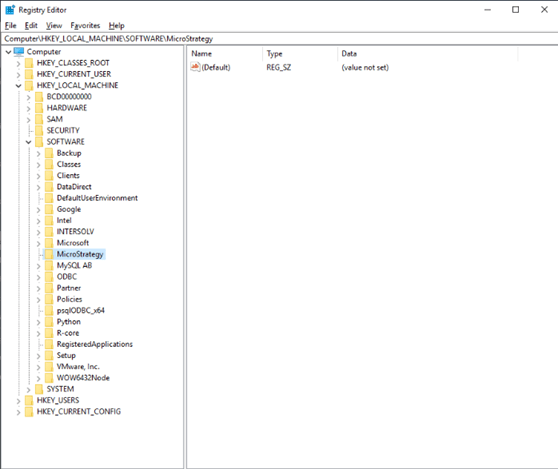
The installer looks for entry "Version" in the "StrategyWorkstation" or "StrategyDesktop" registry key. To recreate the missing key, you need to create a few parent keys first. It is likely that your current machine will only have
HKEY_LOCAL_MACHINE\\SOFTWARE.