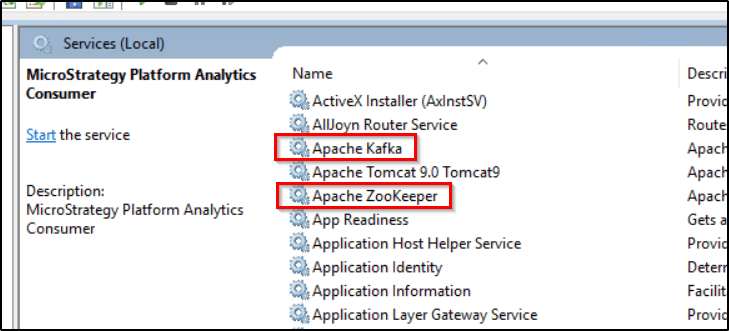
After installing Strategy 2020 Update 2 in a Windows environment, the Apache Kafka and Apache Zookeeper services are no longer present on the machine and do not show up in the Windows Services dialog.
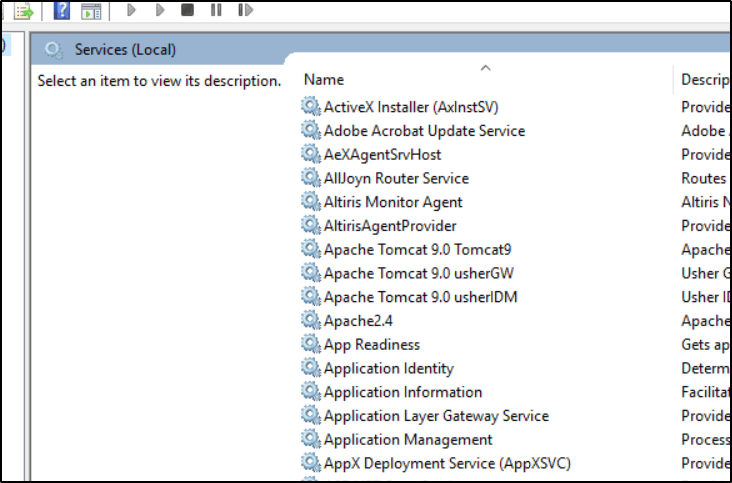
Note that Apache Kafka and Apache Zookeeper services are not listed.
When performing the installation of Strategy 2020 Update 2 on Windows, the Apache Kafka and Apache Zookeeper software included with Strategy Messaging Services is updated to a newer version. If the existing files are unable to be accessed by the Strategy Installer, in some cases, the Kafka and Zookeeper update may terminate abruptly and leave the installation in an inconsistent state. Two different configurations are known to cause this behavior.
This behavior may occur if the Strategy product Common Files are installed into the
C:/drive, but the platform analytics product is installed into a different drive, such as the
E:/drive.
This behavior may occur if any of the files in the existing
C:\Program Files (x86)\MicroStrategy\Messaging Services\Kafka\kafka_2.11-1.1.0directory are open in a browser or editor when the installation is started, or if access to the files is blocked by an antivirus or security software.
Contact Strategy Technical Support for assistance with this issue.
For Scenario 2 only, as a workaround, Strategy 2020 Update 2 may be uninstalled via the installer or Windows Add/Remove Programs dialog. After the uninstallation is complete, ensure that all browsers and editors are closed and perform the installation of Strategy 2020 Update 2 again.
