SYMPTOM
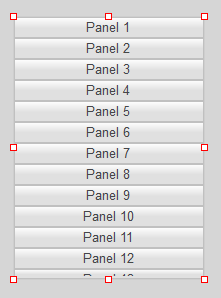
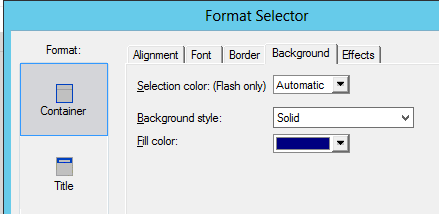
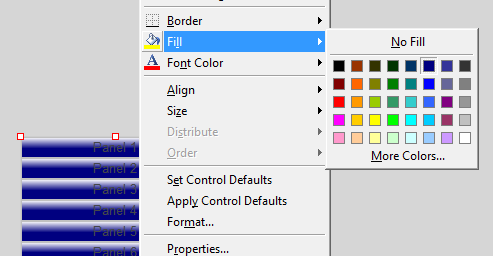
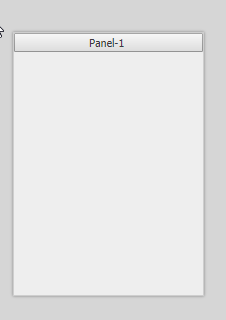
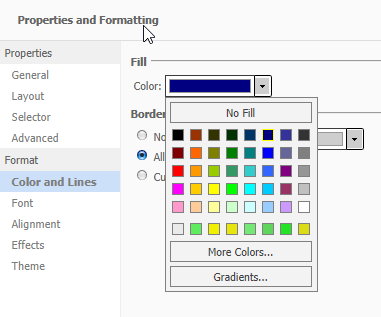
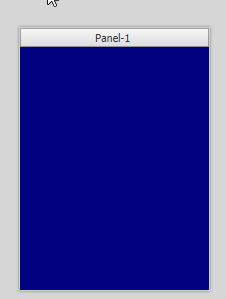
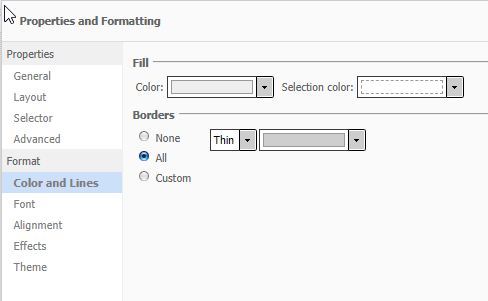
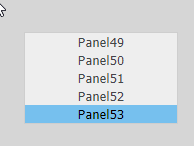
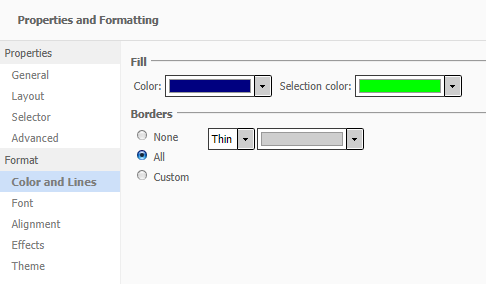
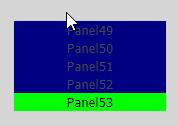
When using Strategy Developer 9.x and 10.x to edit a Report Services Document that contains a Button Bar selector and change the background color of the object, users might observe that the color fills the button meanwhile when running the same Report Services Document on Strategy Web 9.x and 10.x, may observe that the color is the default gray.
Developer:
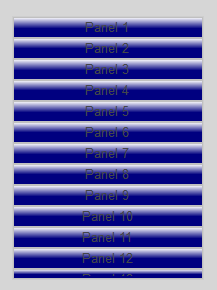
Web:
STEPS TO REPRODUCE
Using Strategy Developer 9.x or 10.x:
1. Create or edit a Report Services Document with a Button Bar selector.
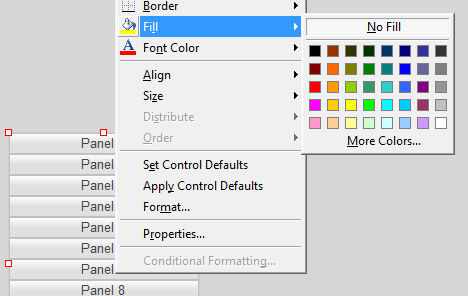
2. Edit the Button Bar selector background color.
3. Observe the color change on Design mode.
4. Login to Strategy Web 9.x or 10.x.
5. Run the Report Services Document created in step 1.
6. Observe that the color of the buttons are now the default gray color.
CAUSE
This is working by design. Strategy Button Bar selectors in Strategy 9.x and 10.x have a background color that is behind the buttons while the face color does not have a property. This is to maintain compatibility with mobile applications. Strategy is aware of many issues where users could not distinguish the selected elements from unselected elements when the fill in color is similar to the highlighted color; thus, the selection color logic for the button bar selector was designed to automatically apply the selection color based on the fill in color style on mobile. As a result, the entire design would have to follow that logic.
ACTION
Developers have the option of using a Link Bar selector instead, where additional formatting options are available, (active=selected and inactive).:
In case the above solution is not an option, to be a button Strategy have a solution using SDK. That will require some developing to match for the version installed, but the solution available for version 9.3.1 can be used as a baseline, which is described in the article below:
KB46234: How to change button selector color in report service document using MicroStrategy Web SDK 9.3.1?
Also there are currently two open Ideas in our Ideas Exchange regarding the Button Bar and the Link Bar which might be relevant for adding the like, or they can open a new one:
- The selection color of Button bar selector on iPad
- Additional formatting options for link bar selectors
Internal reference number for this article is KB440385.
