Starting with the release of Strategy ONE (March 2024), dossiers are also known as dashboards.
Library, available since Strategy 10.9, is an interactive application of the Strategy Business Intelligence platform that lets business users harness the analytical power of Strategy in a simple, clean, and modern user interface. Read more about Library in the Library online help.
This KB article covers the most basic issues that a new user might encounter when using Library for the first time.
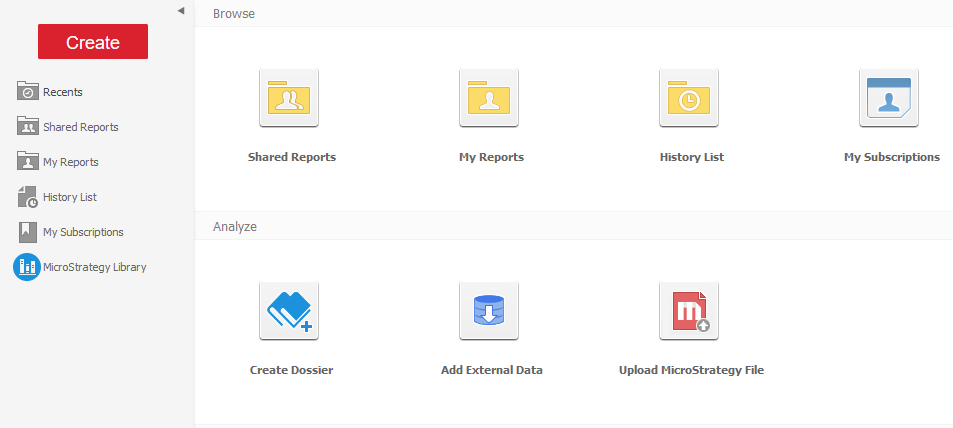
After the user finishes installing, Strategy Library icon is not visible as it should be.
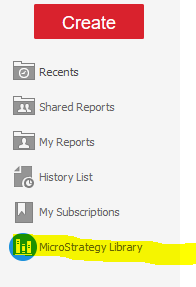

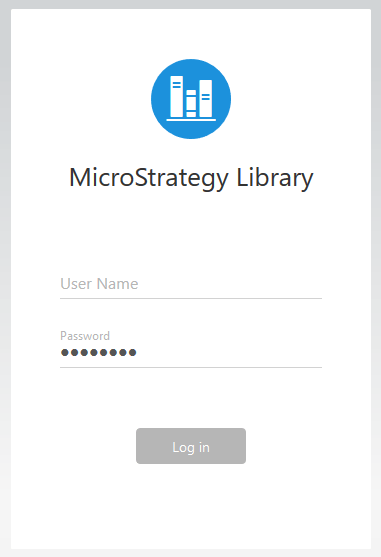
The user, already logged into Web, clicks the Strategy Library button.
They are prompted for their credentials.
Regarding Library installation,
identityToken.secretKeyentered in the
configOverride.propertiesfile in Library should be also present in the
sys_defaults.propertiesin Web as follows:
[LIBRARY_DEPLOYMENT]/WEB-INF/classes/config/configOverride.properties:
identityToken.secretKey= key
[WEB_DEPLOYMENT]/WEB-INF/xml/sys_defaults.properties(note that the property name is slightly different but the key must be the same):
identityTokenSecretKey= key
After this modification, restart the web server to set up seamless login between Web and Library.
Read more in How to Enable Seamless Login Between Web, Library, and Workstation in the Library online help.
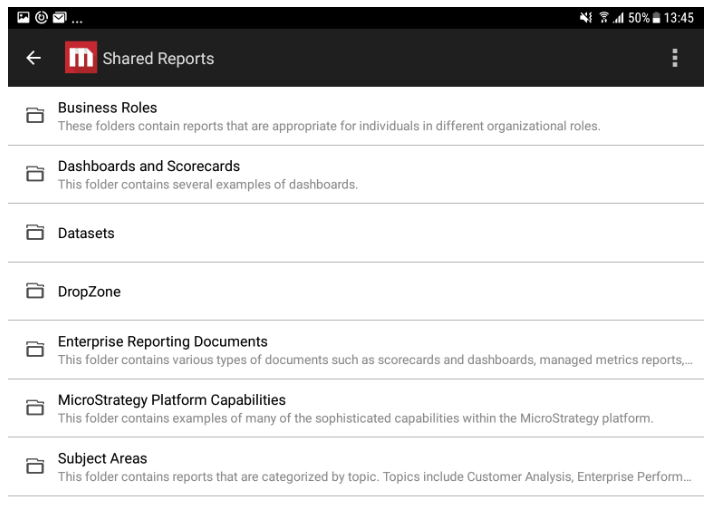
In Web, the URL API is used either to open a document or dossier in a certain state (presentation mode, with certain prompts elements, etc.), using element URLs and arguments passed to the browser.
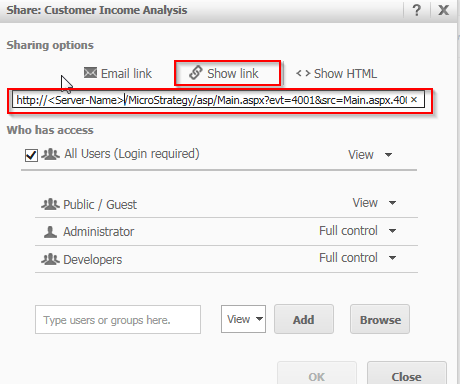
Read more about the URL API in the SDK documentation.
This feature is not yet supported in Library.
