EducationSoftwareStrategy.com
StrategyCommunity

Knowledge Base

Product

Community

Knowledge Base

TopicsBrowse ArticlesDeveloper Zone

Product

Download SoftwareProduct DocumentationSecurity Hub

Education

Tutorial VideosSolution GalleryEducation courses

Community

GuidelinesGrandmastersEvents
x_social-icon_white.svglinkedin_social-icon_white.svg
Strategy logoCommunity

© Strategy Inc. All Rights Reserved.

LegalTerms of UsePrivacy Policy
  1. Home
  2. Topics

Cannot load the MicroStrategy for Office PowerPoint add-in if MicroStrategy Library is using a non-443 port number


Yanqing Liu

Cloud Support Expert I • MicroStrategy


SYMPTOM:
In Strategy One Update 11, users are not able to connect to Strategy for Office PowerPoint add-in if Strategy Library is using a port other than 443 for HTTPS. After clicking on “Log in”, the following error would be returned:
ADD-IN ERROR
Sorry, we can’t load the add-in. Please make sure you have network and/or Internet connectivity. Click “Retry” once you’re back online.
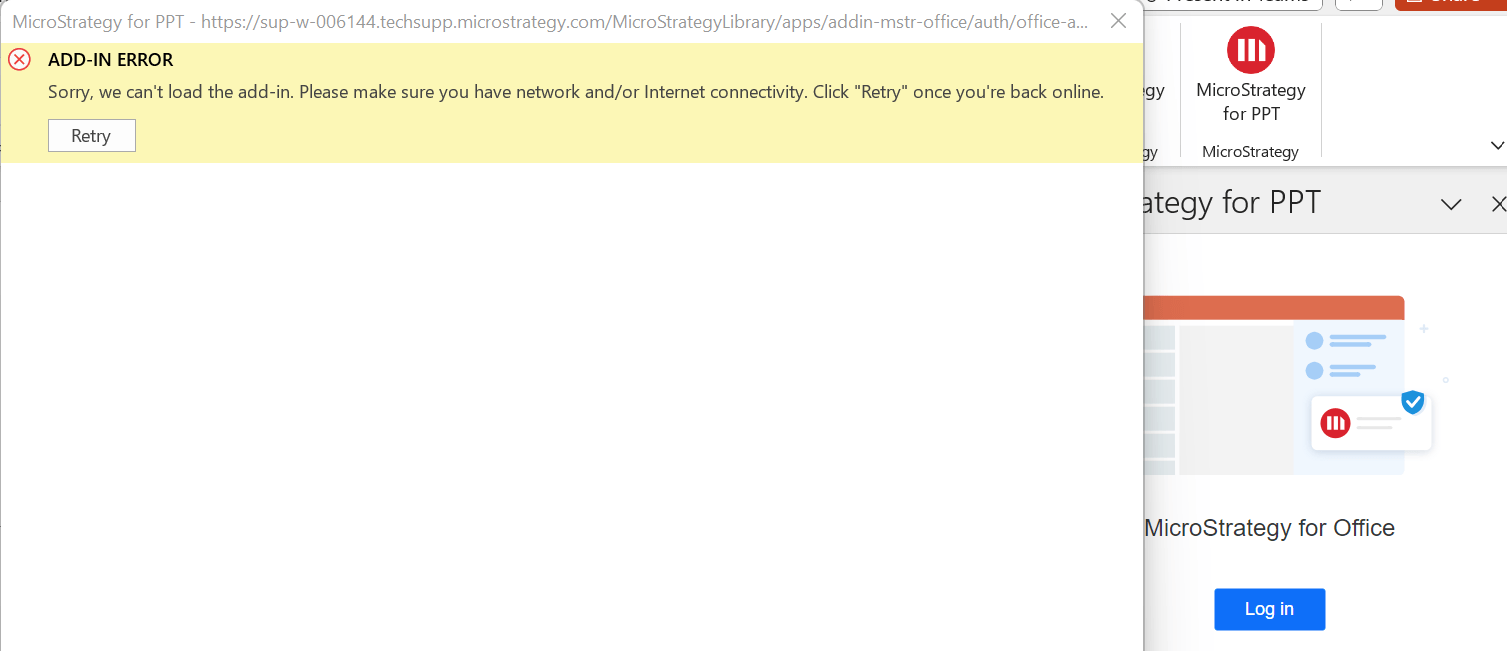
ka04W000000rZ6xQAE_0EM4W0000096MV6.png

STEPS TO REPRODUCE:

  1. Configure the web application server to use port 8443 (or any port other than 443) for HTTPS.
  2. Follow the documentation to configure and install the Strategy for Office PowerPoint add-in.
  3. Open the Strategy for Office panel from PowerPoint and click on “Login in”.
  4. The error would be returned.

CAUSE:
It’s a known issue of Strategy for Office PowerPoint add-in (Version 2021 One Update 11).
WORKAROUND:
Use the port number 443 with HTTPS to access Strategy Library.
ACTION:
Currently this issue is being reviewed by Strategy for a potential code fix on an upcoming Strategy release.


Comment

0 comments

Details

Knowledge Article

Published:

November 1, 2023

Last Updated:

November 1, 2023