Starting with Strategy 2021 Update 2 the option “Install Strategy Office” in Strategy Web changed to “Explore Strategy”.
The link "Install Strategy Office" was referring to the legacy office plugin based on Web services, the new link in 2021 Update 2 and onward refers to the new Excel add-in based on Rest API using Strategy Library.
Users might have encountered certain license messages when trying to click the “Explore Strategy”.link. This is expected as a Strategy for Office license is required for the new Excel add-in.
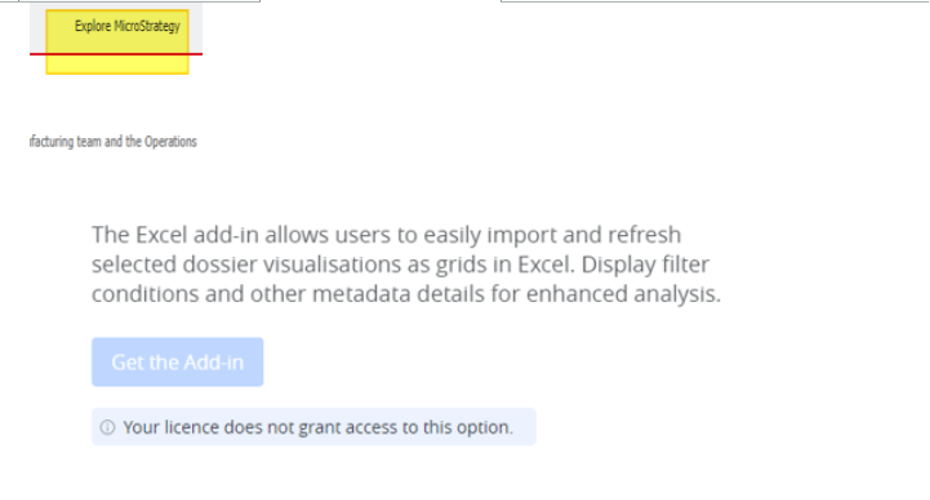
Clicking the "Install Strategy Office" displayed the following:
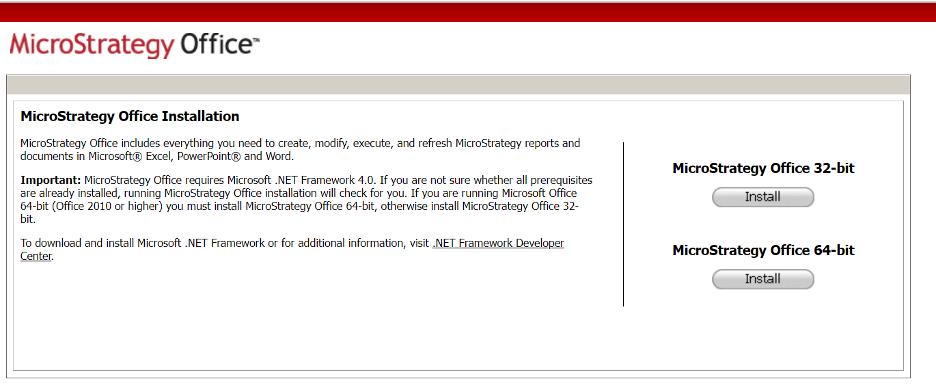
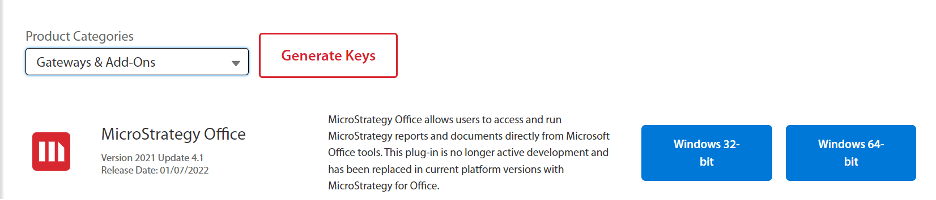
If users still wish to install the legacy office plugin, the installer can be downloaded from MicroStrategy download site under:
or if it is desired to have a link from Strategy Web, this can still be done within the Web preferences:
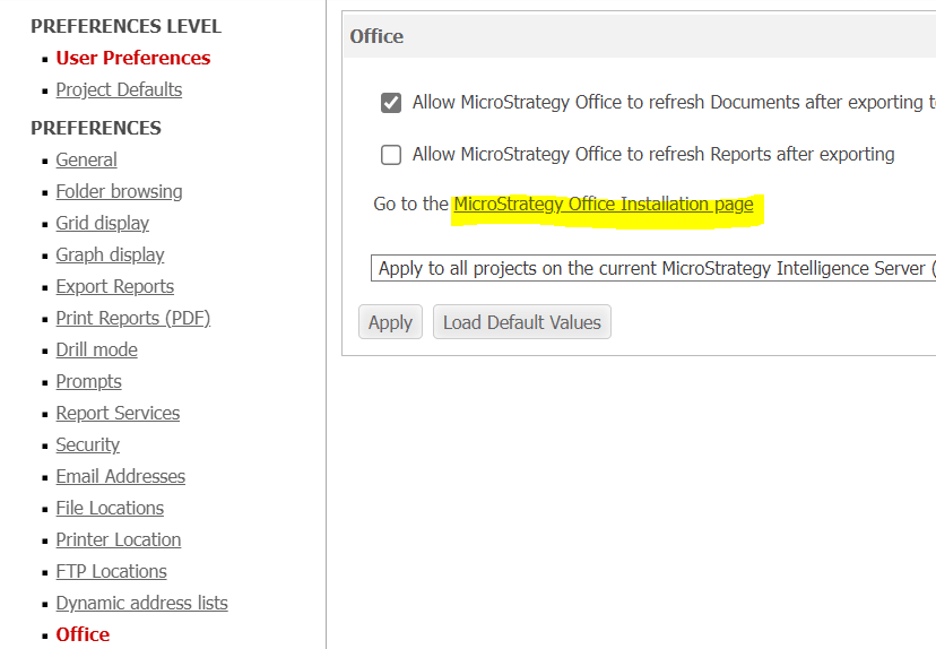
Whereby you will need to indicate the correct path in the sys_defaults.properties file with parameter officeLocation= in your Web deployment (if Web Services is deployed in the same server this could be indicated as: officeLocation=/StrategyWS/Office for example).
