SYMPTOM
In Flash Mode, the user is able to drill down and back up for an existing grid. In addition, there is a Filter sub-menu available for each column as demonstrated with images below:
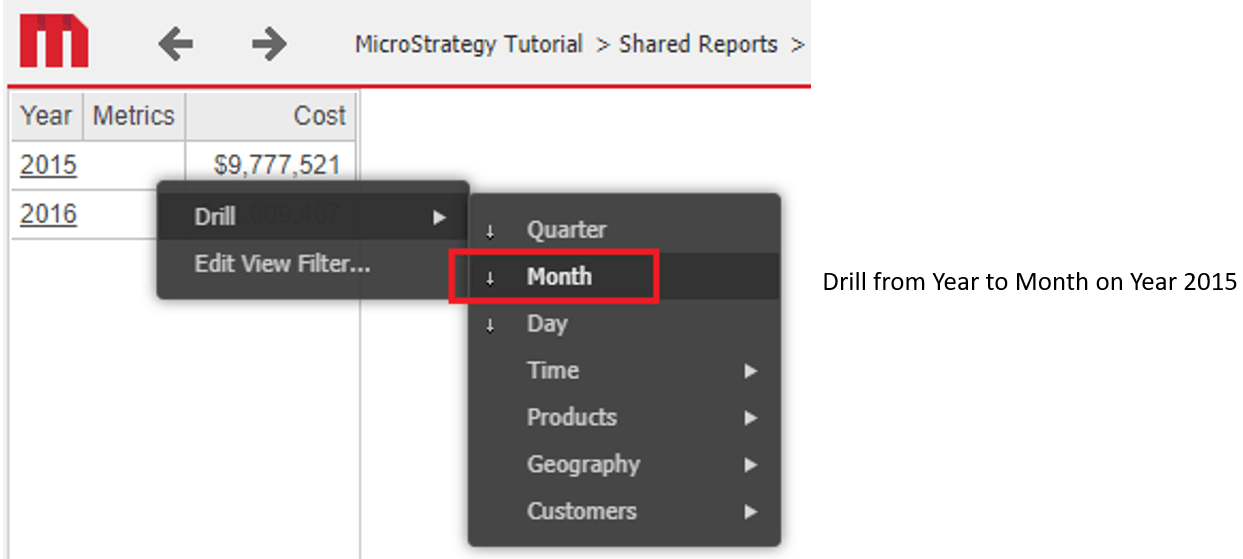
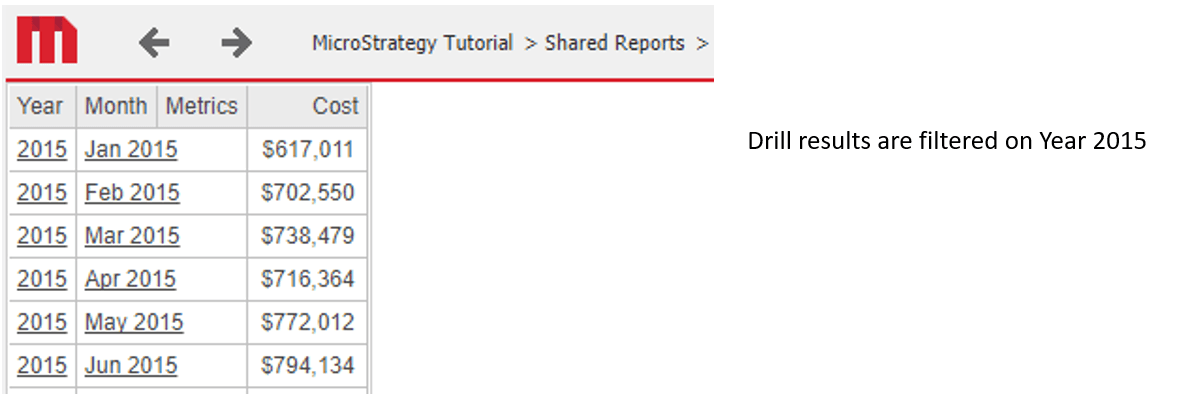
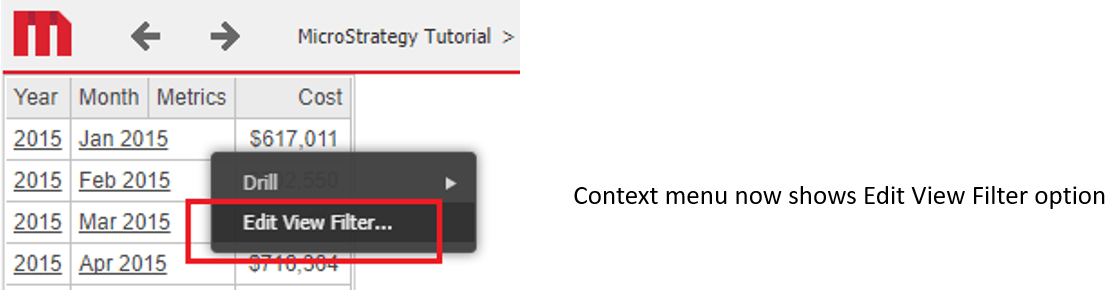
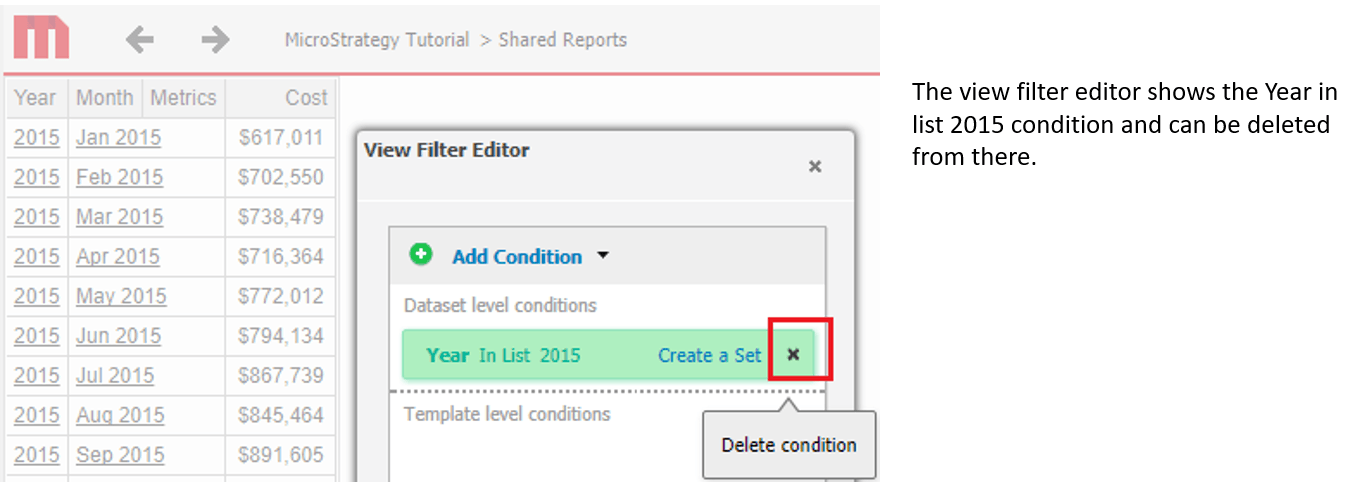

Using Presentation Mode, the user is only able to drill down back not back up. In addition, the Filter sub-menu option does not exist.
STEPS TO REPRODUCE
1. The behavior was reproduced in a test in house with Tutorial.
2. Create a Report that will be used as dataset for a document. The report will have Day, Month, Month of Year, Quarter and Year attributes and Profit and Revenue as metris.
Note: You can only add Year and Quarter attribute and no metrics at all, it will drill using the hierarchy from Tutorial.
3. Create a document and used the report created in step 2 as dataset and add a grid with Year attribute and Revenue metric.
Note: As the document was newly created in 10.4 and is not coming from 9.4, to see the Flash functionality:
3a. Edit the Docuent from Developer
3b. Go to Format Menu, then Document Properties > Document and select Run by default as "Flash".
4. Run the document from Strategy Web and it will run in Flash Mode, note how if you click on the arrow menu from Header Year,
you'll see the "Clear filter and Filter" options, that allow to clear any filter that is included when drilling from certain attribute element.
For example as shown in the video attached, you can see how I drill from year 2014 to Month, and it will show all the months from 2014
then I can go and click on year and select "Clear filter" and I'm going to be able to see all years again 2014,2015,2016, not just the one I made the drill on.
5. When you run the same document in Presentation mode, if you drill on Year, to go to Month of year, as we drill on an attribute element 2014, and as we do not have the option to clear filter o select the elements to filter, there is no way or there is no option to show 2015 or 2016 again.
Note: It is not possible to show all the years again, not even by running the document again. I had to recreate the grid to be able to see all the years again.
ACTION
This issue has been addressed in 10.10. Upgrade to this version to take advantage of this fix.
KB440444
