Starting with the release of Strategy ONE (March 2024), dossiers are also known as dashboards.
SYMPTOM:
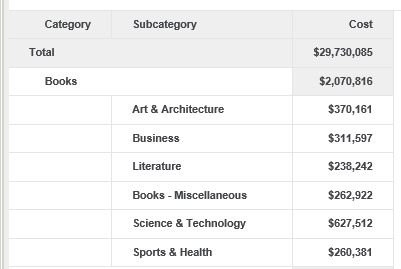
When running a Dossier with outline mode enabled in Library in Internet Explorer 11, the collapse and expand (+ / -) icons are not shown as below:
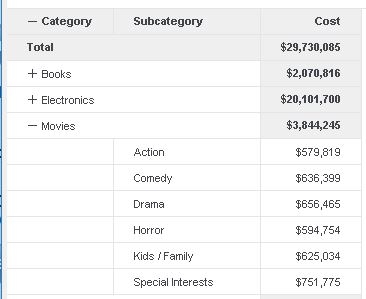
Note, this issue does not happens to other browser such as Chrome:
ACTION:
To enable those icons in IE, enable the below settings and restart the browser.
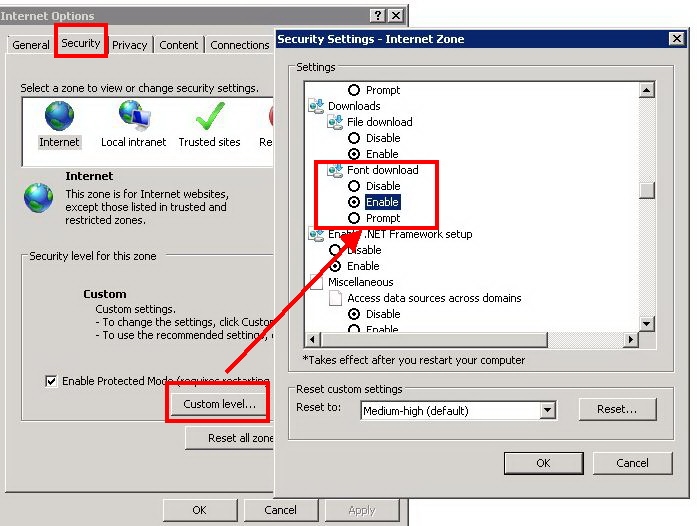
Open the "Internet Options > Security" tab, click on Custom level. Scroll down to find the settings "Downloads" under the downloads check "Font download" make sure that the Enable radio button is set.
