Starting with the release of Strategy ONE (March 2024), dossiers are also known as dashboards.
When using transaction services in a dossier an error is received when using an automatic field. The error can be found below:
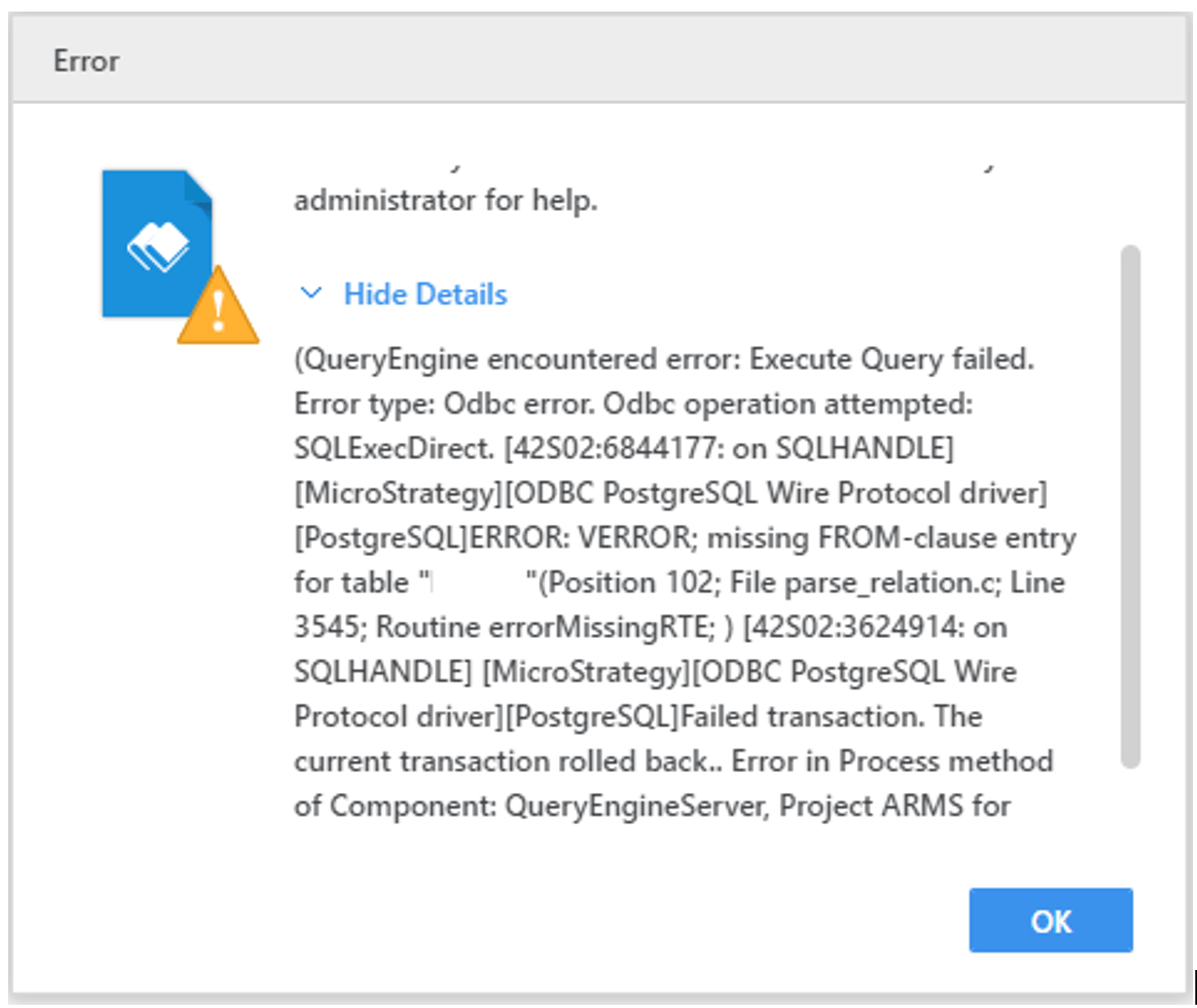
“Failed transaction. The current transaction rolled back… Error in Process Method of component”
From the DSSErrors.log, a similar entry can be found:
Error type: Odbc error. Odbc operation attempted: SQLExecDirect. [42S22:6820851: on SQLHANDLE] [Strategy][ODBC PostgreSQL Wire Protocol driver][PostgreSQL]ERROR: VERROR; column "xxx" does not exist(Position 79; File parse_relation.c; Line 3599; Routine errorMissingColumn; ) Connection String: DSN=Tutorial Postgres;UID=xxx;. SQL Statement: INSERT INTO public.lu_country (country_name,country_name_es) VALUES ('Test2', Administrator).2023-01-25 11:35:21.983-05:00 [HOST:sup-w-004910][SERVER:CastorServer][PID:9692][THR:4076][Database Classes][SQL Trace][UID:54F3D26011D2896560009A8E67019608][SID:4916434CAA358FDACD2103125BA415B6][OID:65256E2B48EB281B563CBDBF4E285E78][StatementWrapper.cpp:526] Executing SQL. Connection ID: 6. SQL: INSERT INTO public.city_ctr_sls (cust_city_id, call_ctr_id) VALUES ( 'test',Administrator)
Manually add quotes in the transaction SQL. For example:
INSERT INTO public.t_testing ( { description }, { request_id }, { requestor_name } )VALUES ( [Description@ID], [Request Id@ID], '[?User Login]' )