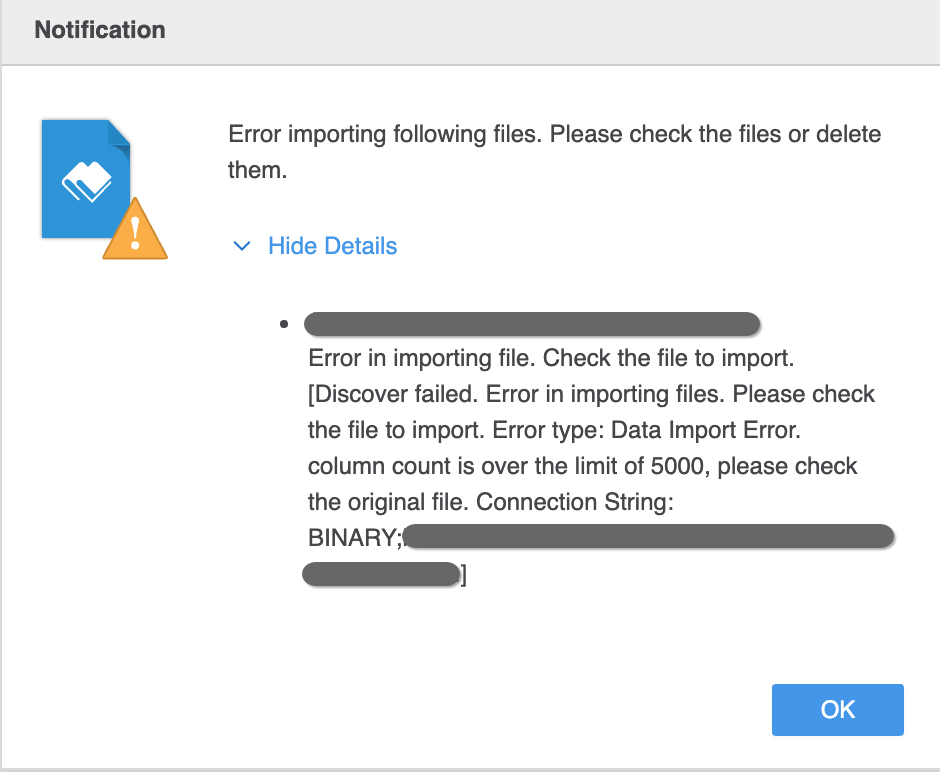
Starting in Strategy 2021 Update 2, there is a new column limit introduced for security concerns, which limits the number of columns for files imported to Strategy Web and Workstation. By default, the column limit is 5,000. If more than 5,000 columns are imported, the following error is returned.
Error in importing file. Check the file to import. [Discover failed. Error in importing files. Please check the file to import. Error type: Data Import Error. column count is over the limit of 5000, please check the original file.]
A new registry
DataImportColumnLimitis available for modifying the column limit for file import to Strategy Web.
HKEY_LOCAL_MACHINE\SOFTWARE\WOW6432Node\MicroStrategy\DSS Suite

MSIReg.regfile (located in the
<MSTR_HOME>folder.
[HKEY_LOCAL_MACHINE\SOFTWARE\MicroStrategy\DSS Suite]
"DataImportColumnLimit"=dword:00001388
MSIReg.reg.
Contents/Frameworks/OneTierDashboardWindow.framework/Resources) and open it in a text editor.
[HKEY_LOCAL_MACHINE\SOFTWARE\MicroStrategy\DSS Suite]
[HKEY_LOCAL_MACHINE\SOFTWARE\MicroStrategy\DSS Suite] 2"DataImportColumnLimit"=dword:00001388
MSIReg.regfile.
