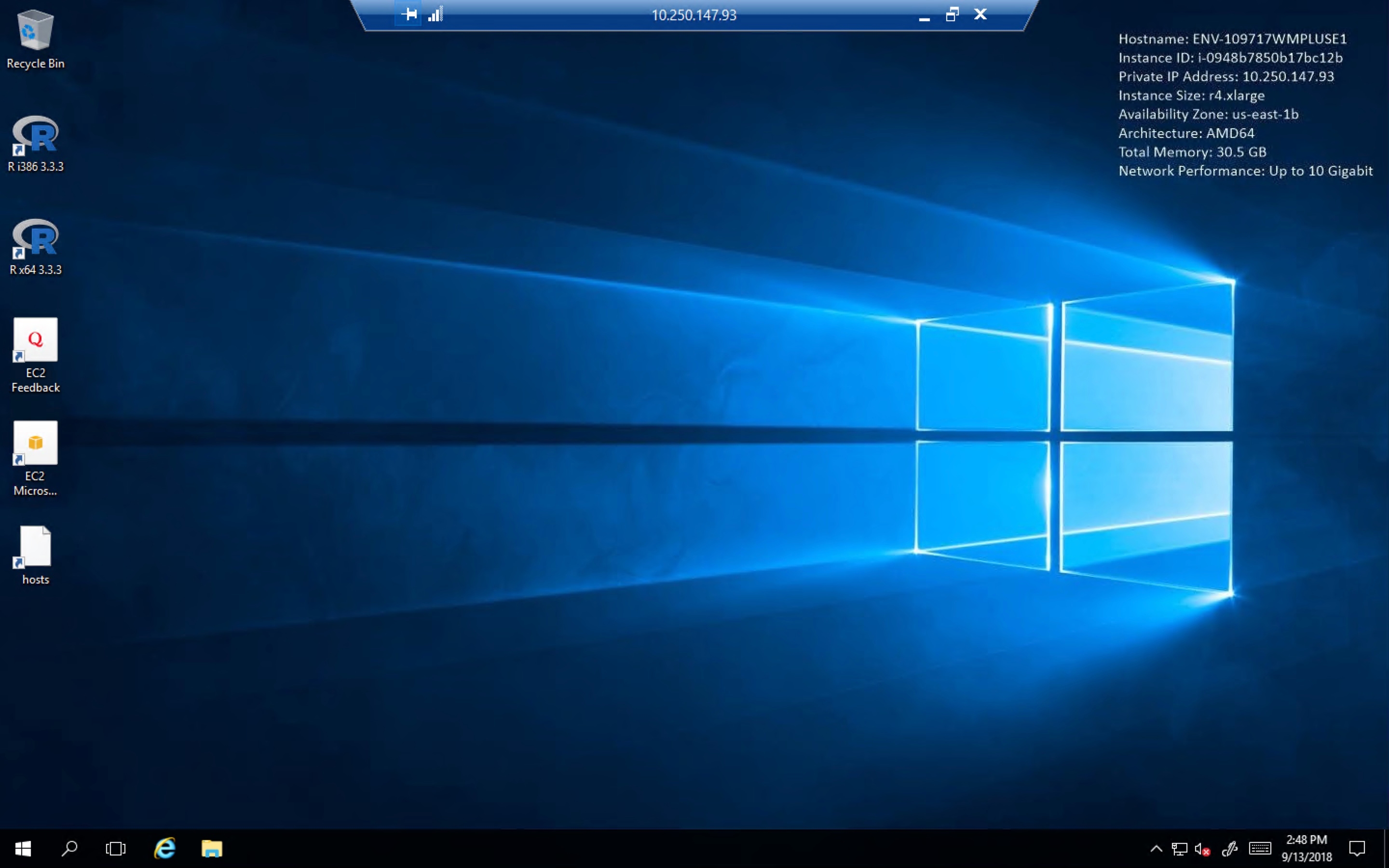
Steps to Connect to Windows Intelligence Server Machine
Provision an environment with Windows Developer box:

Once the environment is provisioned, an email will be sent with environment details :
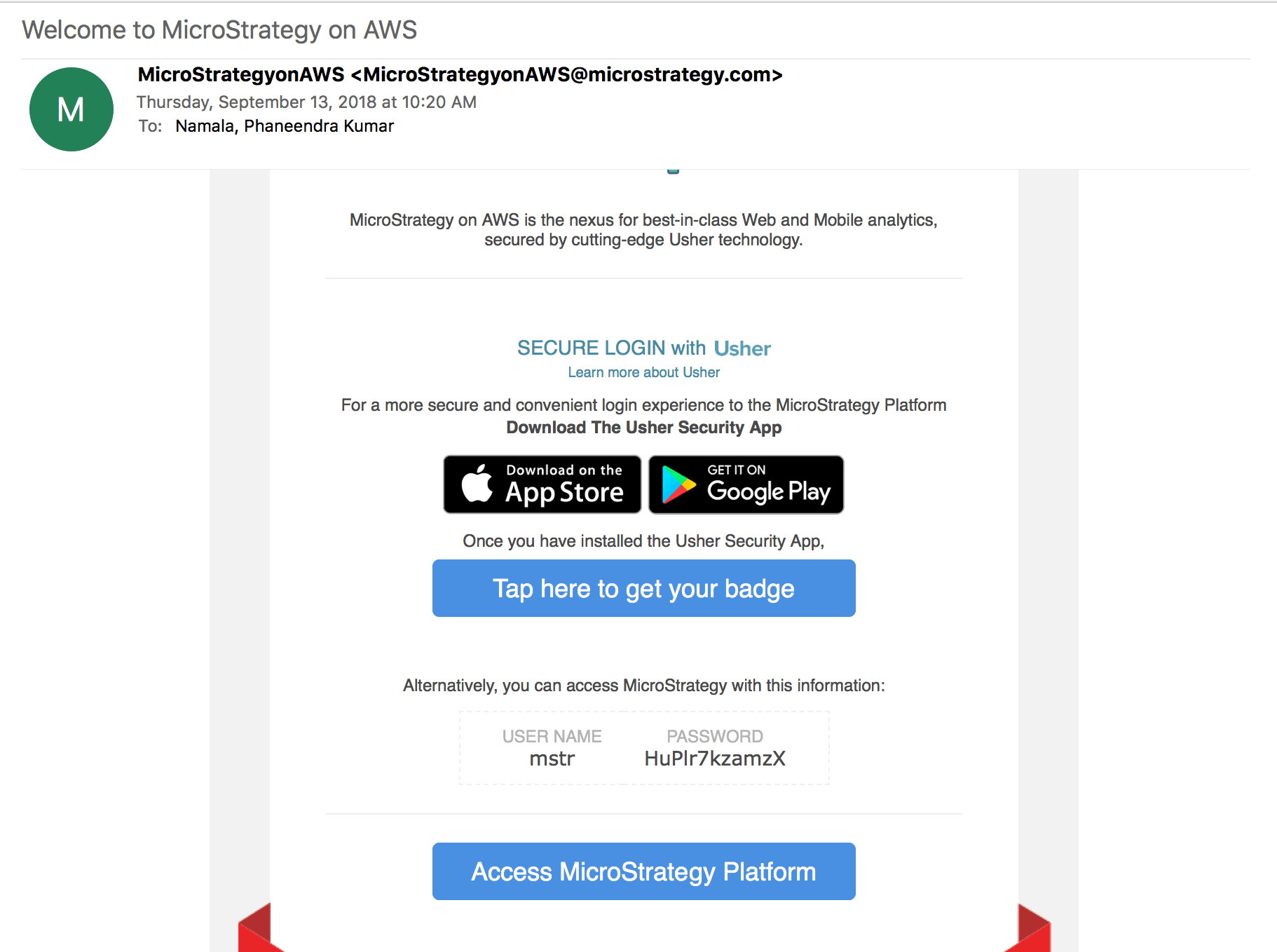
Copy the Password and click on environment name so that system navigates to landing page login page :

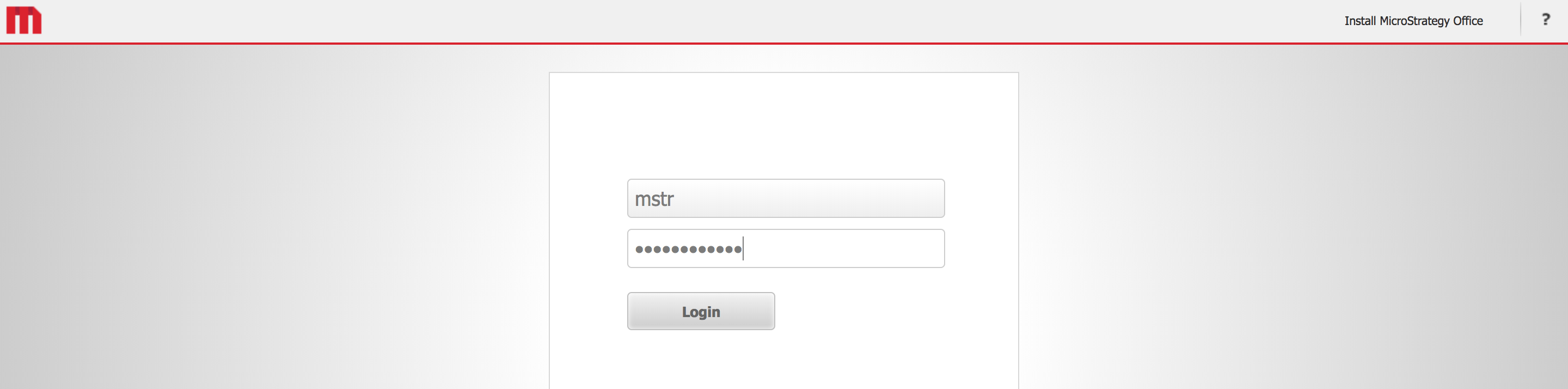
Landing page login page: Enter username as "mstr", password from the welcome email and click on Login. System will navigate to Landing page
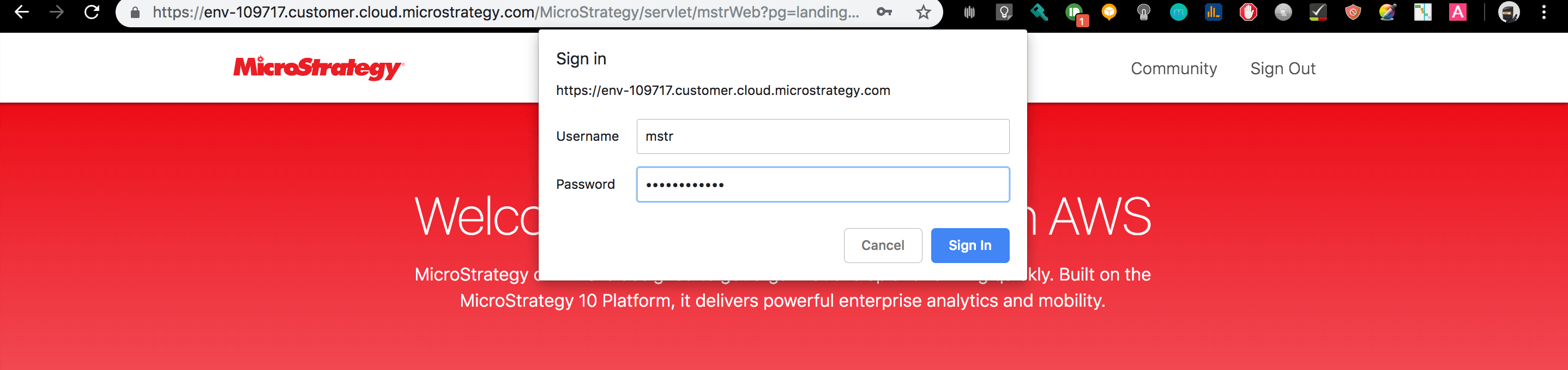
Enter username as "mstr", password from the welcome email and click on Sign in.
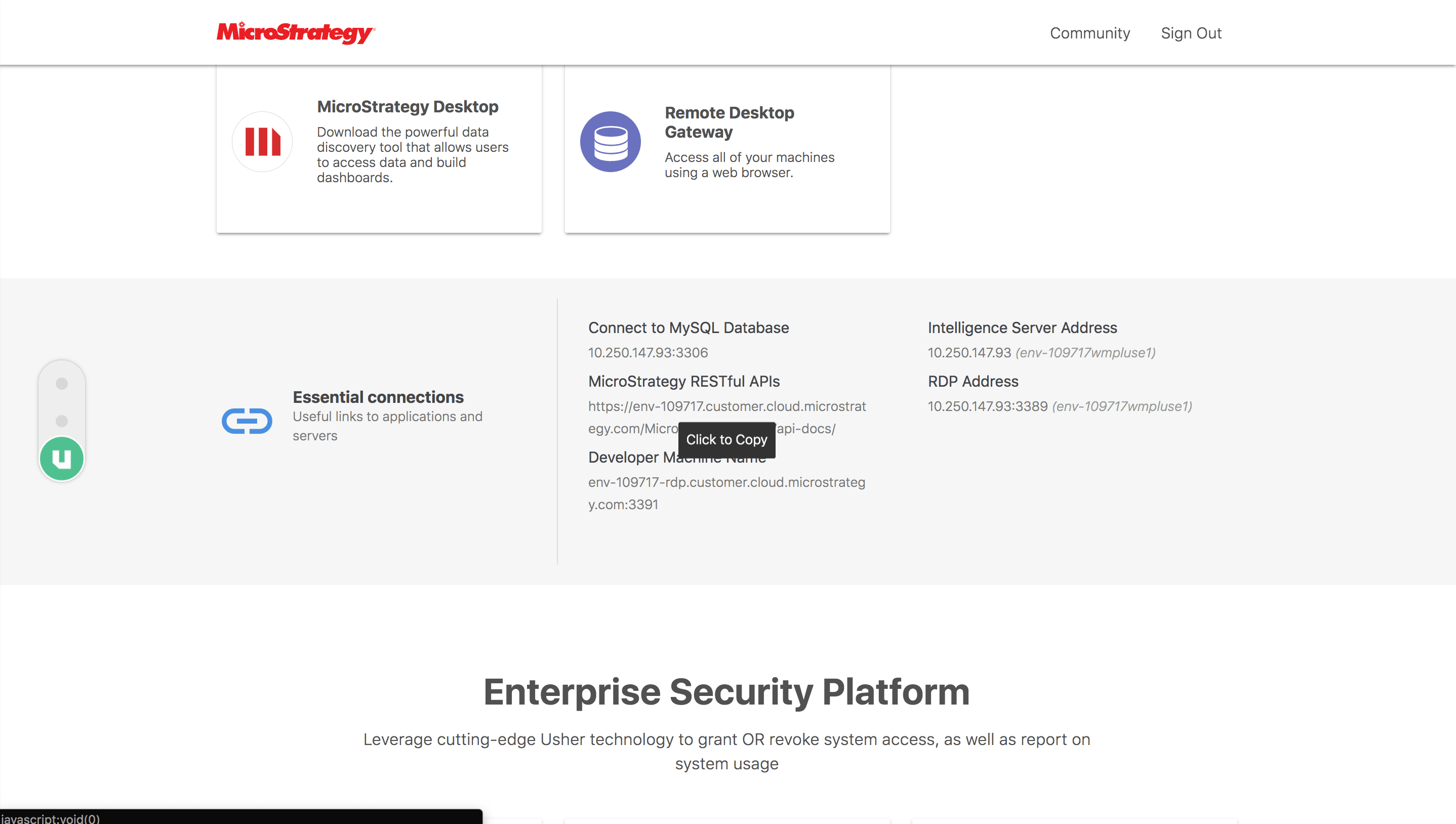
Scroll down the landing page to Essential Connections section. Copy the Developer Machine Name:
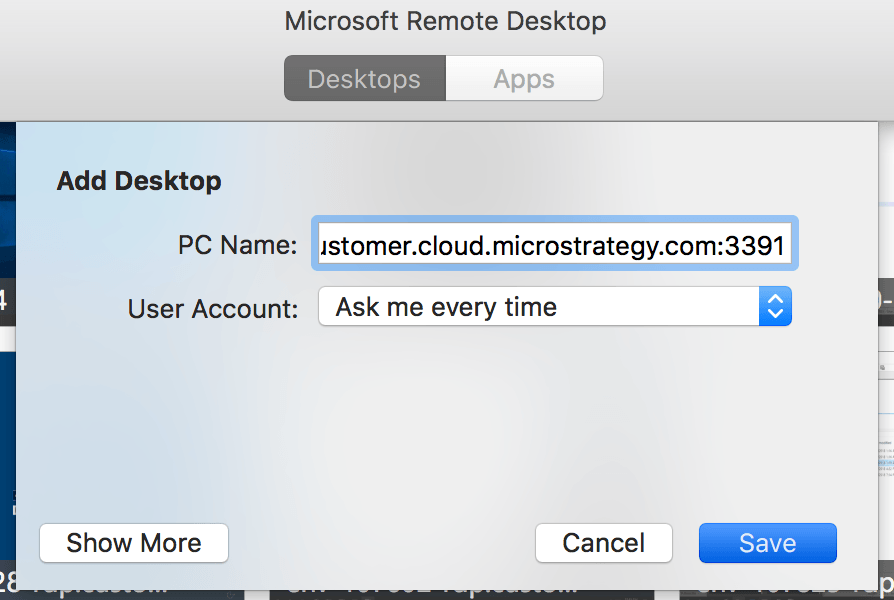
Open Microsoft Remote Desktop Application and click on add the desktop, enter the developer machine name followed by the credentials:
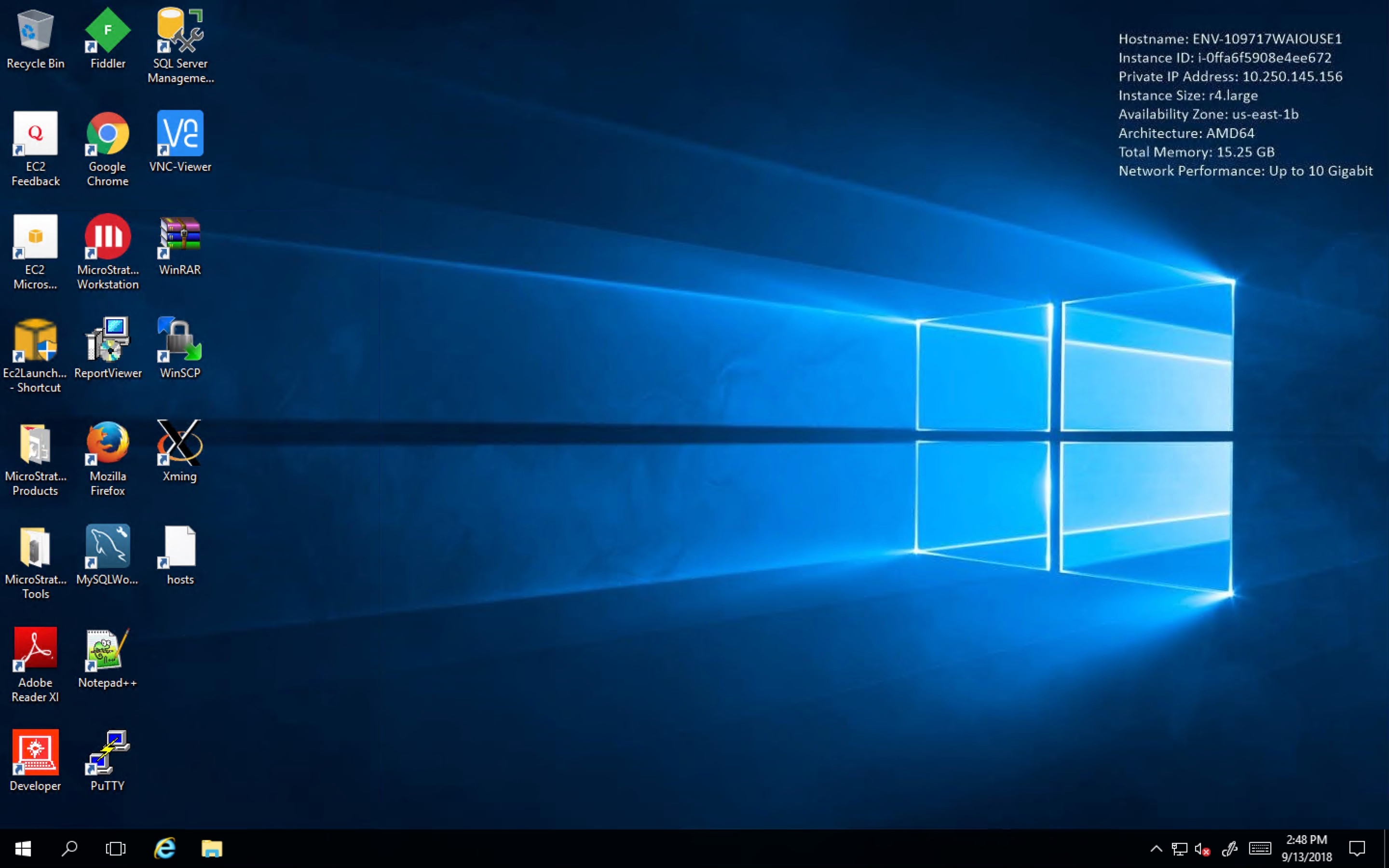
System will RDP into windows developer box:
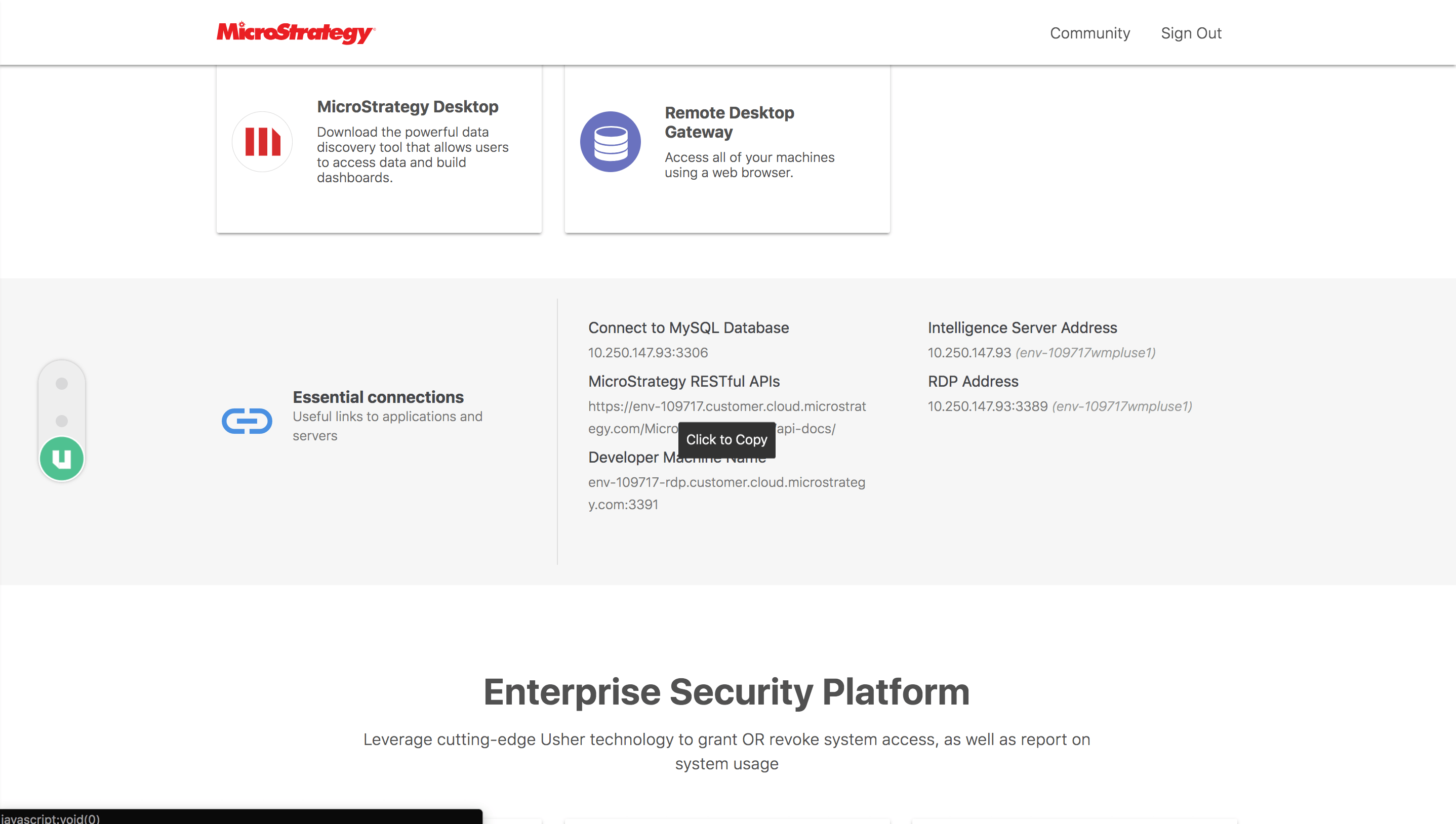
Open landing page and copy the Ip address from Essentials connection section:
Open Remote Desktop Connection application and
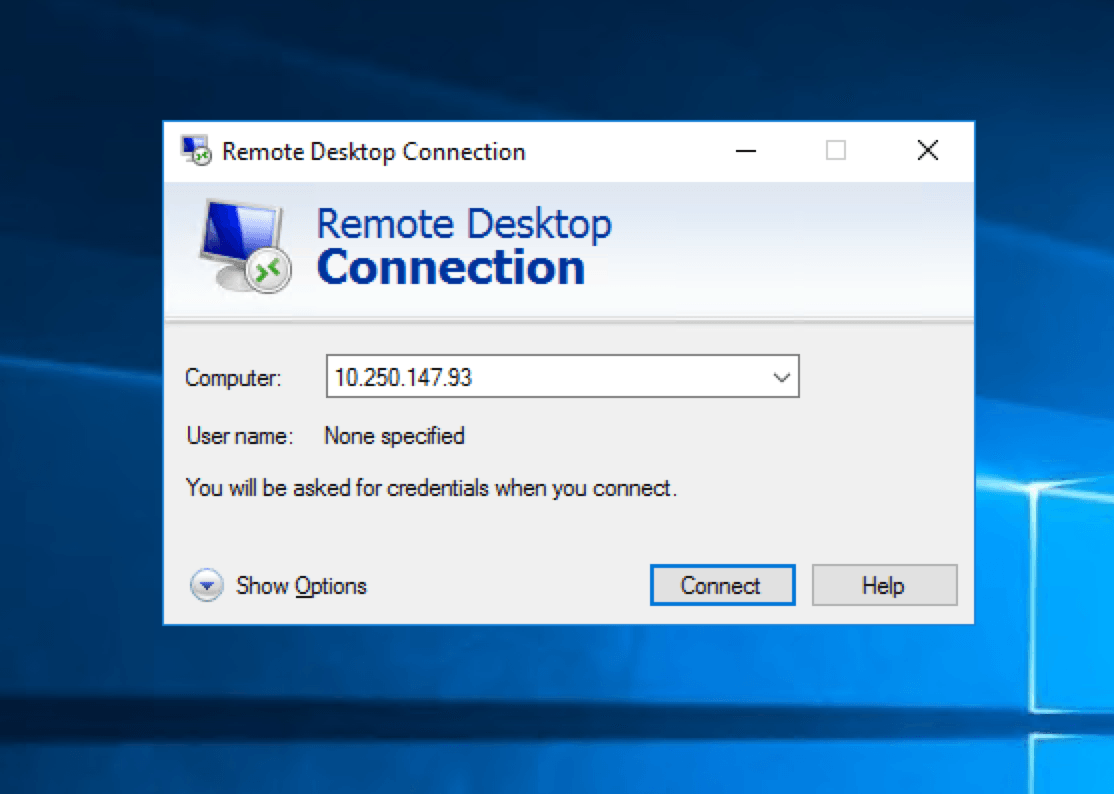
Enter the IP Address copied from landing page and click on connect:
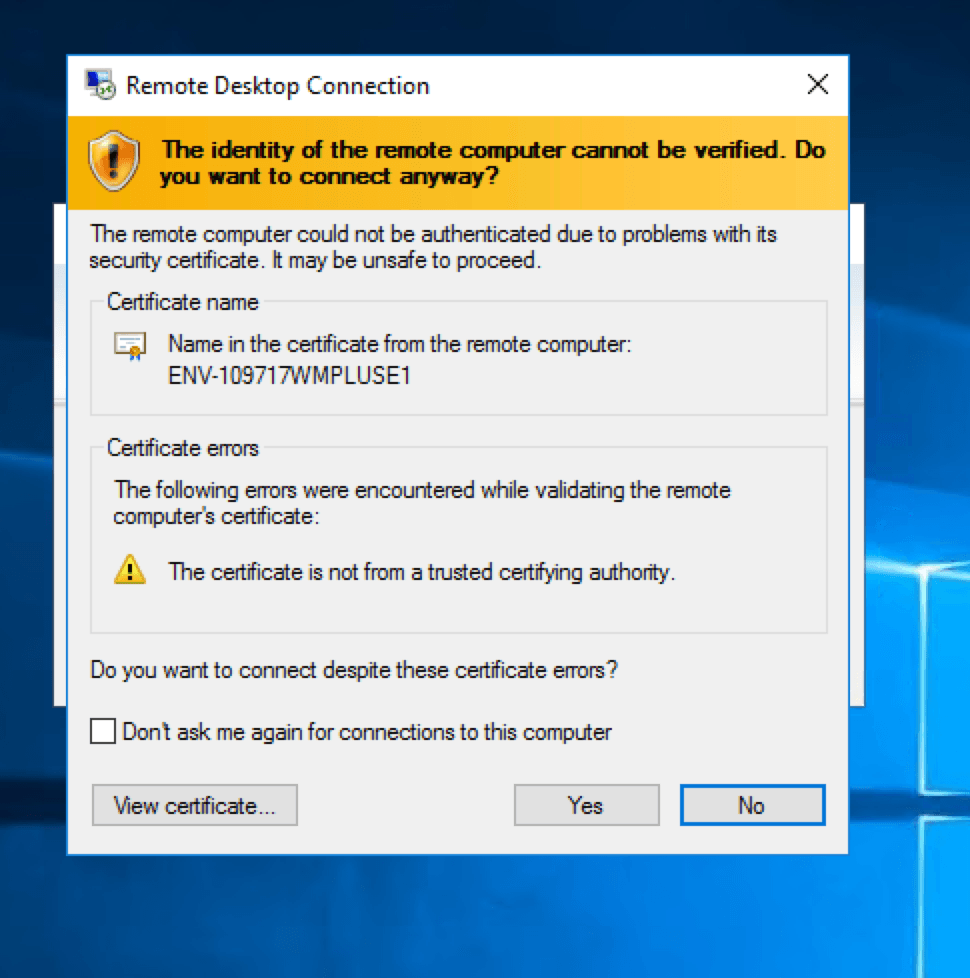
Click on "Yes" and system will navigate to Windows Intelligence Server Machine: