This TN outlines the steps to connect to Cassandra 2.x using the Simba jdbc driver on Strategy 10.7 or earlier. From Strategy 10.8 we ship Strategy Casssandra ODBC Driver.
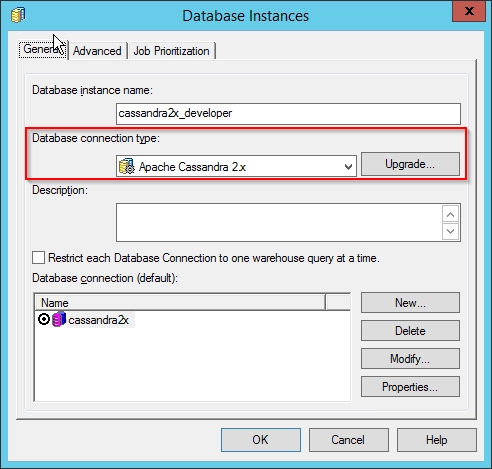
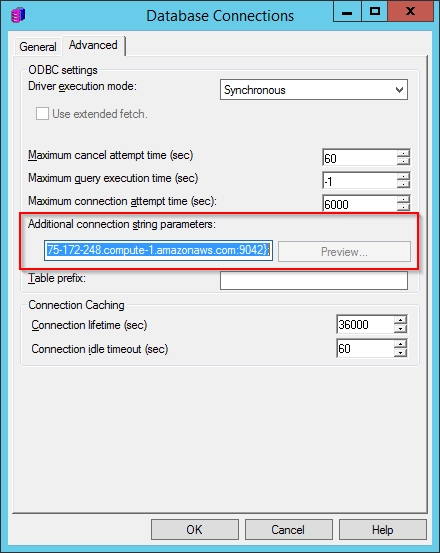
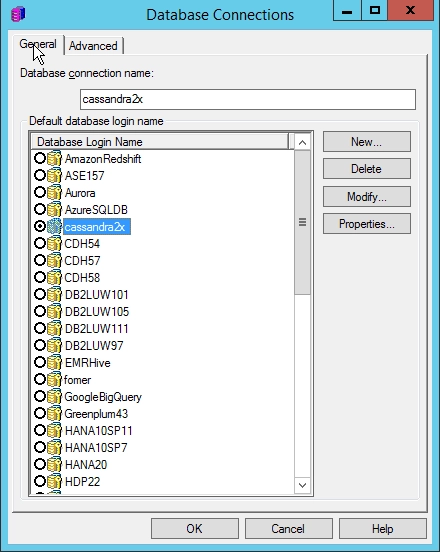
Create new database connection, go to the Advanced tab and add the following to the Additional connection string parameters field.JDBC;MSTR_JDBC_JAR_FOLDER=<location of unzipped driver folder>;DRIVER=com.simba.cassandra.jdbc42.Driver;URL={jdbc:cassandra://host:port;DefaultKeyspace=};
Note: Refer to the Simba driver documentation for additional parameters to add the URL