The Strategy Connectivity Wizard helps configure connectivity to all data sources supported by the Strategy platform. The Connectivity Wizard will ensure all required DSN settings are answered for proper functionality with Strategy. For this reason, it is the recommended tool to use for creating all DSNs to connect to Strategy metadata and warehouse data sources.
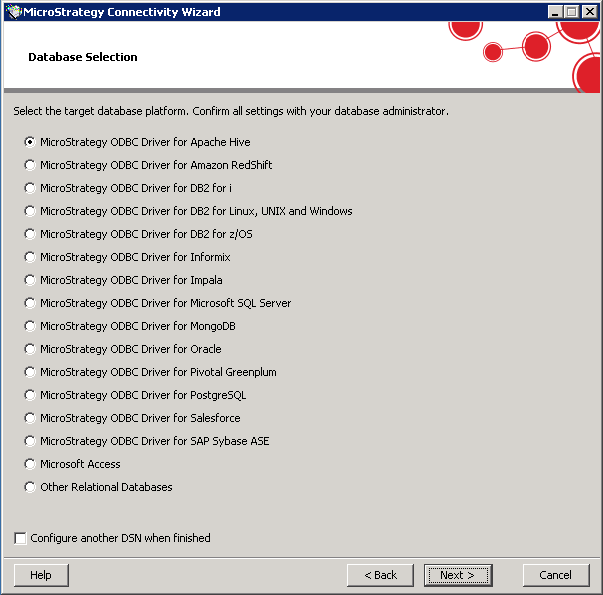
For a complete list of supported data sources, please refer to the Drivers and Connectors page. Details on using the Strategy Connectivity Wizard to create a DSN can be found in the MicroStrategy Installation and Configuration Guide.
