Starting with the release of Strategy ONE (March 2024), dossiers are also known as dashboards.
Customers may encounter Dossier failures whenever they restart the environment in a container environment.
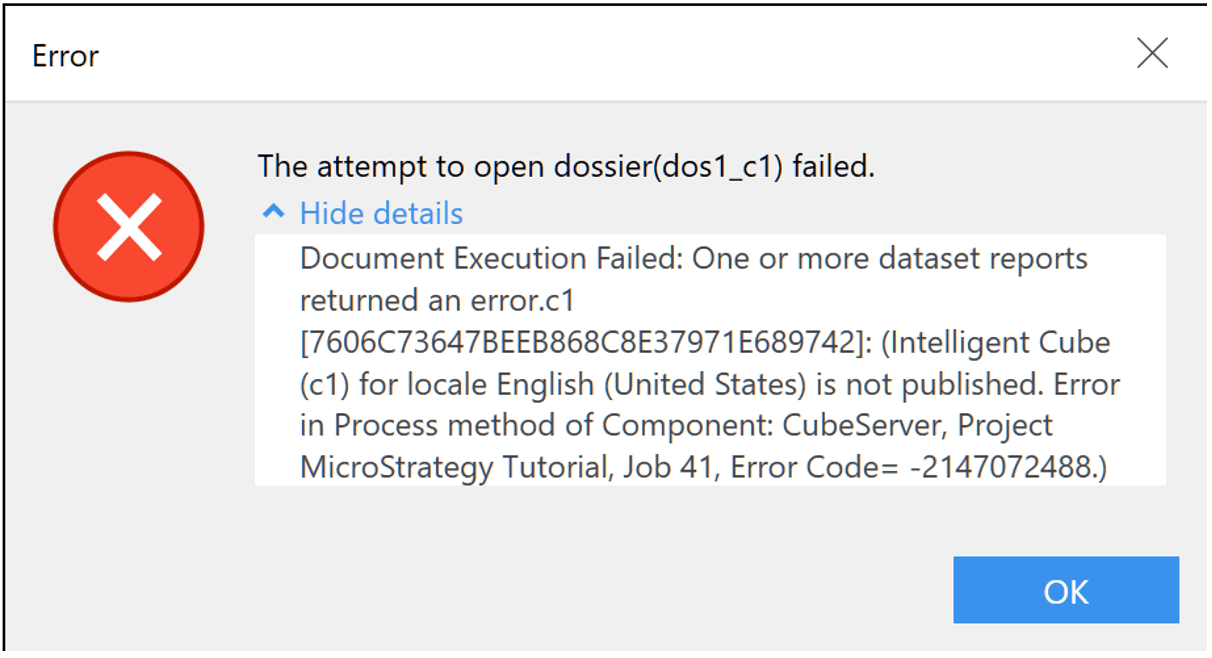
The error message is related to the cubes, for example:
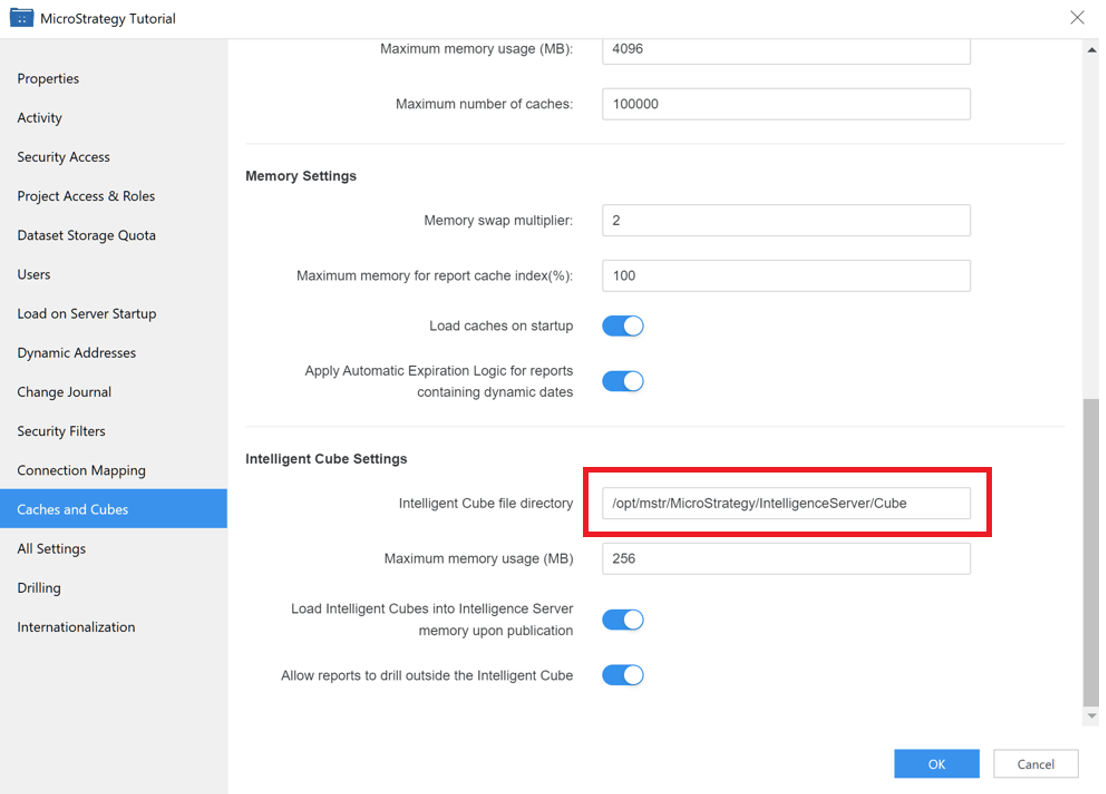
In a container environment, the newly created project is assigned the cube folder as the default folder, which is typically located at "/opt/mstr/MicroStrategy/IntelligenceServer/Cube" instead of a default persistent volume.
As a result, after restarting the environment, all the cube files in the folder will be lost, which may cause failures in running dossiers in the newly created project with the error message "Cube XXX is not published".
Furthermore, the cube in existing projects will still work because the cube folder path of the existing projects has been updated to the folder on persistent volume by mstrbak when creating the environment.
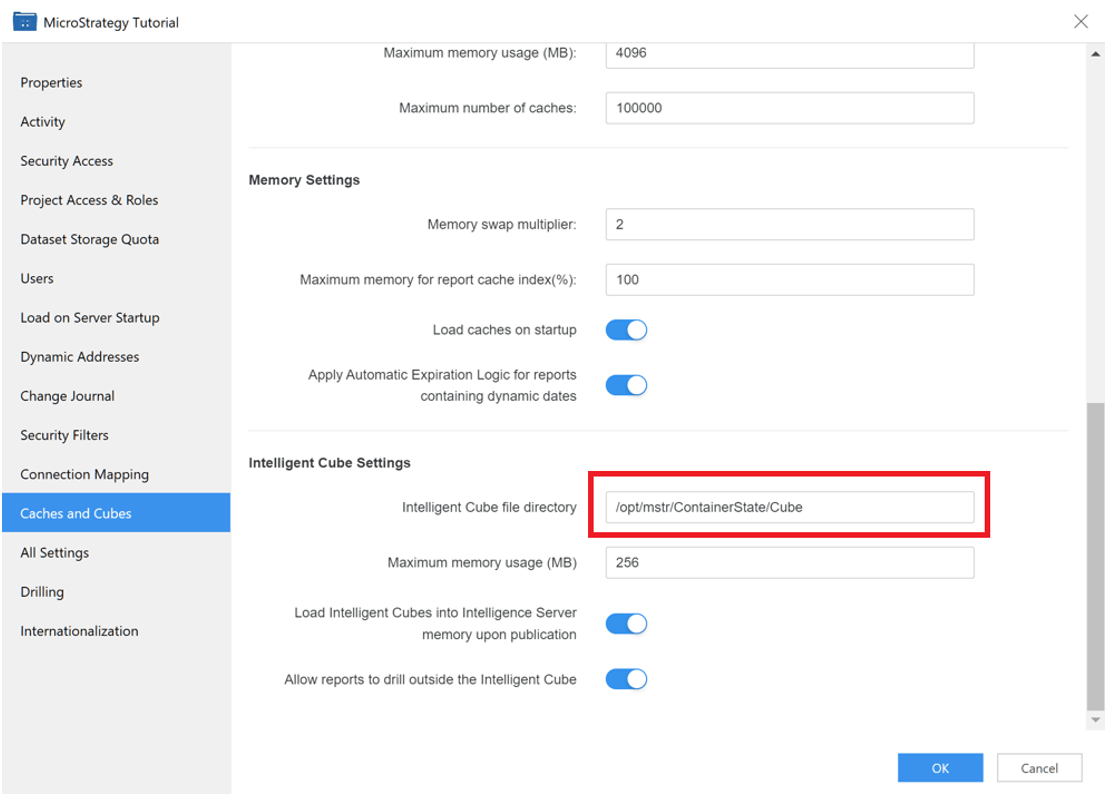
To resolve this issue, we need to change the cube folder to the folder on the persistent volume. The default folder on the persistent volume is located at "/opt/mstr/ContainerState", and we can change the cube folder to "/opt/mstr/ContainerState/Cube".
To do this, right-click the newly created project on the Workstation and select "Properties" followed by "Caches and Cubes". Then, set the cube folder to the folder on our default persistent volume.
The default folder when creating a new project:
Set it to the folder on the persistent volume: