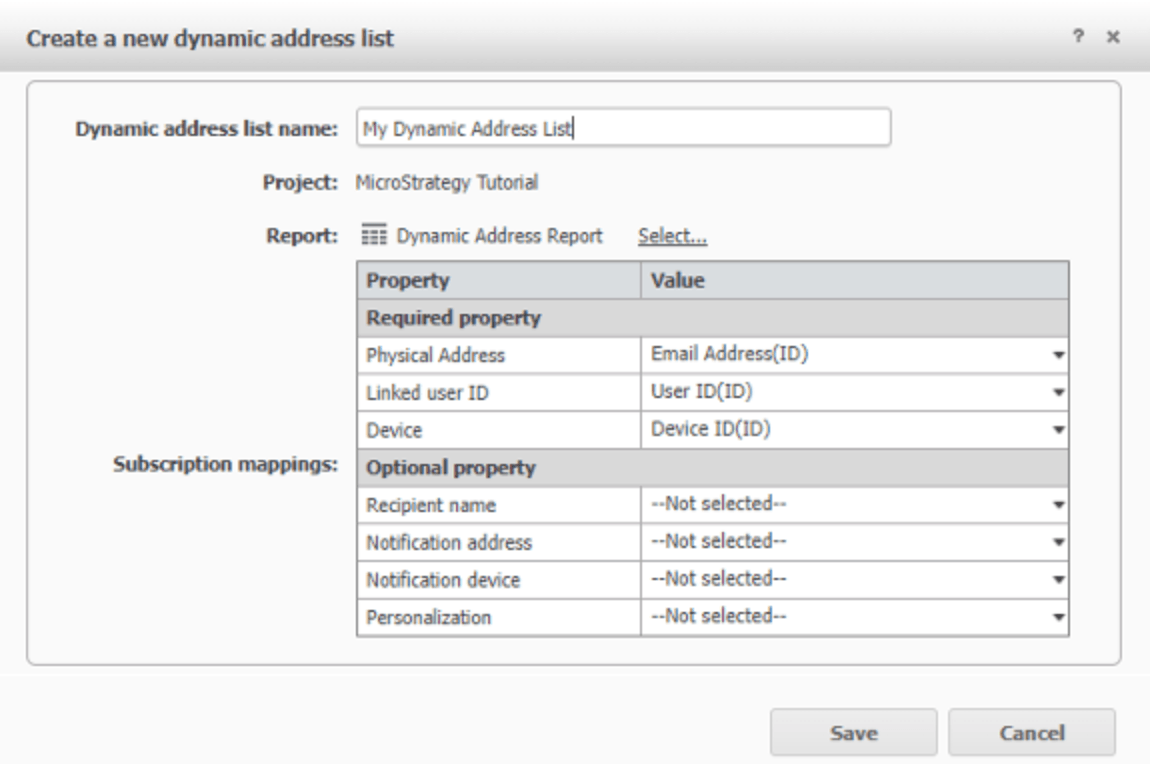
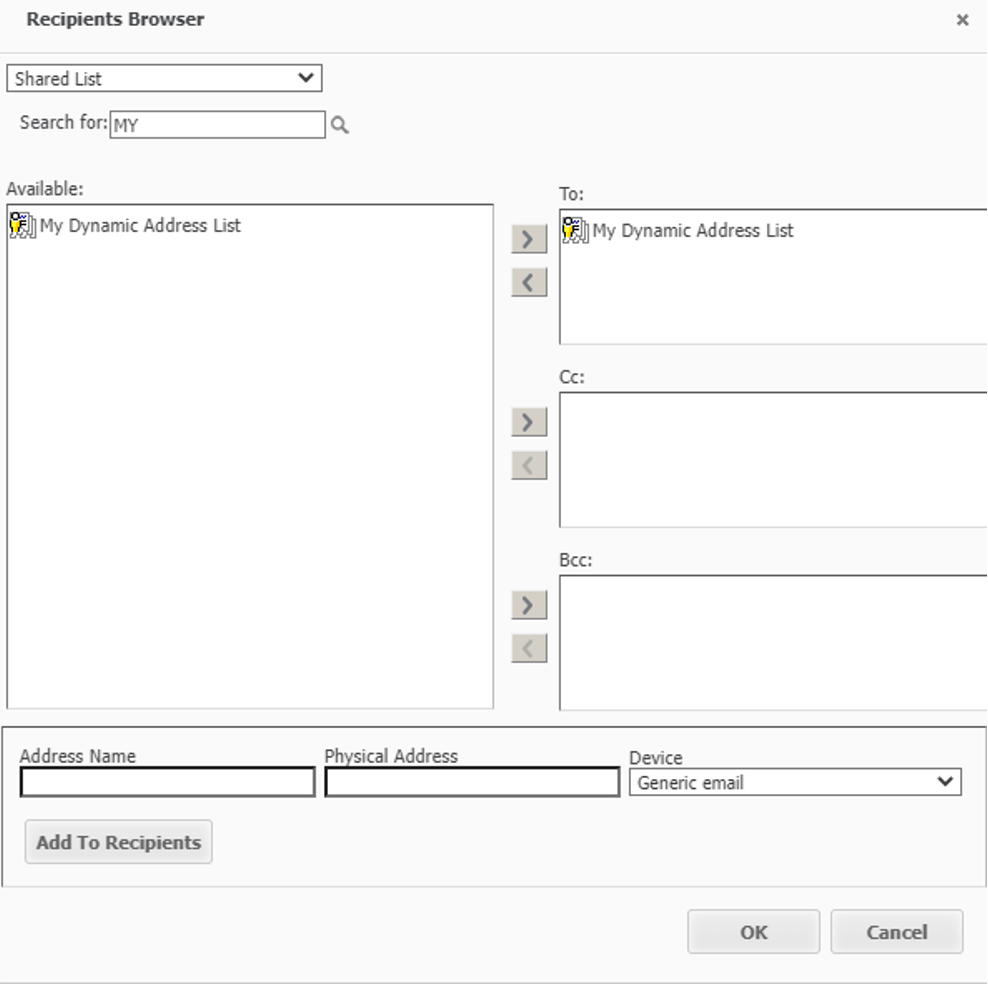
Dynamic recipient lists allow you to use a report to specify a group of recipients for use in subscriptions. When developer wants to send email subscription to external group of users it is needed to create Excel file with email addresses. Here you can find easy to follow steps which will help you understand a concept and a way of implementing Dynamic Address List for external group of users.
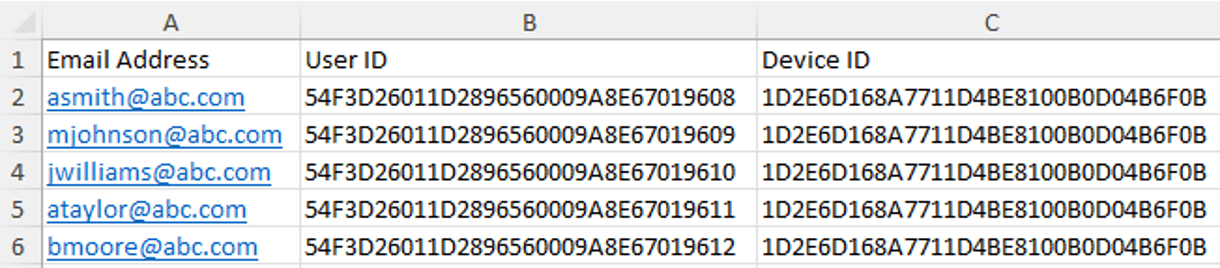
Create Excel file with required fields:
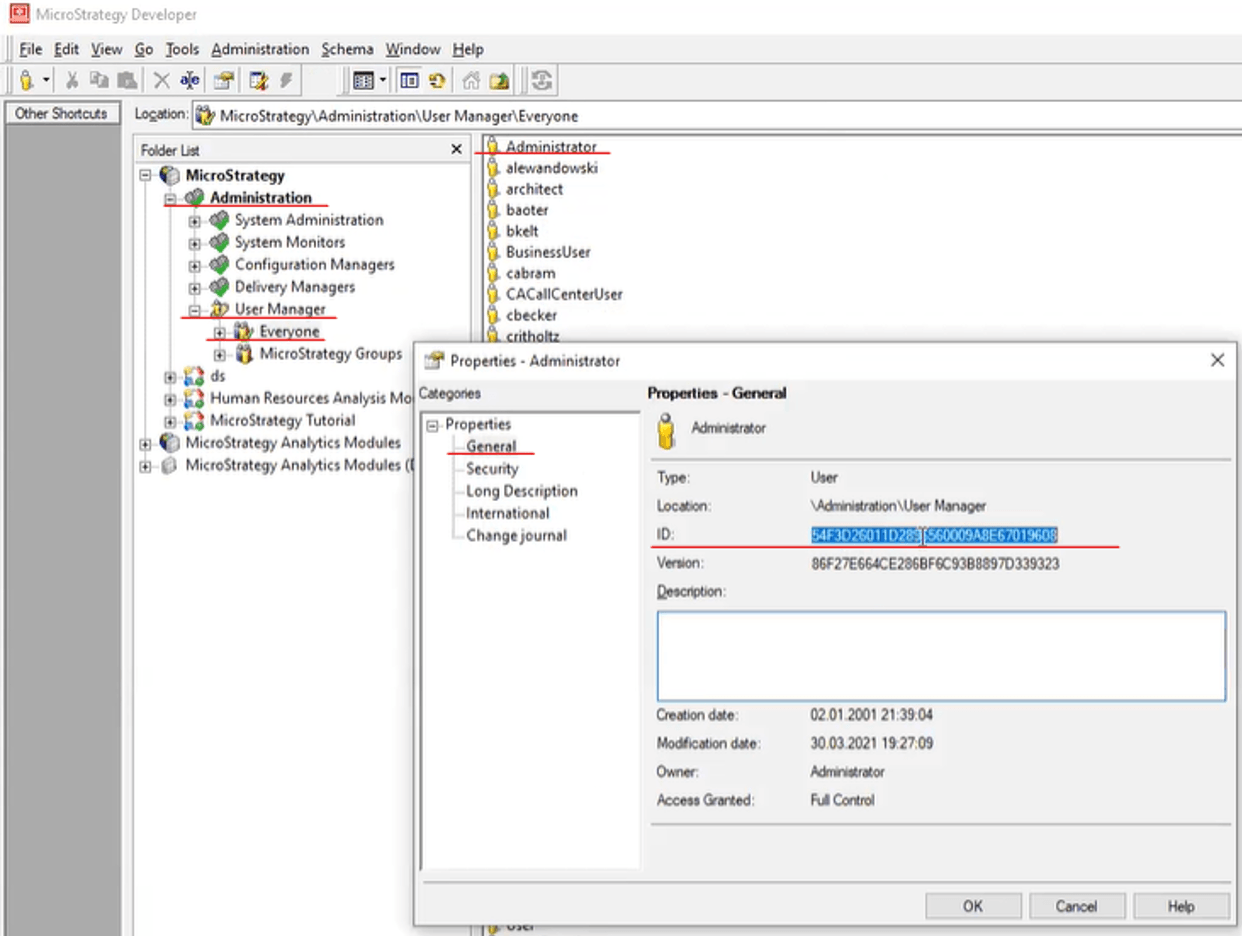
To find it in Developer go to Administration > User Manager > Everyone and open properties of Administrator.
To find it in Developer go to Administration > Delivery Managers > Devices and open properties of device that the email is going to be sent.

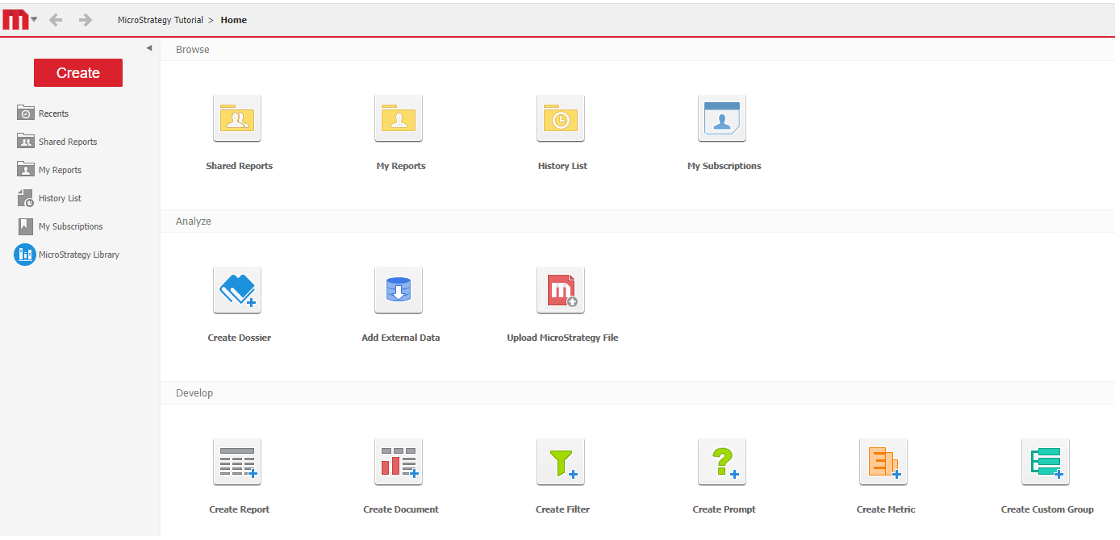

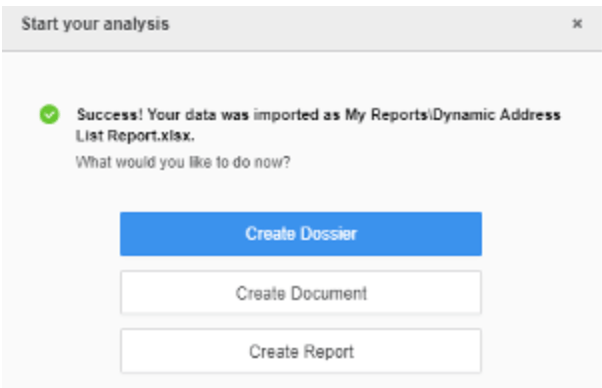
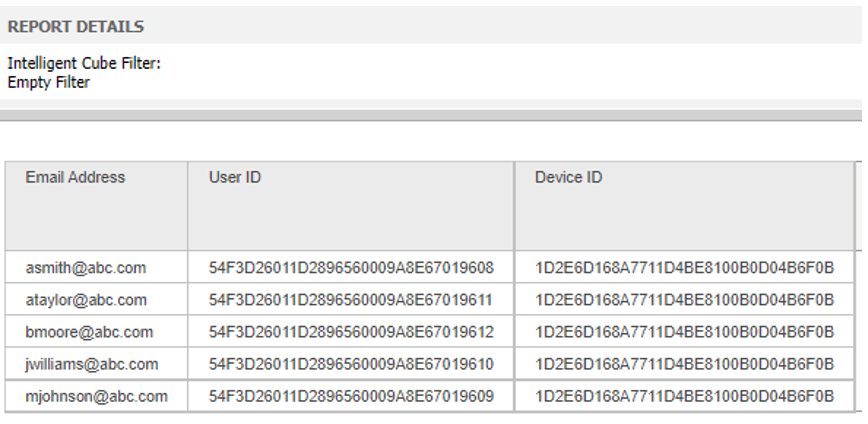
This report will be executed by the Intelligence Server to get the recipients for a Distribution Services subscription.