When looking at the Strategy on AWS Provisioning Portal (https://provision.customer.cloud.Strategy.com/environments) you may notice that some of your environments are showing the status of Expired or Terminated. This knowledge base article talks about what these mean and what you can do to interact with these environments.
Expired Environments

Expired environments show as expired in the status field of the portal. You'll also notice that the field that shows Expires On (EST) has a date before the time you look at it. This is how we schedule an environment to expire. If we did not set an expiration date, this could lead to long-running hidden costs if the environment is forgotten about.
You will also notice that you cannot interact with this environment either through the web gateway or by RDP'ing. This state signals a time after the machine's normal running state and when it is terminated. If you wish to extend the environment, thereby allowing it to be accessed again, select the small clock-looking symbol next to the expiration date field and choose a date in the future. After doing so, your environment will reconfigure and will allow you to start it again.
Terminated Environments

After an environment has expired, it will terminate 4 days after it expires. Once this happens all of the info inside of the machine and everything relating to the machine gets permanently deleted. The only reference of terminated machines is the listing on the provisioning portal. Once a machine is terminated, there is absolutely nothing that can be done to recover the machine or anything that was inside of it. Neither Strategy nor Amazon is able to do anything to help you recover this environment.
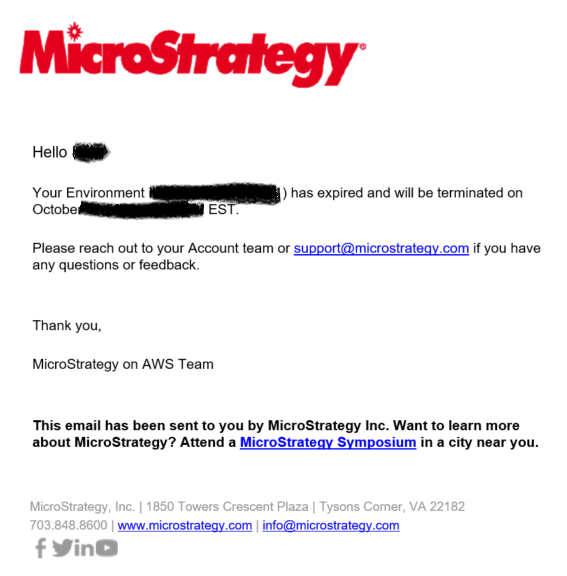
After an environment has expired but before it is terminated, Strategy will send you the following email. This is when you should take action to prevent your environment from terminating
KB442044
