Starting with the release of Strategy ONE (March 2024), dossiers are also known as dashboards.
There are two main settings involved in cube partitioning configurations:
• Partition Attribute: The partition attribute should be the attribute with more cardinality in the cube (more cardinality means the attribute with more different elements, for example in the Tutorial project the attribute Item or Customer).
• Number of Partitions: The number of partitions is based on the number of CPUs on the Intelligence Server it should always be the number of CPUs divided by 2, for instance if the Intelligence Server has 16 CPUs, then the number of partitions should be 8.
Partitioning will depend on the type of cube, MTDI (Multi-table Data Import introduced in 10.x) or OLAP (first generation of in memory cubes, introduced in 9.x).
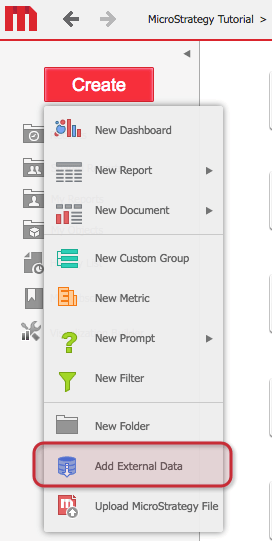
To identify if your cube is MTDI or OLAP it’s really simple, if the cube was created through the Data Import Web Interface (“Add External Data” section on Strategy Web), then it’s an MTDI Cube.
If the cube was created through Strategy Developer by using schema objects (attributes) and application objects (metrics), then it’s an OLAP cube.
KB442469
