Starting with the release of Strategy ONE (March 2024), dossiers are also known as dashboards.
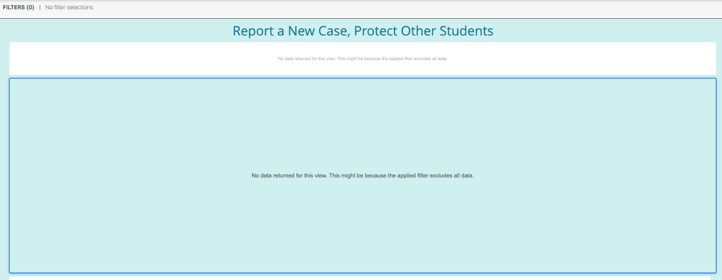
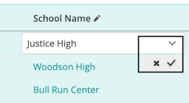
There has been an enhancement request to hide the submission button when there is no data returned for an RSD with TXN. We decided not to change the current behavior for RSD but bring a better experience for Dossier TXN users. In the dossier TXN inline editing workflow, when there are data returned: for update there is a check for submitting the change, if not making any modifications, this option will not be displayed:
For inline deletion, there is not a “submit” button, the user can right mouse click the cell to display the menu and select the “Delete Row” item to submit the request:

For the bulk update/deletion request, there is a new window displayed on top of the grid, we have an "update"/"delete" button to trigger the request. When the grid is empty, the user won't be able to enter this mode, therefore won’t be able to see this "update"/"delete" button.

To insert new data, even when the grid is empty, we enable the entry point to open the new window to do it. If the user doesn’t want to use it, only the empty grid with no TXN related button will be displayed.