KB442195
AppConfig is a MDM solution provided by iOS and Android systems and supported by many major EMM providers. Please refer to Strategy related documentation about how to use AppConfig with Strategy provided iOS and Android applications.
During first time of using AppConfig, some problems might be met. This article introduces some common questions and troubleshooting ways for these questions.
Problem 1: Per-App VPN can’t be connected
There are several possible causes to this problem.
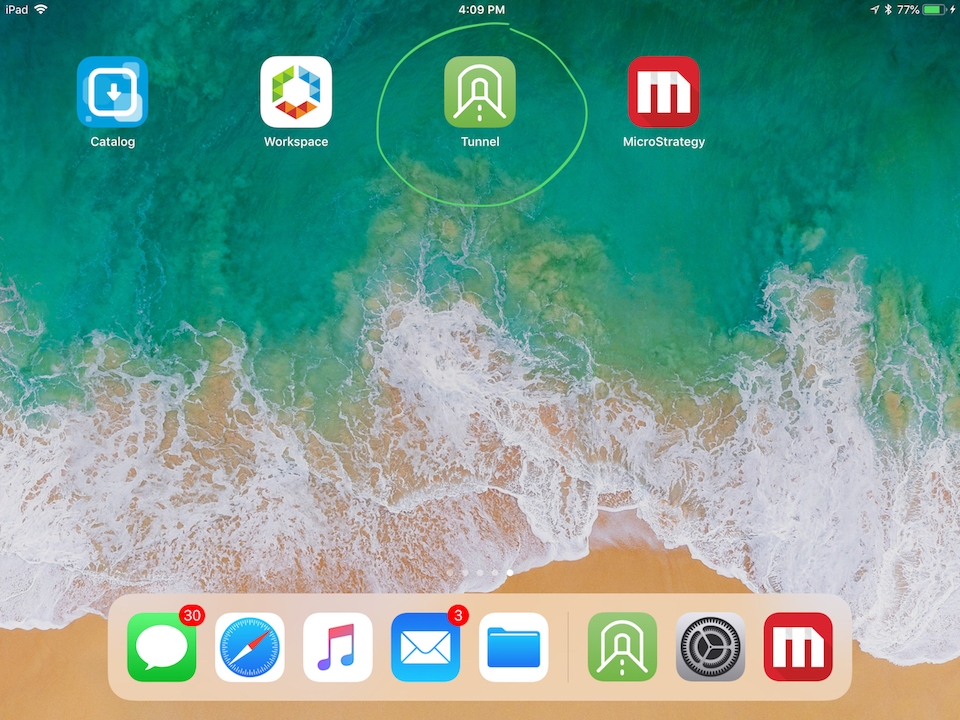
Per-app VPN requires Tunnel client application installed on devices. Different VPN providers can have different tunnel applications. Take VMware tunnel for example, the application is called VMware Tunnel. Prior to using Strategy application downloaded from Catalog, please install this Tunnel application if Per-app VPN is required to connect to Strategy server.
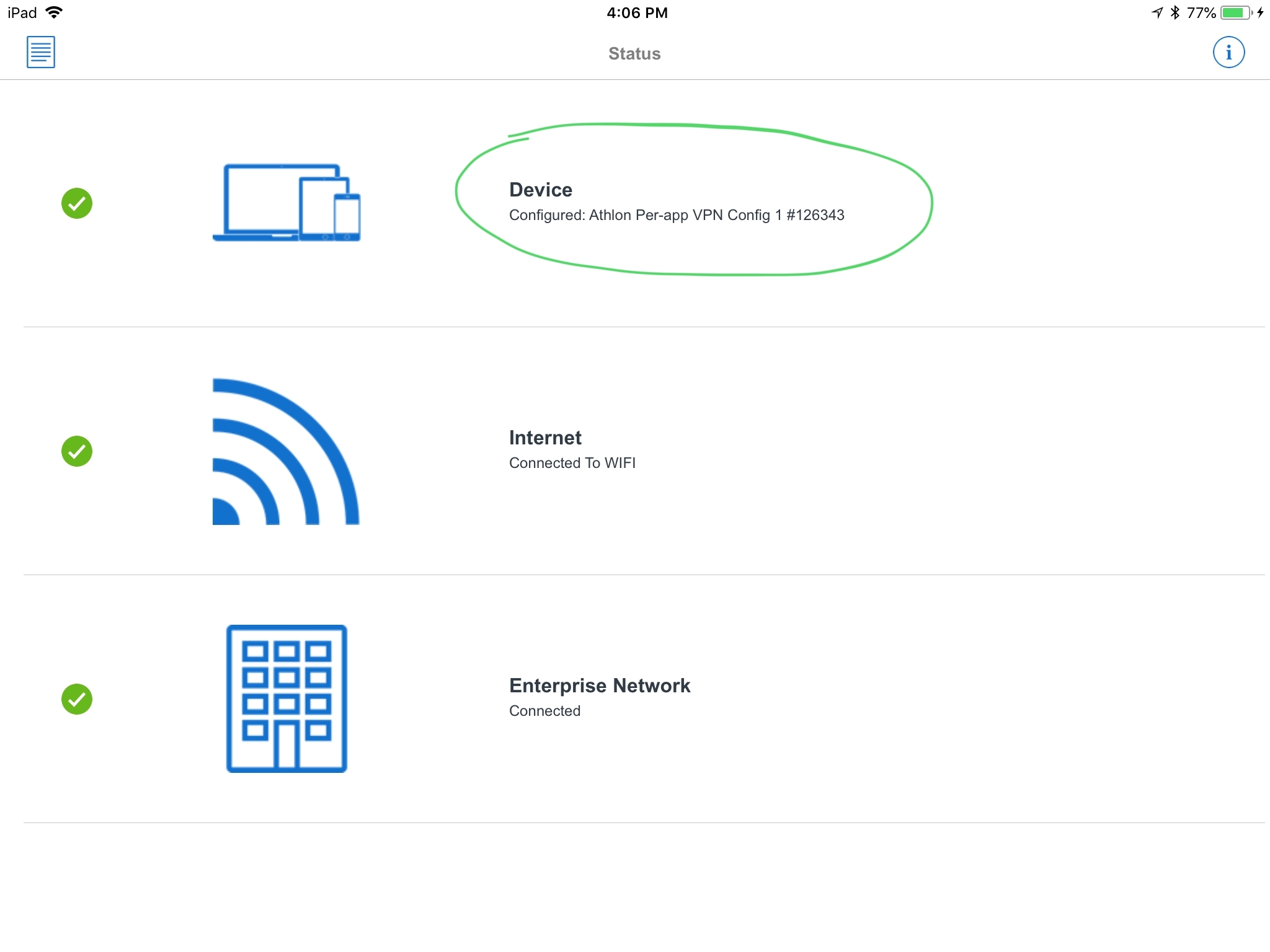
Check the VPN status on Tunnel application.
Check the VPN status on Settings.
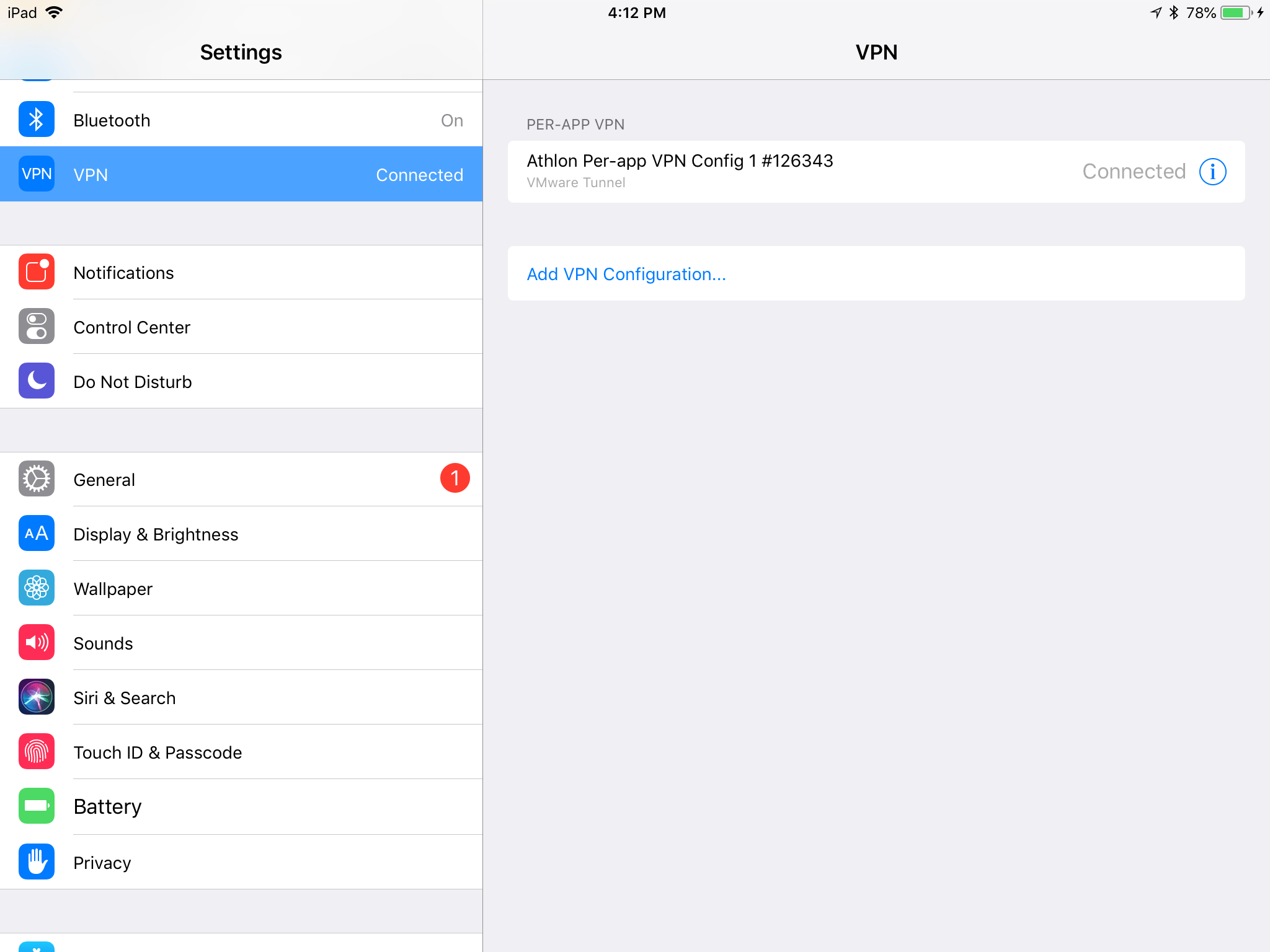
If Setting doesn’t contain the expected VPN, please check on MDM console to see if corresponding Per-app VPN is assigned to this application and whether it’s configured correctly.
Please check with company IT administrator to see if server address is allowed in the VPN server.
Problem 2: Configuration URL is not applied
With AppConfig, a Configuration URL can be assigned to an Strategy application to some device groups or user groups. It can be configured by administrator on MDM console in Application Configuration part. User doesn’t need to apply the configuration manually or add servers in Settings page. It’s a convenient way to replace the default server from App Store.
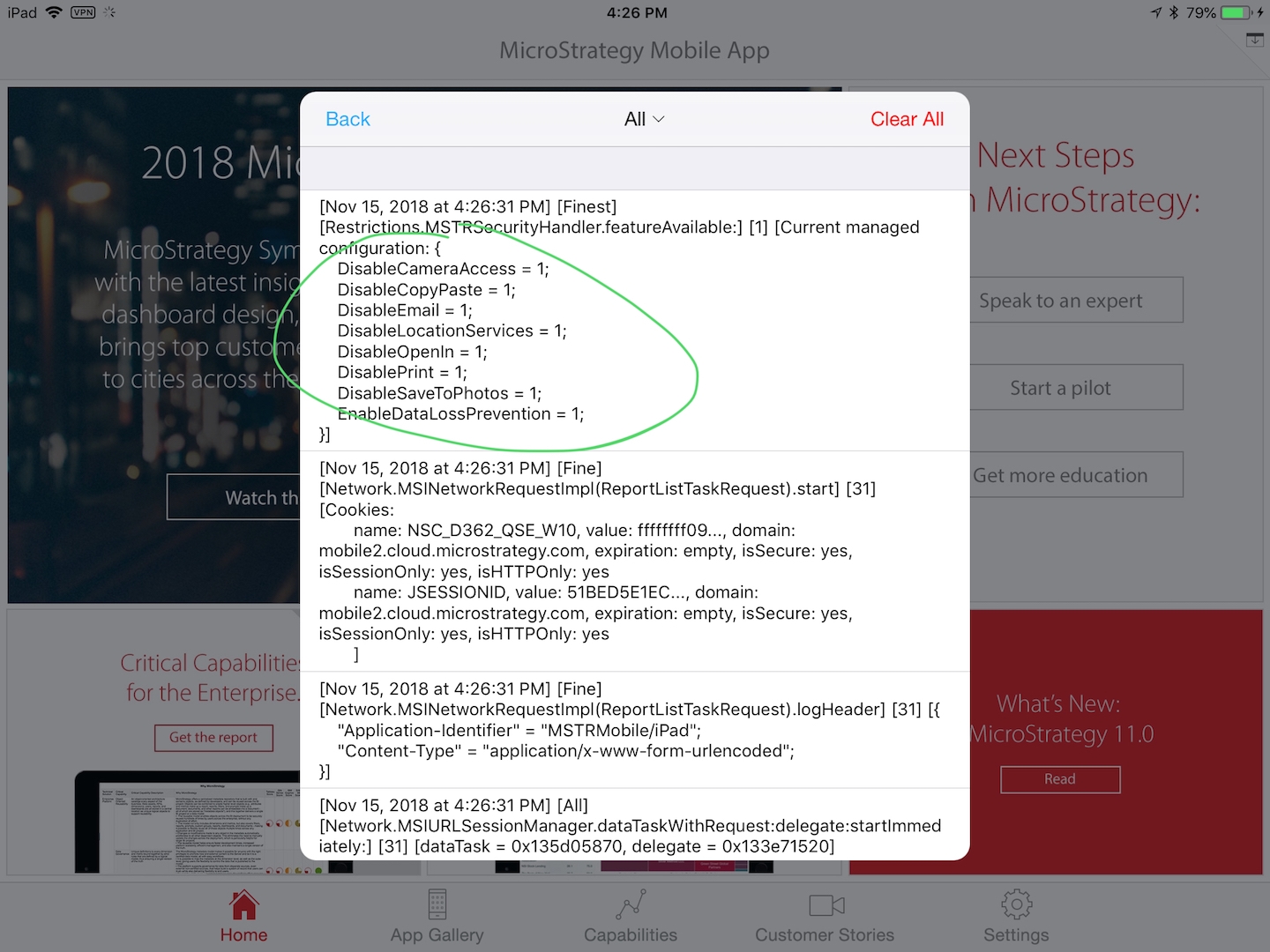
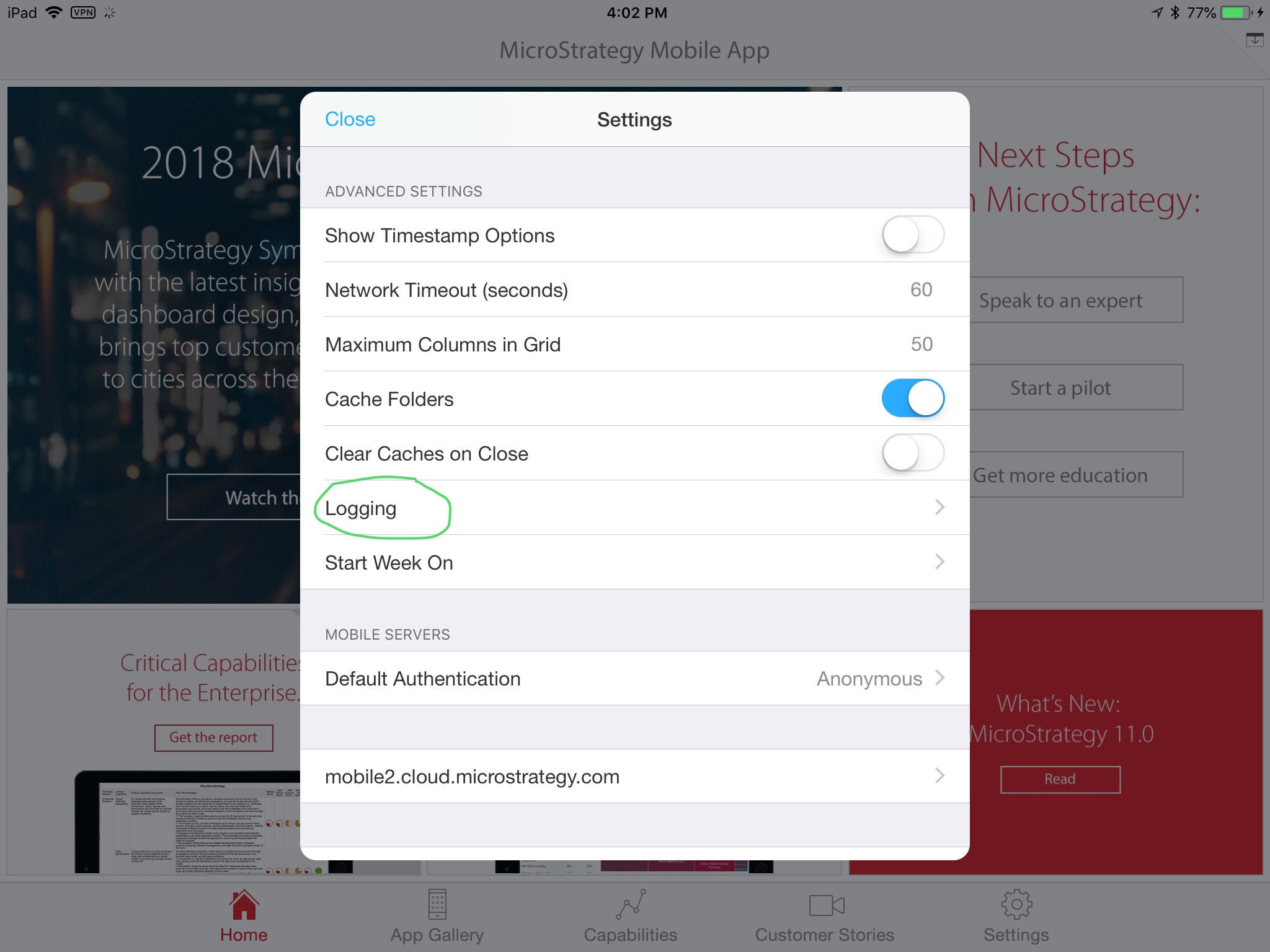
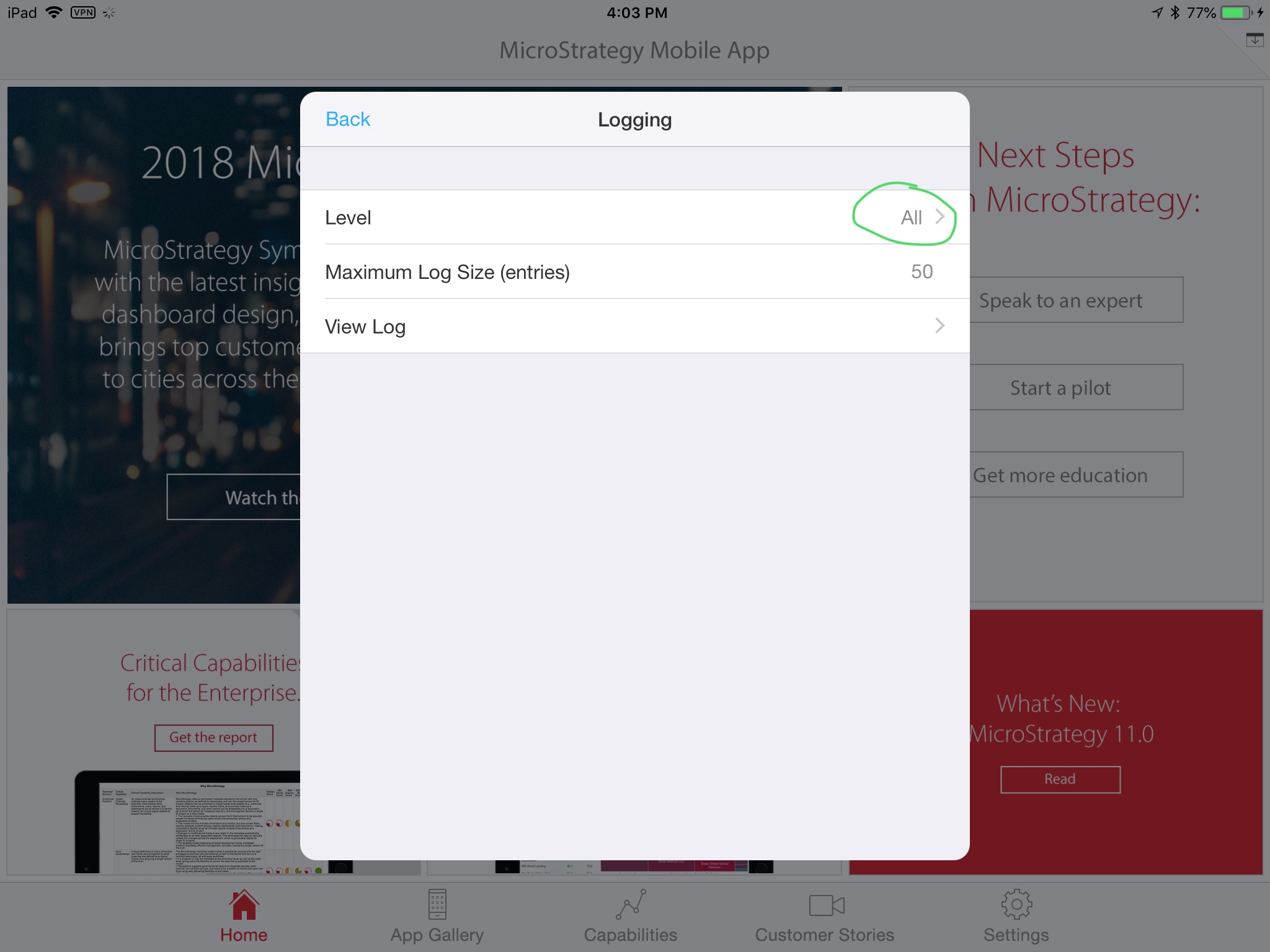
If ConfigurationURL is set on MDM console to an application, but it doesn’t take effect after downloading and launching application, please check device log to see whether it’s assigned to the application successfully.

Problem 3: Prevent Data Leakage setting doesn’t take effect
Same as Configuration URL setting, Prevent Data Leakage setting is configured on MDM console in Application Configuration part. If it doesn’t take effect, please check the device log in the same way as checking ConfigurationURL. To enable “Prevent Data Leakage” feature, please make sure “EnableDataLossPrevention” is set to true. Other settings such as “DisableEmail” feature only takes effect when “EnableDataLossPrevention” is set to true.