Starting with the release of Strategy ONE (March 2024), dossiers are also known as dashboards.
SYMPTOMS
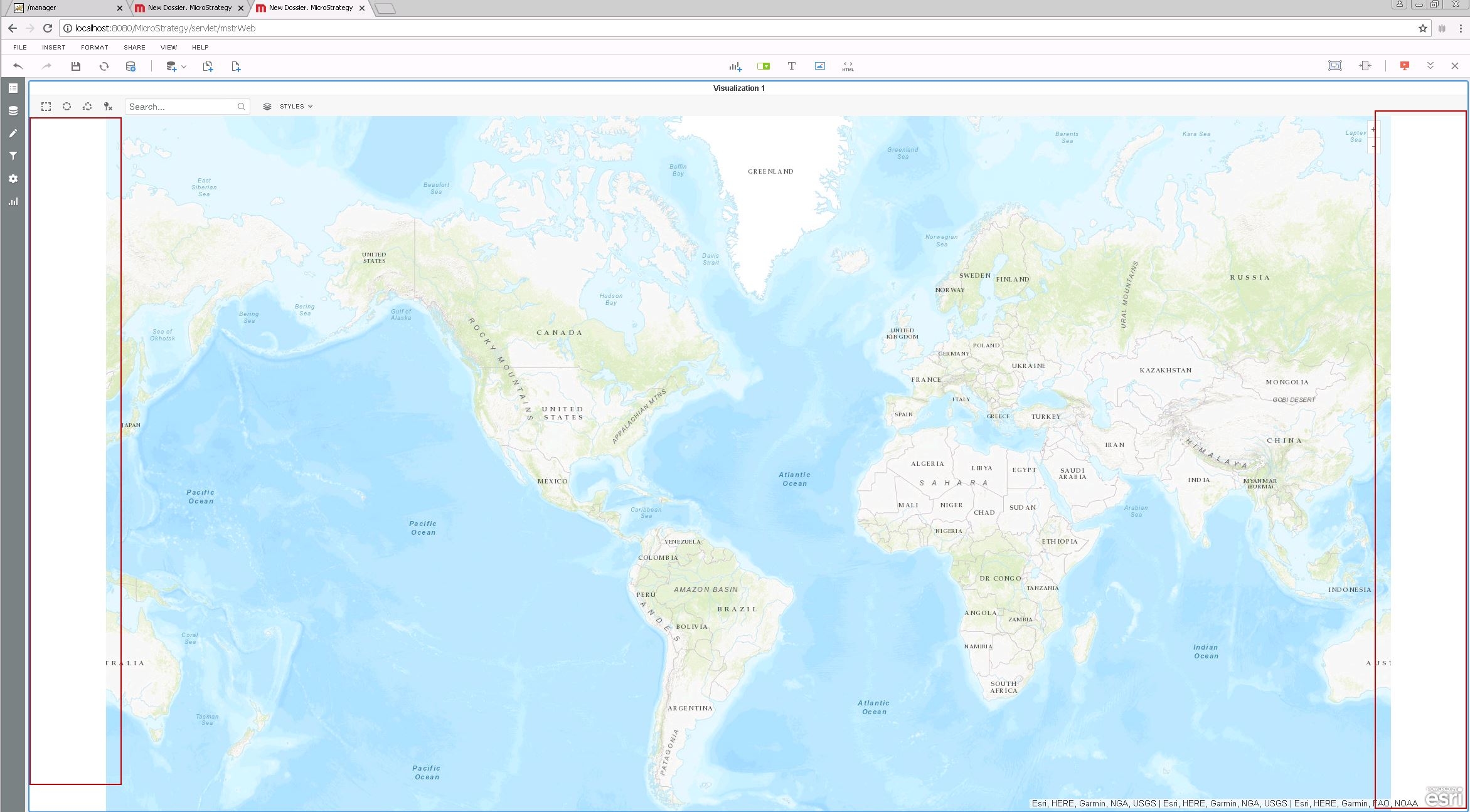
After setting up ESRI maps visualization in Strategy 10.11 the map does not fit the full visualization area aftre removing all the panels in both "Edit" and "Presentation View" modes.
This issue is not observed in Strategy previous versions (tested in 10.5 and 10.6)
STEPS TO REPRODUCE
In a 10.5 Strategy web.
1.- Setup ESRI visualization.
2.- Create a blank dashboard, no attributes, no metrics, just to see the map
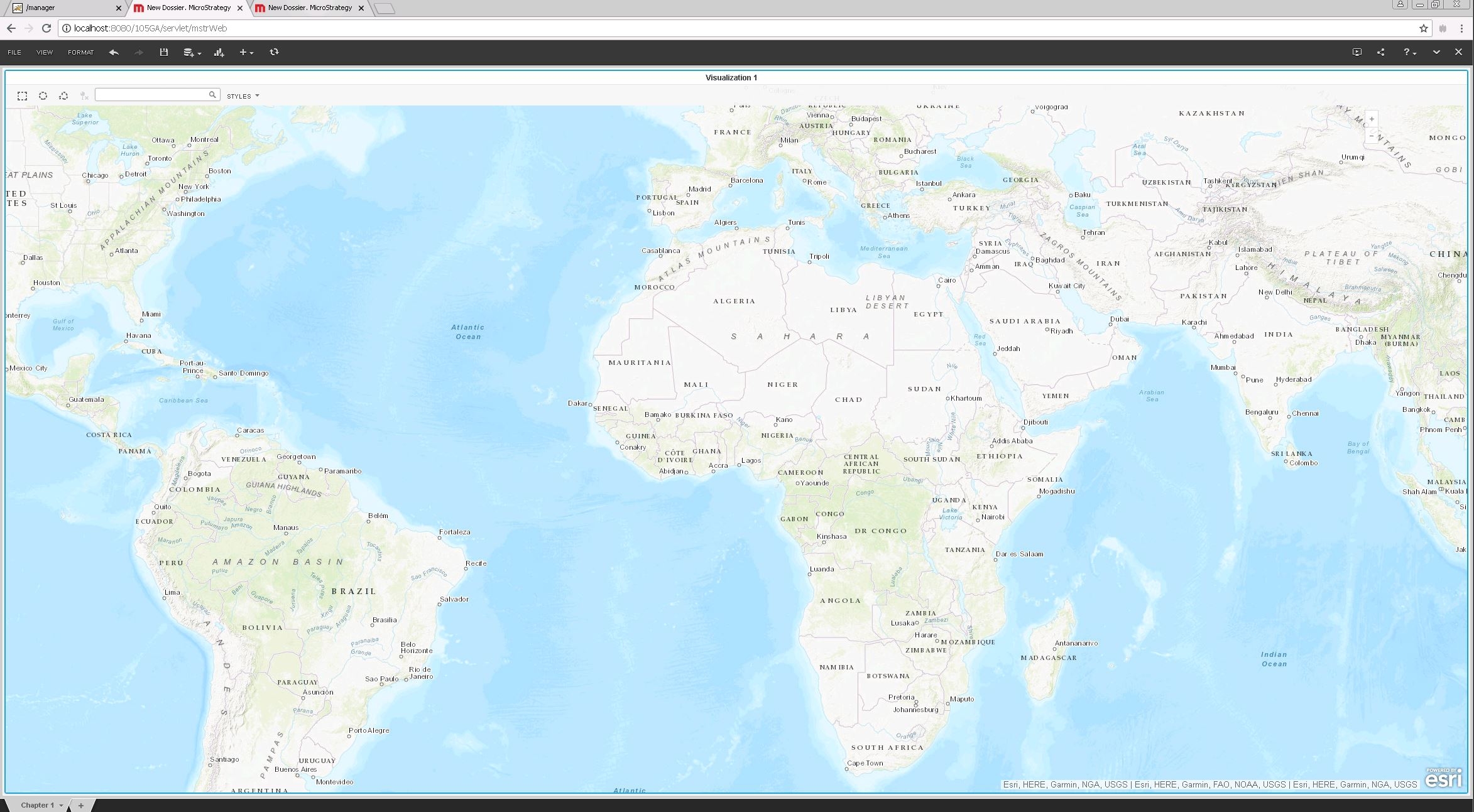
3.- Hide all the panels in "View" menu
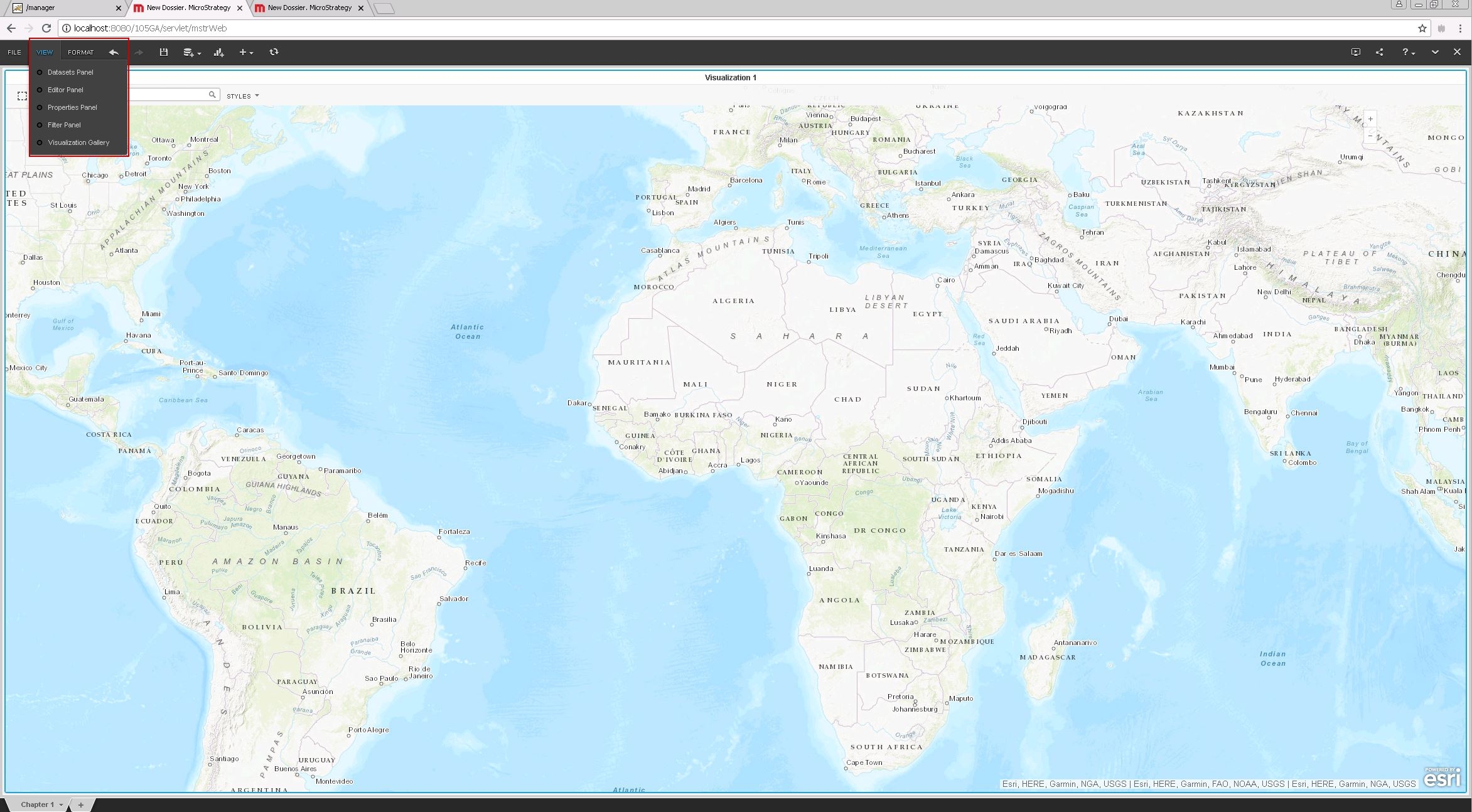
Observe the map visualization area fills all the windows.
In a 10.11 Strategy Web
1.- Setup ESRI visualization.
2.- Create a blank Dossier, no attributes, no metrics, just to see the map
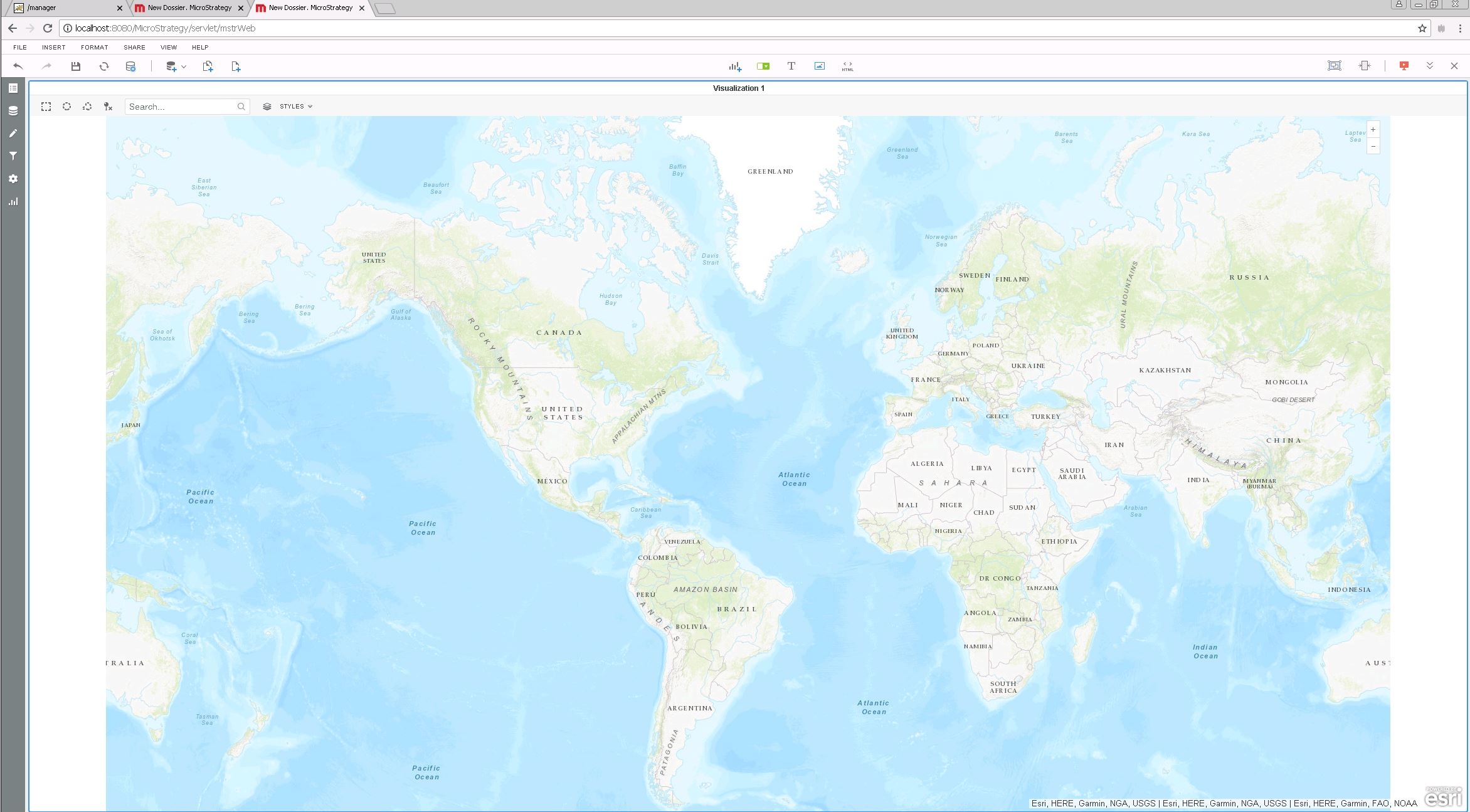
3.- Hide all panels in "View" menu
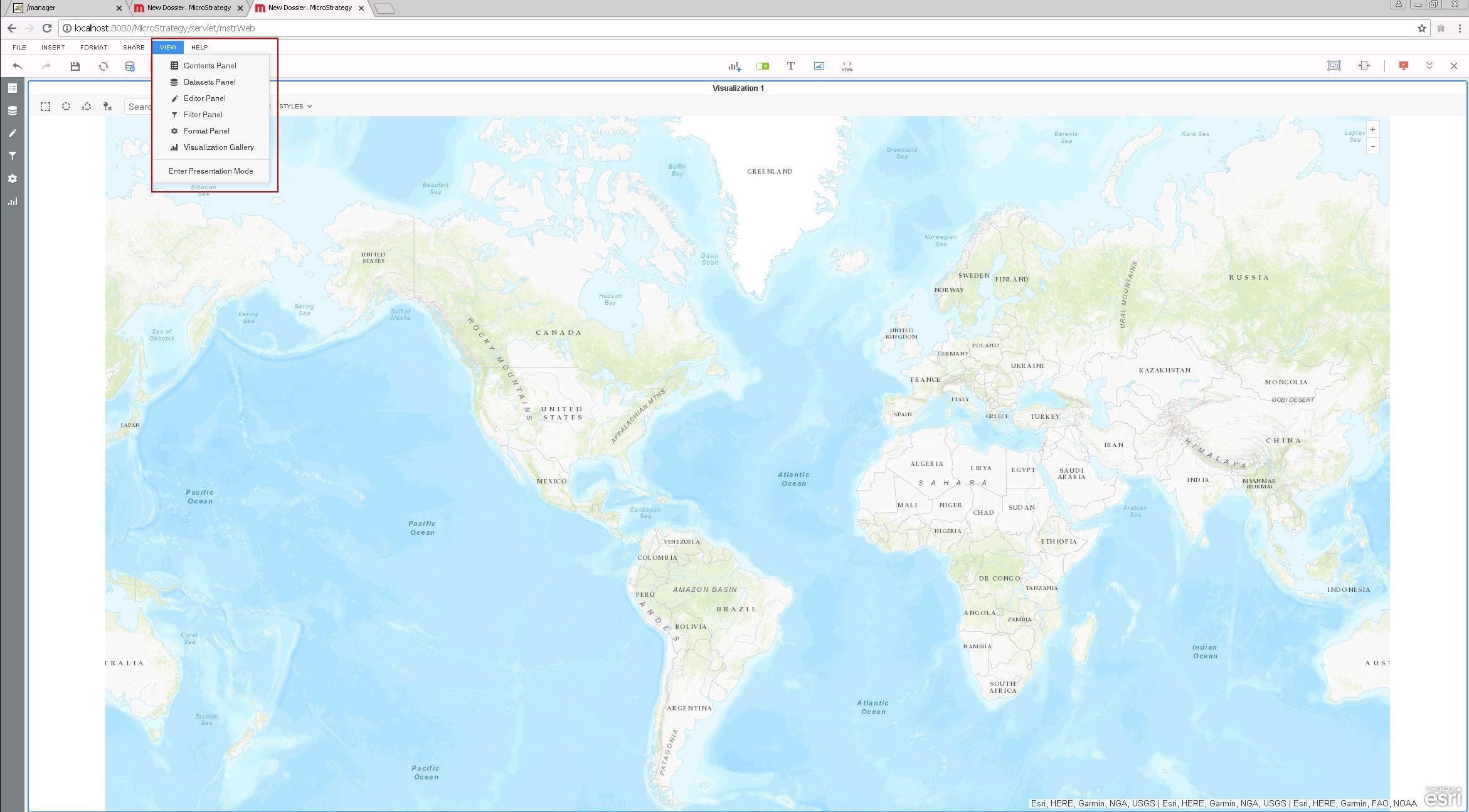
4.- Observe the map does not fill the whole visualization area. There are empty spaces on both sides. Those white spaces are also observe in Presentation Mode
KB441267
