Auto Expert allows you to open and review existing cases. You can open a new case using the following steps:
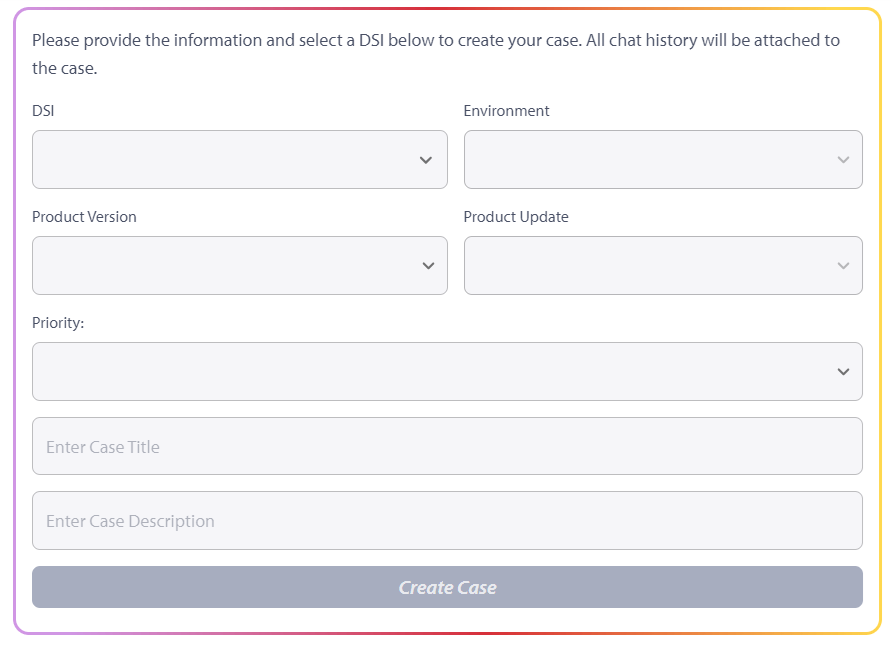
It's important to provide a clear case title and description, including as much information and context as possible. Auto Expert will attach your chat history to the newly created case, allowing the assigned case engineer to review it and expedite the troubleshooting process.
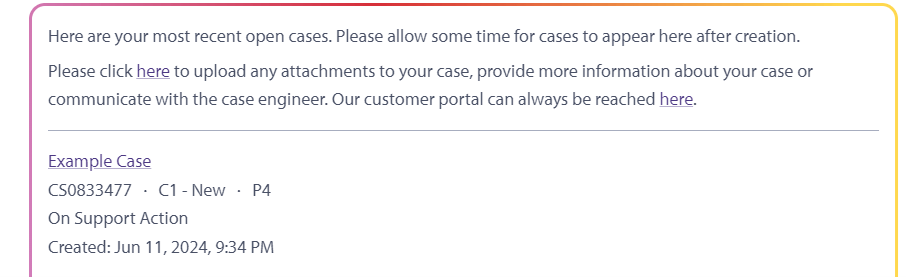
You can also track new and existing cases.

To get the most value out of Auto Expert, we recommend starting with our Best Practices guide, which is also linked in Auto Expert's opening greeting.

This guide provides further tips to optimize your interactions with the chatbot.
With its extensive product knowledge and features like creating and viewing cases, Auto Expert simplifies your workflow and ensures effective communication with our Support team. If you need additional assistance or have further questions, our support team is always available to help you.
