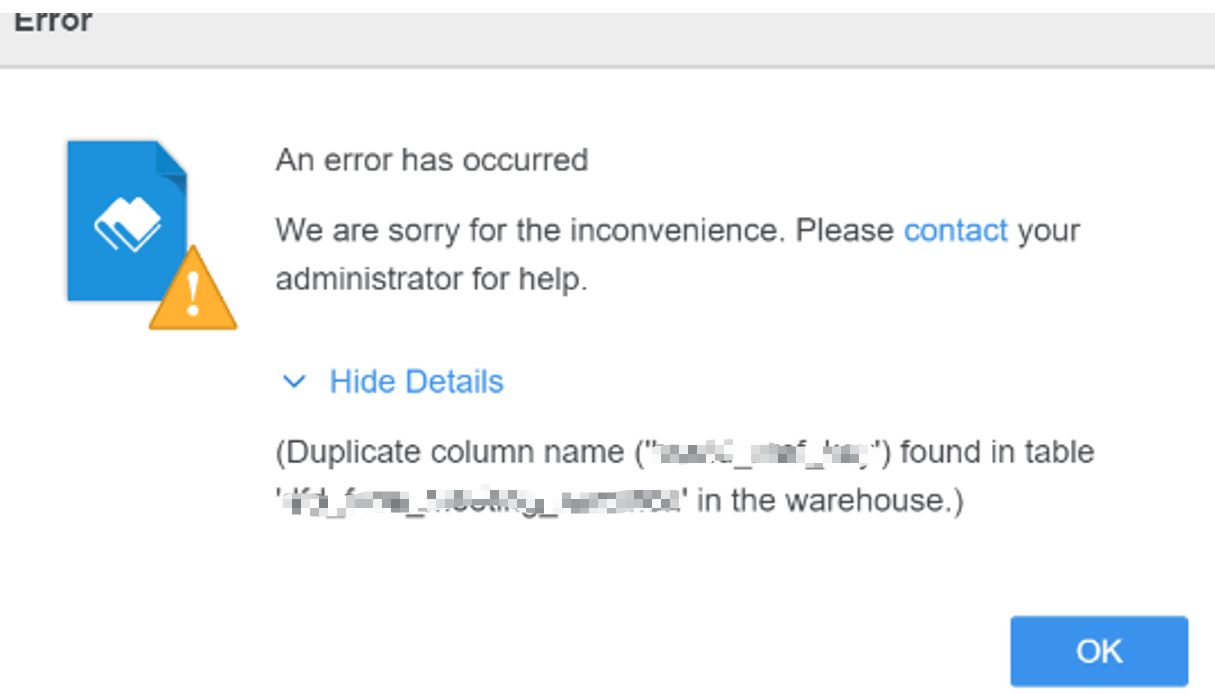
When a user edits a transaction service document and connects to a database, the error “Duplicate column name ('xxx) found in table 'xxx' in the warehouse” occurs. The user only connects to one namespace, and in this namespace, there are no duplicate columns in the table mentioned in the error message.
Enable database class->sql trace. Even when user only selects one namespace, Strategy will retrieve all the columns from all the namespaces using sql statement:
SELECT table_schema NAME_SPACE, table_name TAB_NAME, column_name COL_NAME, data_type DATA_TYPE, character_maximum_length DATA_LEN, numeric_precision DATA_PREC, numeric_scale DATA_SCALE FROM SVV_COLUMNS ORDER BY 1, 2,3
By running this sql statement, user finds out duplicate columns in the table in another namespace.
Remove or rename the duplicate columns.
