EducationSoftwareStrategy.com
StrategyCommunity

Knowledge Base

Product

Community

Knowledge Base

TopicsBrowse ArticlesDeveloper Zone

Product

Download SoftwareProduct DocumentationSecurity Hub

Education

Tutorial VideosSolution GalleryEducation courses

Community

GuidelinesGrandmastersEvents
x_social-icon_white.svglinkedin_social-icon_white.svg
Strategy logoCommunity

© Strategy Inc. All Rights Reserved.

LegalTerms of UsePrivacy Policy
  1. Home
  2. Topics

KB485115: Error HTTP Status 400 is encountered when using OneDrive or SharePoint


Community Admin

• Strategy


This article addresses the HTTP Status 400 error encountered when using the OneDrive or SharePoint connector. This article also provides step to avoid this error.

Description


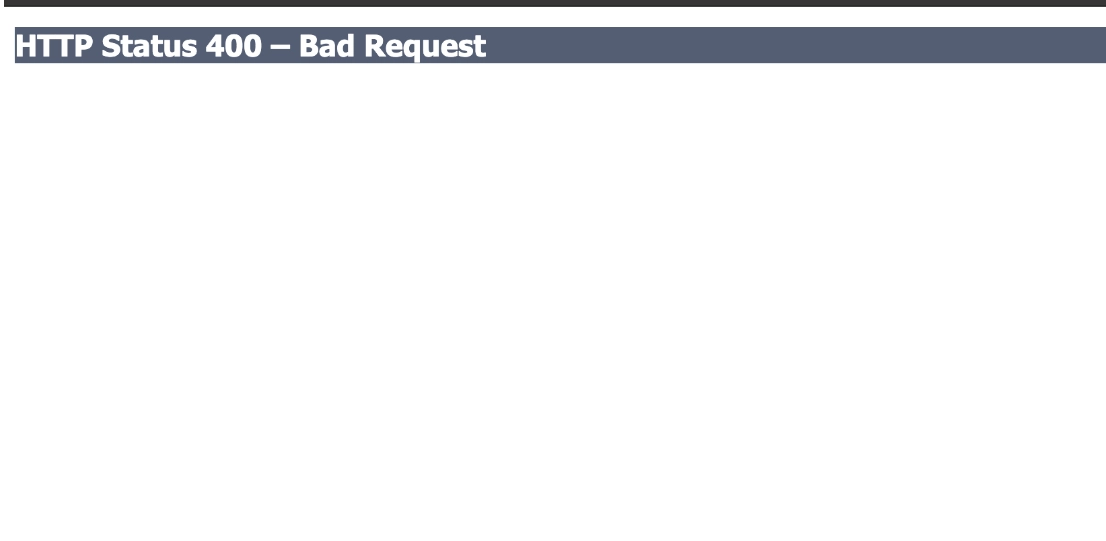
Browsers have limits ranging from 2KB to 8KB. The token lengths for OneDrive and SharePoint are larger than 1KB and stored in web cookies, so you may hit the following error during login or when fetching a file list. 

ka04W000001IwlYQAS_0EM4W0000029FvA.jpeg

 
Sometimes, no Exception information is shown in the response.
ka04W000001IwlYQAS_0EM4W0000029FvP.jpeg

Why is this happening?


You can check the tomcat logs and find that the "Request header is too large".

Solution


To avoid getting the "Error parsing HTTP request header" error, you should configure

maxHttpHeaderSize
for Tomcat to increase the value.

  1. Go to the location
    $TOMCAT_HOME/conf/server.xml.
  2. In
    server.xml
    , change the
    HTTP/1.1 Connector
    entry and set
    maxHttpHeaderSize
    to 65536 (64KB in bytes), as shown below:
    
    <Connector port="8080" maxHttpHeaderSize="65536" protocol="HTTP/1.1" ... />


Comment

0 comments

Details

Knowledge Article

Published:

July 21, 2021

Last Updated:

July 21, 2021