EducationSoftwareStrategy.com
StrategyCommunity

Knowledge Base

Product

Community

Knowledge Base

TopicsBrowse ArticlesDeveloper Zone

Product

Download SoftwareProduct DocumentationSecurity Hub

Education

Tutorial VideosSolution GalleryEducation courses

Community

GuidelinesGrandmastersEvents
x_social-icon_white.svglinkedin_social-icon_white.svg
Strategy logoCommunity

© Strategy Inc. All Rights Reserved.

LegalTerms of UsePrivacy Policy
  1. Home
  2. Topics

KB483035: Export to PDF fails when a Textbox is used for linking Pages within Dossier


Community Admin

• Strategy


Starting with the release of Strategy ONE (March 2024), dossiers are also known as dashboards.
DESCRIPTION:
When a textbox contains a live link to other pages and chapters in a Dossier and a user exports to PDF, they will see an Error page in the exported PDF.
STEPS TO REPRODUCE:
  1. Create a Dossier with multiple pages (2 or more).
  2. Add a textbox on the first page
  3. Right click on the textbox and select Link…, tab over to Page, select the Page you want to link to, and hit Save.
  4. Save and Execute the Dossier.
  5. Go to File and Export to PDF
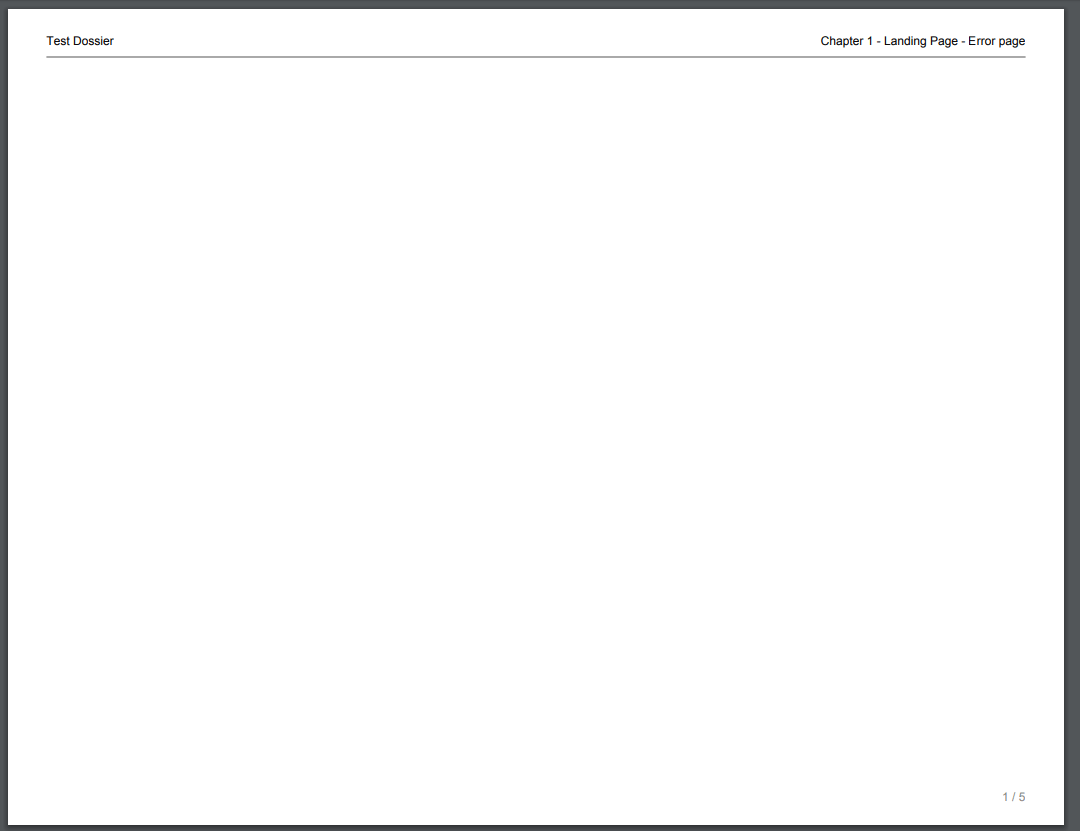
  6. The Landing Page (first page) will generate the error below:
ka0PW0000001JWlYAM_0EM44000000ggtd.jpeg

ERROR:
 
The PDF export file will contain the first page as a blank page will “Error page” message in the top right corner.
 
CAUSE:
The New Export Engine renders each panel of a dossier in parallel. JSON data is being split here, therefore the page link fails to find it’s target and results in the Error Page generation.
 
ACTION:
In Strategy 11.0 this issue has been fixed to where the Textbox with the link will be exported and no error page will generate, however the page link will not be functional.
 
Having the page link functionality is a feature that is being reviewed by Strategy for a potential fix/patch on an upcoming Strategy release.
  KB483035


Comment

0 comments

Details

Knowledge Article

Published:

March 26, 2019

Last Updated:

March 21, 2024