EducationSoftwareStrategy.com
StrategyCommunity

Knowledge Base

Product

Community

Knowledge Base

TopicsBrowse ArticlesDeveloper Zone

Product

Download SoftwareProduct DocumentationSecurity Hub

Education

Tutorial VideosSolution GalleryEducation courses

Community

GuidelinesGrandmastersEvents
x_social-icon_white.svglinkedin_social-icon_white.svg
Strategy logoCommunity

© Strategy Inc. All Rights Reserved.

LegalTerms of UsePrivacy Policy
  1. Home
  2. Topics

KB441897: Extra spaces and tabs are not retained in the title bar of a visualization of a Visual Insight dashboard or Dossier in MicroStrategy Web 10.x


Shane Winslow

Cloud Support Expert I • MicroStrategy


This Knowledge Base Article outlines a defect where the title bar of a visualization does not retain extra spaces or tabs in Visual Insight or Dossier. This issue occurs for all versions of MicroStrategy Web 10.x.

Starting with the release of Strategy ONE (March 2024), dossiers are also known as dashboards.

SYMPTOM


In Strategy Web 10.x, users can edit the title of individual visualizations in a Visual Insight dashboard or Dossier to better label different visualizations. However, when trying to add a title with extra spaces or tabs, these extra spaces are not retained when saving the title. The below screenshot shows the title of the visualization before saving.
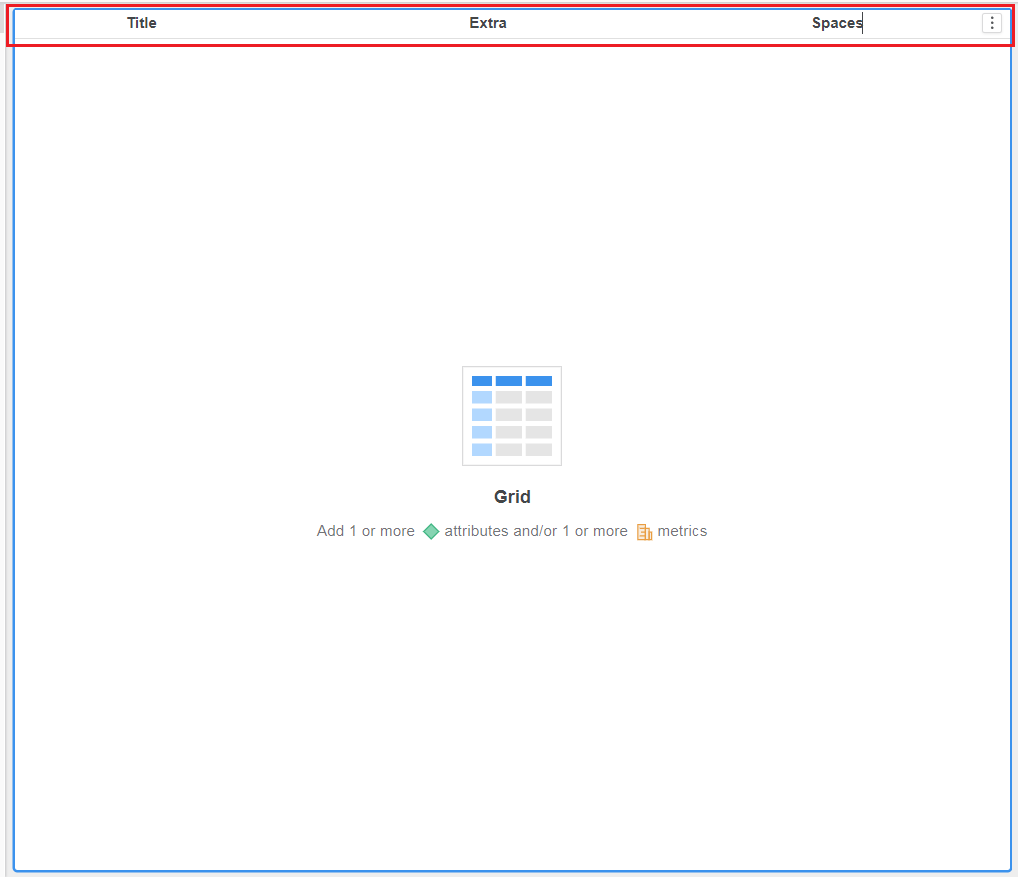
ka0PW0000001JTrYAM_0EM44000000Qtnh.png

The below screenshot shows the title with the extra spaces removed after saving the title.
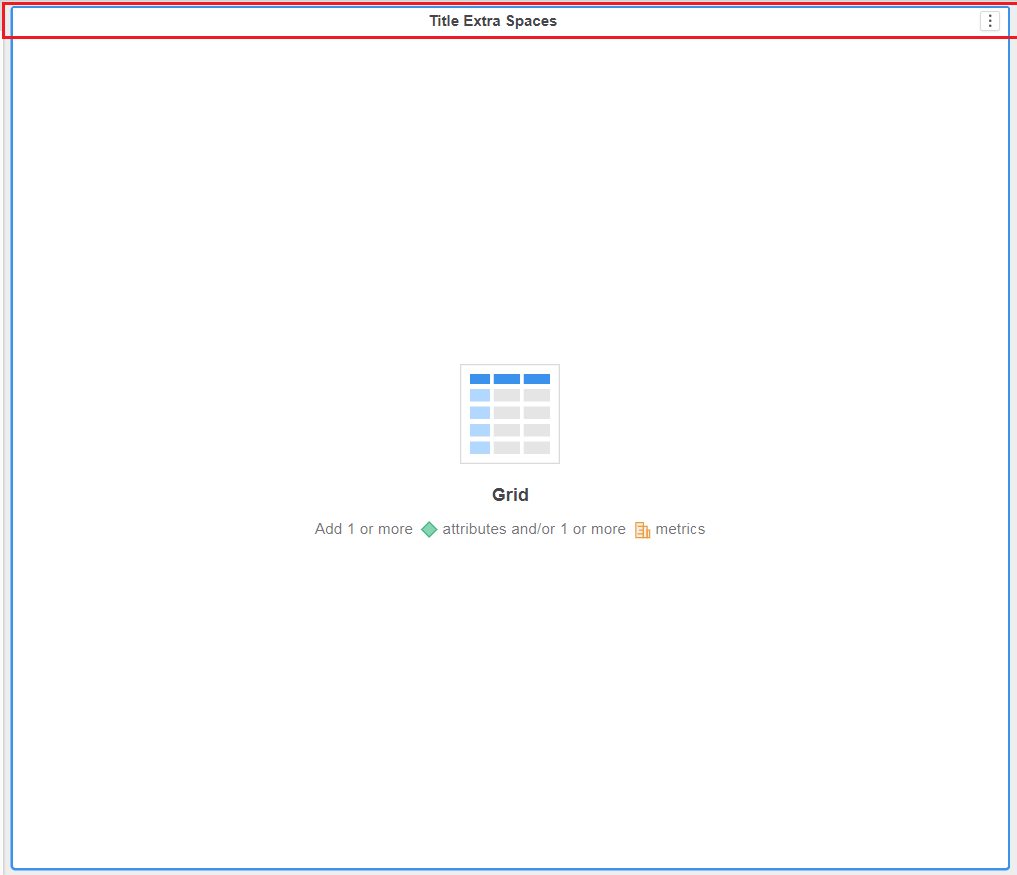
ka0PW0000001JTrYAM_0EM44000000Qtnm.png


STEPS TO REPRODUCE 

  1. Create a new Dossier.
  2. Edit the tile of the visualization.
  3. Type “Title     Extra     Spaces”.
  4. Click Enter.
  5. Notice the title of the visualization changes to “Title Extra Spaces”.

CAUSE


This is an identified defect in Strategy Web 10.x.

ACTION

The issue was addressed in Strategy 2019 (and above). Please consider updating to take advantage of the fix.


Comment

0 comments

Details

Knowledge Article

Published:

September 24, 2018

Last Updated:

March 21, 2024