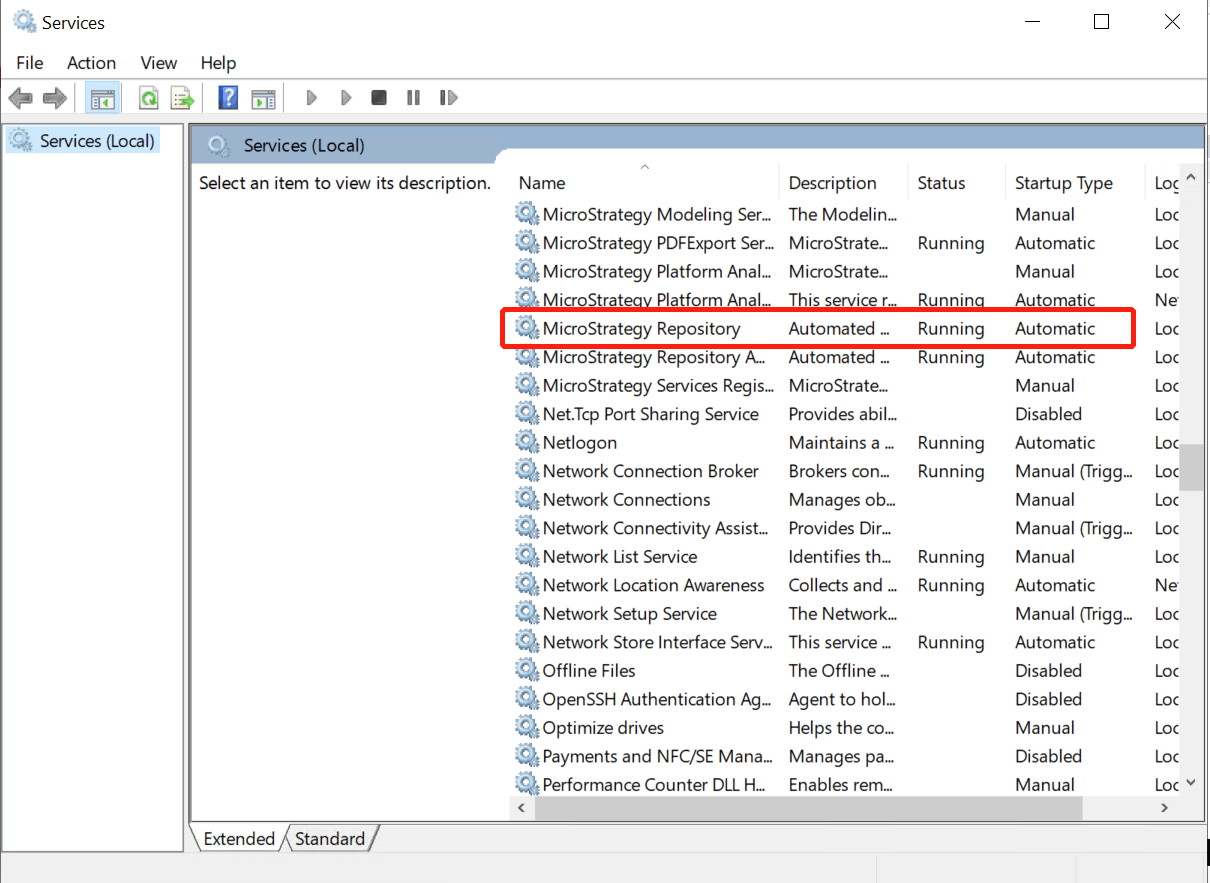
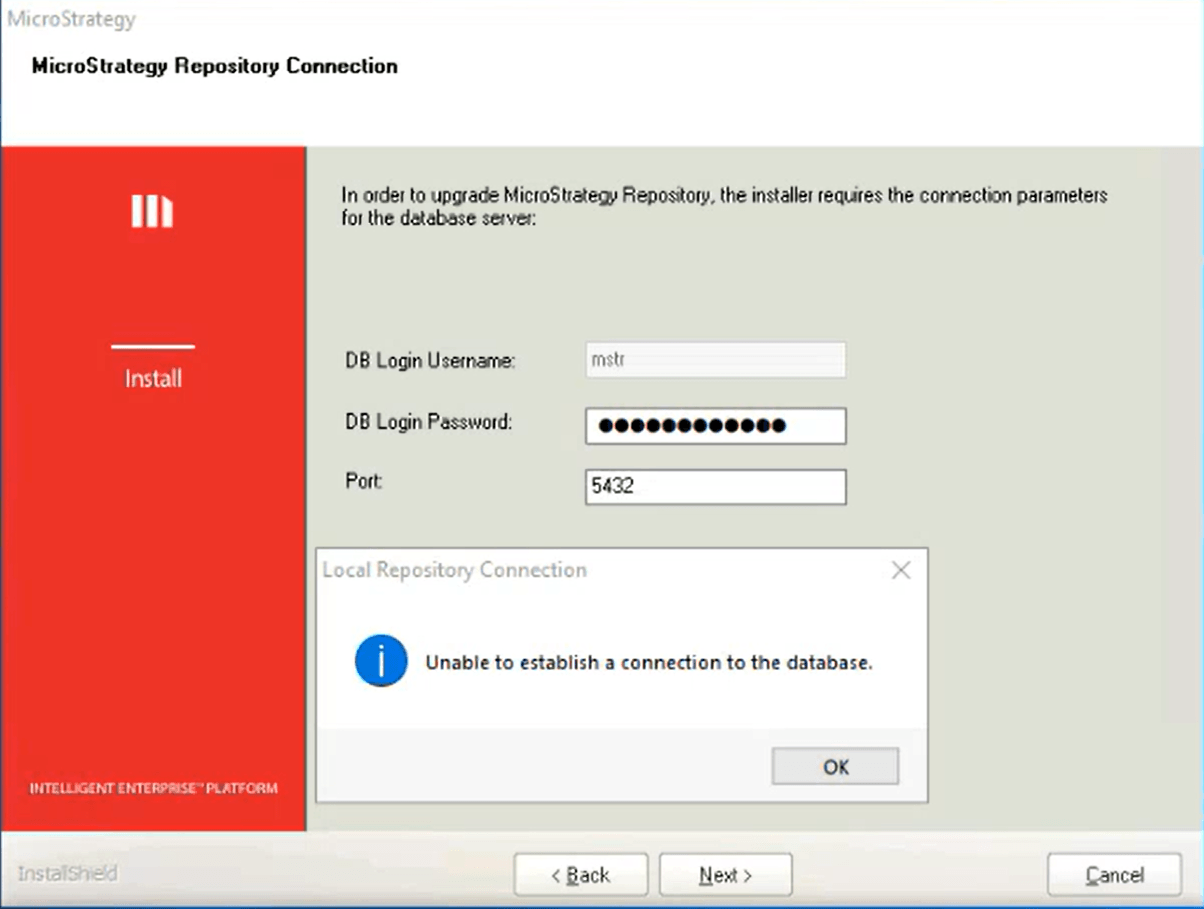
While trying to do an in-place upgrade of MSTR 2021, in some cases user would encounter "Unable to establish connection to the DB" in the Strategy Repository step even if enter the right credential. Please check if the Strategy Repository service is enabled and running on the I-server machine.
The below error shows up in install.log:
[Z:\InstallMaster\Win64\Objects\MASilent\MASilent\Script Files\MASilent.rul]
[l:122][782078ms][I] Matching INI value HideDialog from section
RepositoryUpgradeConfig @ file:

[Z:\InstallMaster\Win64\Objects\MASilent\MASilent\Script
Files\MASilent.rul][Sil_MatchINIValue][I:131][782078ms][F]
Leaving function.

[Z:\InstallMaster\Win64\Objects\MASilent\MASilent\Script
Files\MASilent.rul][Sil_MatchINIValue][I:131][782078ms][F]
entering function.
host all mstr 127.0.0.1/32 password

host all mstr ::1/128 password
The cause of the issue that "Unable to establish connection to the DB" appears during an upgrade is that the upgrade repository step during the upgrade process in the install wizard is by design upgrading the repository in Iserver, that is also why DB Login Username is a static mstr. So if the repository in Iserver is in disabled status, the upgrade process would fail.
Enable Strategy Repository service and make sure it’s in running status when doing the upgrade. After the upgrade is completed, the Strategy Repository service can be disabled again if not in use.