Starting with the release of Strategy ONE (March 2024), dossiers are also known as dashboards.
After upgrading to Strategy 2020 Update 2 for iOS Mobile or iOS Library, you may notice that some of the HTML content inside a document or dossier are smaller, compared to the HTML content in previous versions. The following screenshots display the difference:
Notice some of the KPIs in the middle for the selected state become very small.
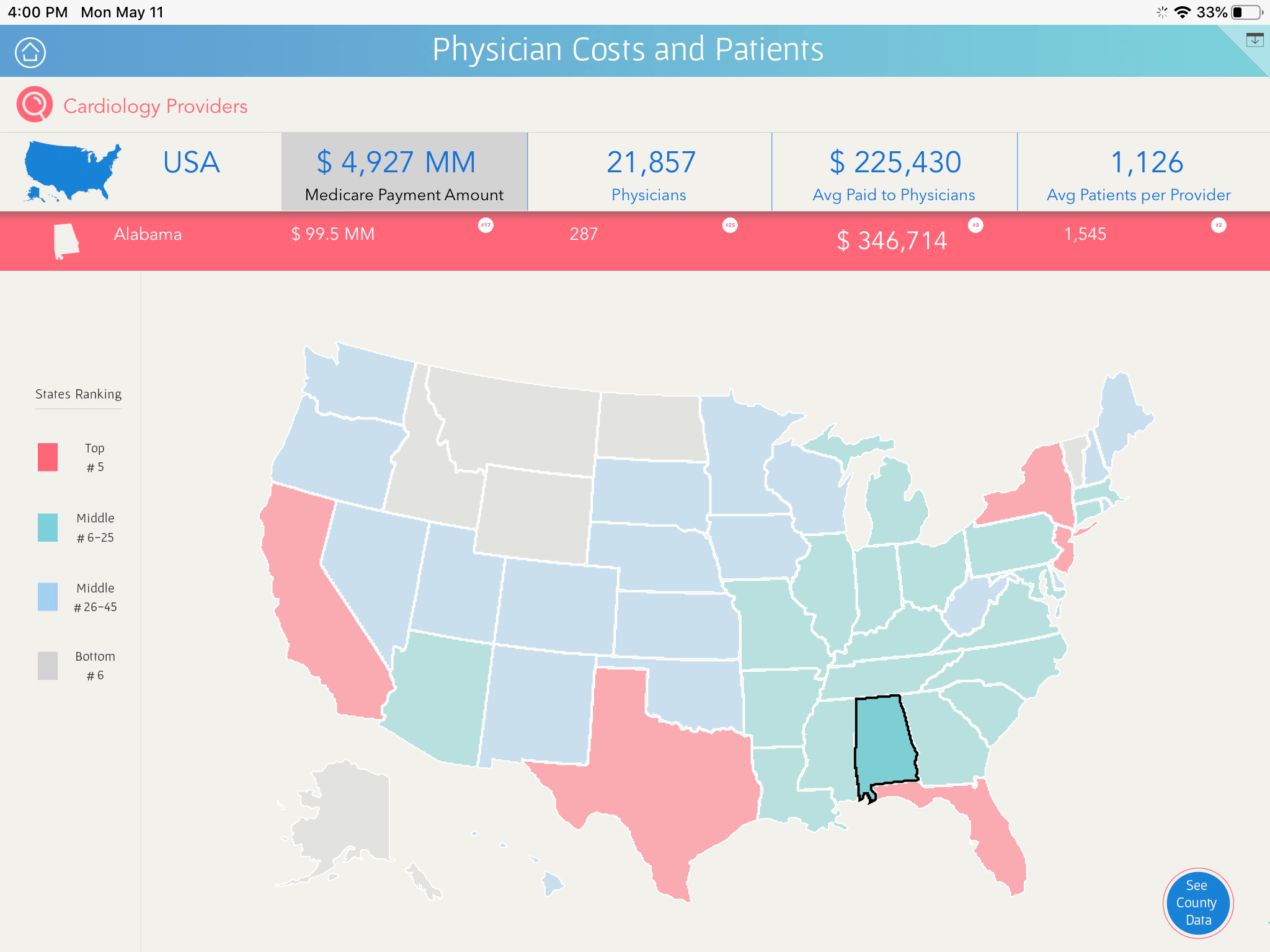
This is because starting from Strategy 2020 Update 2, these apps are updated to leverage WKWebView instead of the deprecated UIWebView API, as required by Apple. Previously with UIWebView, the HTML content will be scrollable if the container is not big enough to display. However, with WKWebView, the HTML body will be scaled down to fit the container.
Modify the size of the HTML container in documents so that the container size is greater than the HTML body, including margins.
In the above example, the iFrame code for each rank KPI is as below. Note the HTML body width and height are 100px:

Go to Strategy Web, right click on the HTML container. Go to Properties and Formatting > Layout, change the width and height so the container is larger than the HTML body, including margin. In this case, change both to 116px (with 8px default left/right/top/bottom margins. If your HTML tag defines different body margins, the container size should be updated to that customized values).
See the below comparison on different HTML container size, using previous and new apps:

If the container width and height are less than 116, the rank KPI will be smaller than before. A workaround is to modify the size of the container will make it as large as before.
