Starting with the release of Strategy ONE (March 2024), dossiers are also known as dashboards.
Strategy Best Practices
The Harvest Color Palette
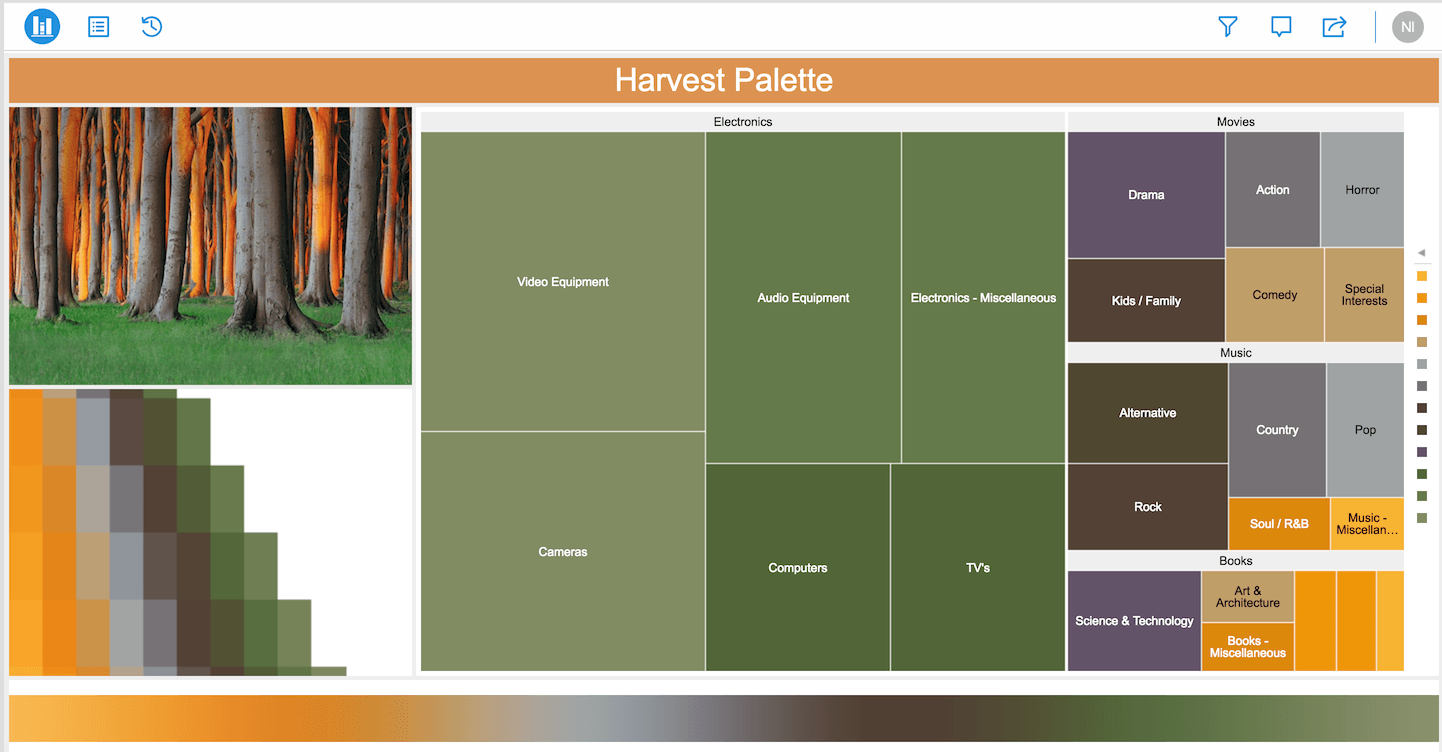
Color palettes are designed to make data visualizations even more engaging and easily consumable. This organic color palette includes subtle shades of orange, green, brown, gray, red and purple-providing a very positive, warm feel to your dossier as the season of harvest. This palette was inspired by a photo of Nienhagen Woods in Germany. With dossiers, we had our design team custom-design beautiful color palettes based on nature photography. With a single click, you can change colors of your visualizations as you like. Our goal here at Strategy is to make presentations more sophisticated and visually appealing without compromising your data analysis.
Are you ready to ramp up your dossier with new colors?
Requirements
Minimum Strategy version: 10.9
Publisher: Strategy
Installation Instructions
Learn How to Change Color Palette Selections
Though you will be able to view the color palettes with Web, feel free to download MicroStrategy Desktop!
Photo Credit
Photographer: Photo of the woods was found on the internet. Search results.
Have more questions about dossier authoring? Upgrade to Strategy 2019 to get Workstation!
