1. After your environment has provisioned, click the three dots on the right side of your environment and select 'Modify Environment Name Link'

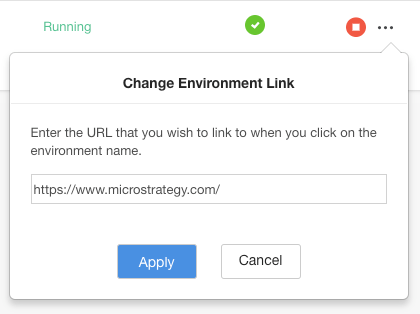
2. In the popup dialog, by default the URL is set to the Strategy on AWS landing page. It can be changed to any valid URL. Before changing, it is a good idea to save the default landing page link in case you need to access it later.
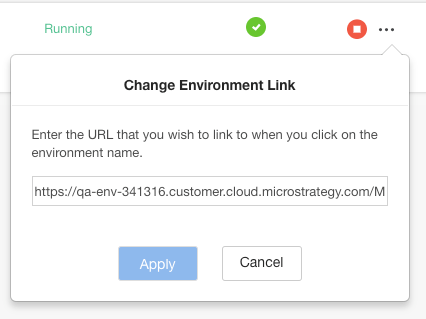
3. Enter any valid URL and click on Apply to change the environment name link.
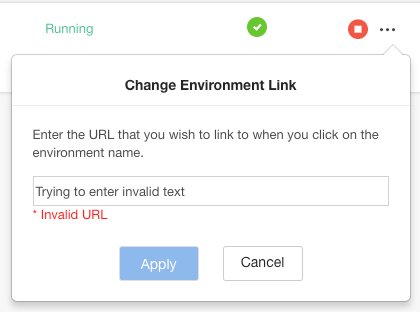
Note: if you attempt to enter an invalid or blank URL, you will not be able to click the apply button.
3. Click the environment name link. It will now take you to the URL that you specified in step 2.

