Prior to Strategy 2019 Update 2, a document designed for a standard iPhone, such as an iPhone 8, was constrained to the "safe area" for iPhone models with rounded corners. Abiding by this safe area, meaning the area on a device that will not be covered by navigation bards, tab bars, toolbars, or other views, is recommended by Apple. For more information, see Apple's Human Interface Guidelines.
However, using documents with a safe area for an iPhone 8 appears differently on a larger iPhone, like the iPhone X. Particularly when the phones are in landscape mode, the view becomes hindered by black bars at the side with the inability to customize their colors.


Beginning in Strategy 2019 Update 2, you can now improve the look and feel of a document on newer iPhone models. If you have an older document you want to view on a newer iPhone, you can customize the color of the side bars that appear on the screen. For instructions, see How to Modify Documents Created for Older iPhone Models. For optimal viewing, though, it's recommended to create a new document for new iPhones.
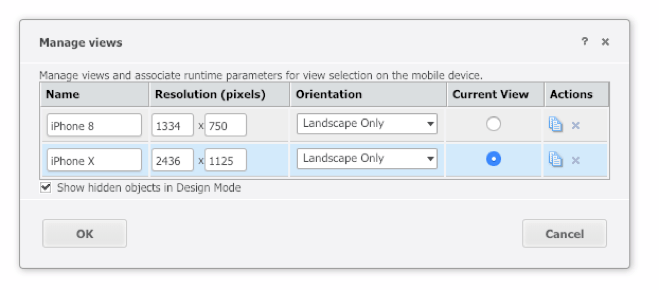

If you are to use this approach, there are a few things to consider:


If you are to use this approach, there are a few things to consider:
KB483291
