Starting with the release of Strategy ONE (March 2024), dossiers are also known as dashboards.
The User Activity dossier included with Platform Analytics helps administrators analyze and assess user activity across the Strategy platform. It provides information on sessions, which user has the highest number of errors, and the number of inactive users.
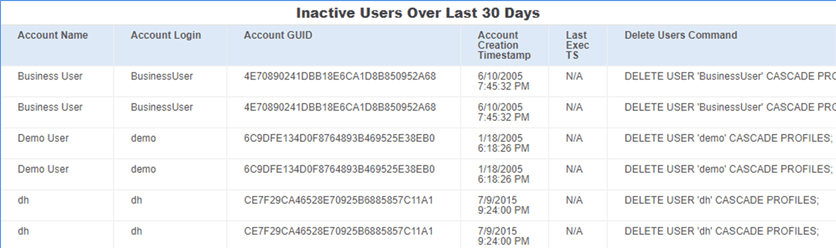
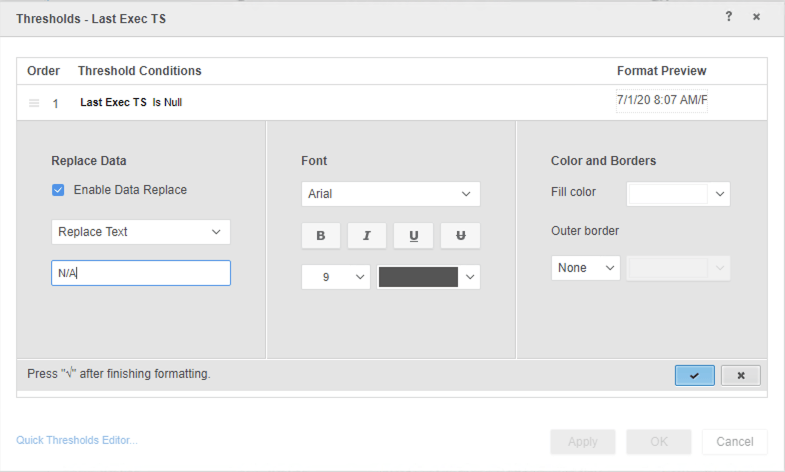
In Strategy 2019, the Inactive Users page of the User Activity dossier contains an error. Specifically, the Platform Analytics project column Last Exec TS shows 0 instead of N/A.
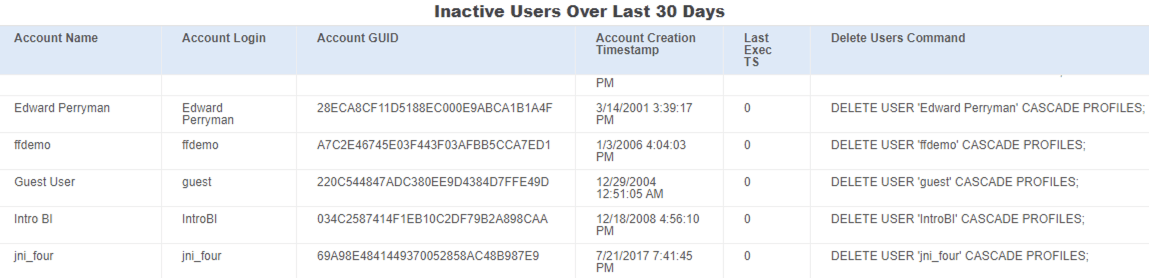
This change is cosmetic and is to improve readability. Both 0 and N/A can be used to represent null values. However, you may find that N/A is more clear as a null time stamp. To change the null value type, see Solution.
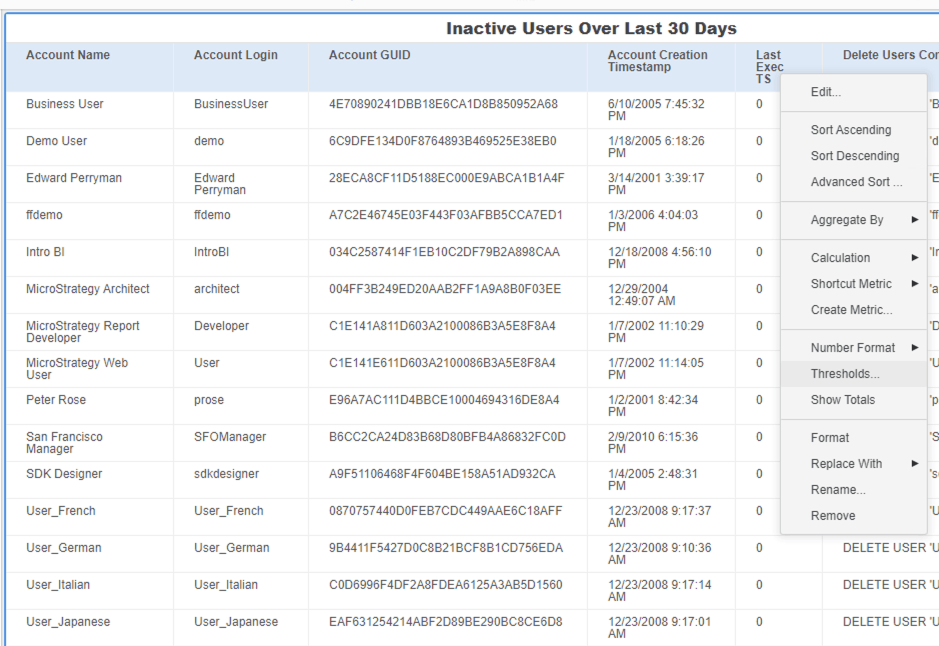
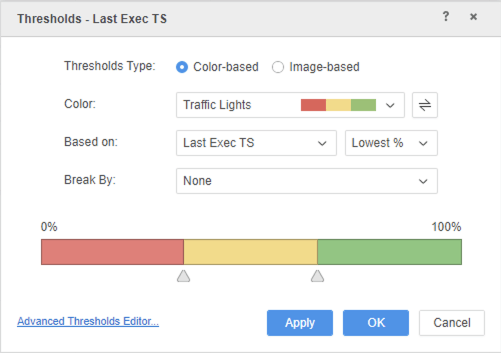
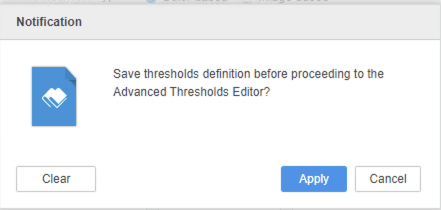
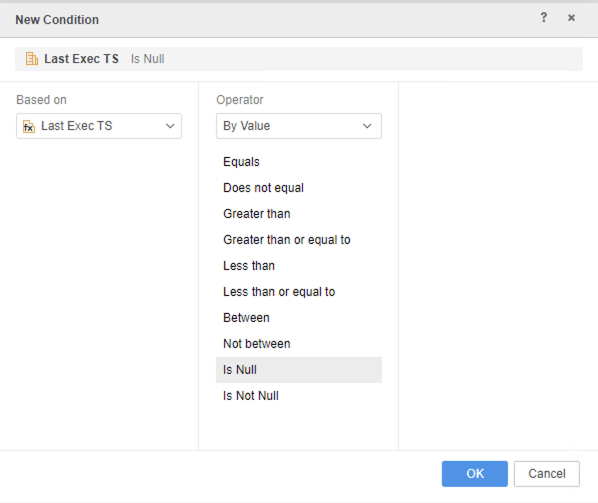
To quickly change the value, you can create a threshold on Last Exec TS.
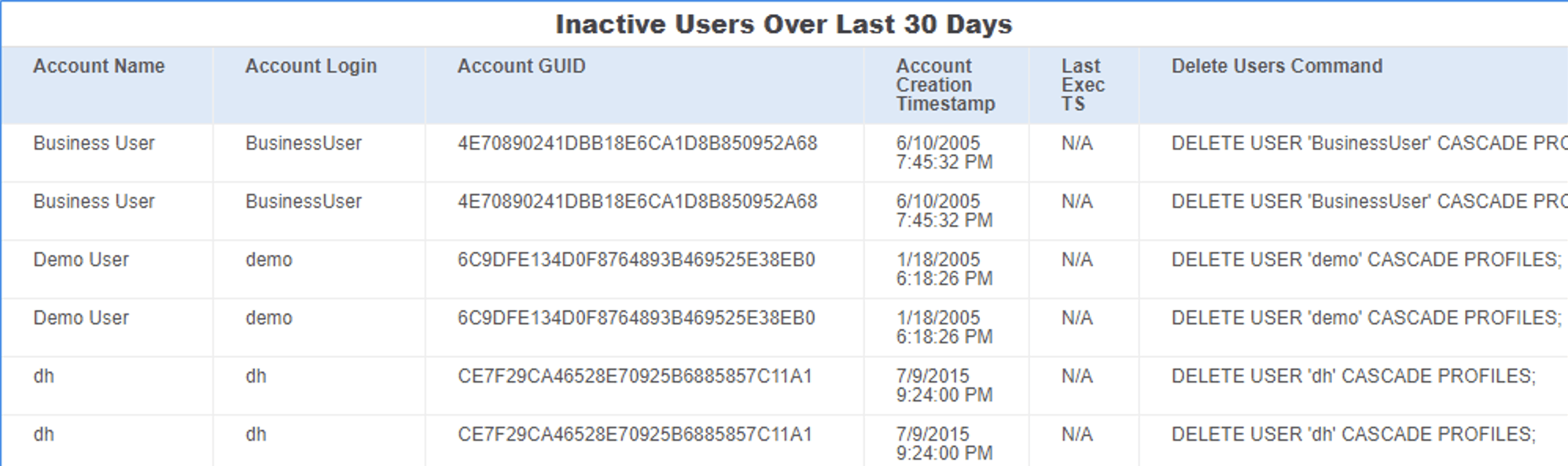
In Strategy 2019 Update 5, the
PlatformAnalyticsProjectConfiguration.scpfile, located in
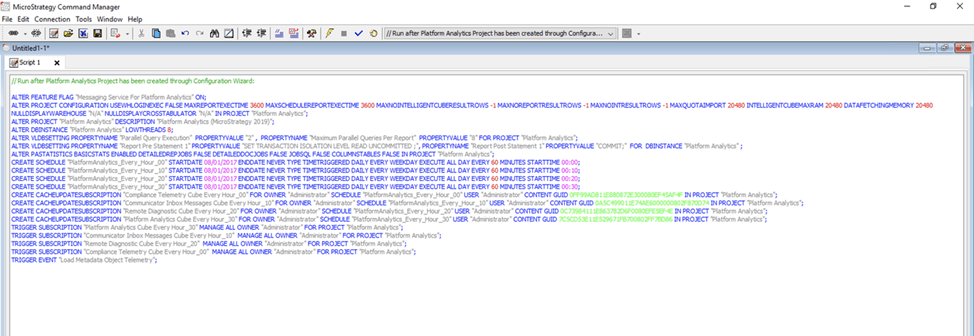
C:\Program Files (x86)\MicroStrategy\Platform Analytics\util,contains the command to set all null values to N/A. This means all null values in Platform Analytics will display as N/A, including the entries in the “Last Exec TS.”
PlatformAnalyticsProjectConfiguration.scpfile needs to be run manually using Command Manager to apply the fix. If the Platform Analytics project was created before Strategy 2019 Update 5, the
PlatformAnalyticsProjectConfiguration.scpfile can be executed again to apply this fix.
C:\Program Files (x86)\MicroStrategy\Platform Analytics\util.
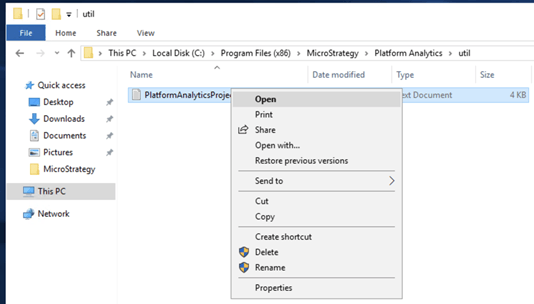
PlatformAnalyticsProjectConfiguration.scpand paste it in Command Manager.