To know at "201808090832" how many sessions on the node, it is necessary to consider two columns "CONNECTTIME" and "DISCONNECTTIME" from IS_SESSION_STATS table.
It is needing to calculate how many sessions were created before "201808090833" sort by column "CONNECTTIME" and then filter out the ones which disconnected before "201808090832" in column "DISCONNECTTIME".
By this method, it is getting 159 sessions as shown below:
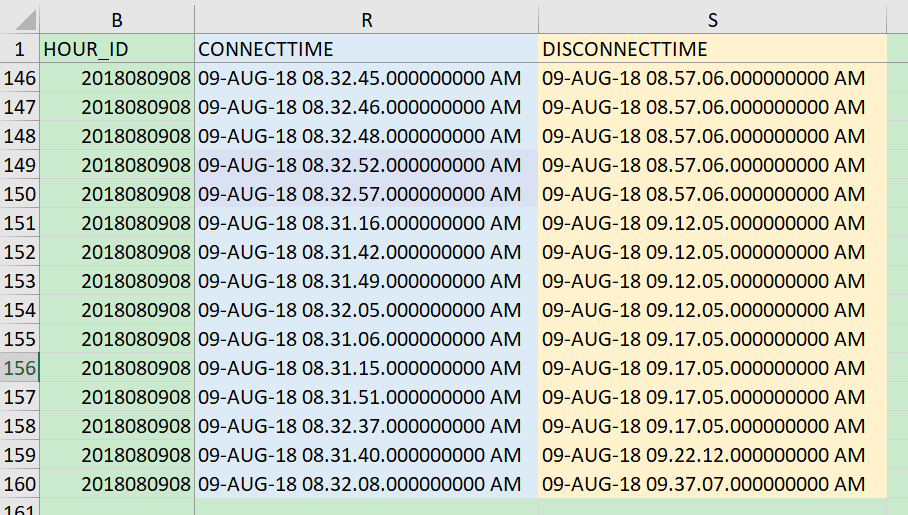
NOTE: Get the total sessions at a special time point with column "MINUTE_ID" is incorrect, since some session can last a long time.
It is possible sometimes the session monitor from Strategy Developer shows a slightly different number compared with the statistics calculation.
The gap can be due to below two possible reasons:
1. There are 10 seconds delay for flushing data to statistics table, during which period more sessions are created.
2. The system time of the developer machine is different from the Intelligence Server machine's, such as several seconds difference. During which more sessions are created.
Article Reference Number: KB441544
