The field “User search filter” in LDAP Filters can be leveraged to achieve this target.
Please refer below steps for detailed implementation:
1. After setting up the corresponding LDAP information such as LDAP Server, LDAP platform and etc, go to LDAP Filters setting and fill in “Search root distinguished name(DN):
e.g. dc=test,dc=testdomain,dc=com
Leave the “User search filter” and “Group search filter” as default
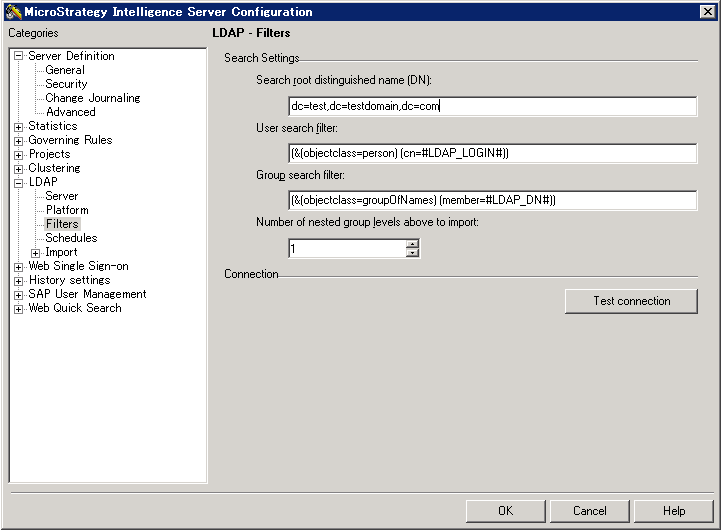
2. Edit “User search filter” expression to add a restriction on specified OUs.
For example, you have below LDAP users in respective OUs:
User1: cn=test1,ou=testeLabUsers,ou=testUsers,dc=test,dc=testdomain,dc=com
User2: cn=test2,ou=testUsers,dc=test,dc=testdomain,dc=com
User3: cn=test3,ou=aaaTest,dc=test,dc=testdomain,dc=com
You just want users from OUs including User1 or User2 can access to Strategy, you should edit the expression like below:
(&(objectclass=person)(cn=#LDAP_LOGIN#)(|(distinguishedName=cn=#LDAP_LOGIN#,ou=testeLabUsers,ou=testUsers,dc=test,dc=testdomain,dc=com)(distinguishedName=cn=#LDAP_LOGIN#,ou=testUsers,dc=test,dc=testdomain,dc=com)))
Note that:
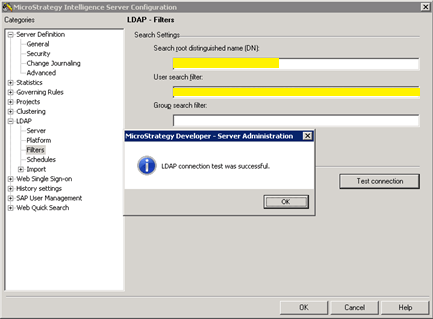
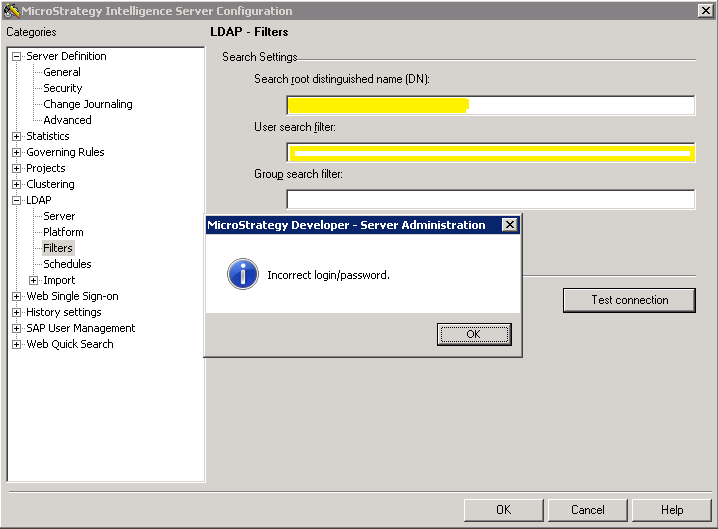
3. Test the result of the filter by clicking "Test connection" with username/password:
When it succeeds
When it fails
KB441428
