EducationSoftwareStrategy.com
StrategyCommunity

Knowledge Base

Product

Community

Knowledge Base

TopicsBrowse ArticlesDeveloper Zone

Product

Download SoftwareProduct DocumentationSecurity Hub

Education

Tutorial VideosSolution GalleryEducation courses

Community

GuidelinesGrandmastersEvents
x_social-icon_white.svglinkedin_social-icon_white.svg
Strategy logoCommunity

© Strategy Inc. All Rights Reserved.

LegalTerms of UsePrivacy Policy
  1. Home
  2. Topics

KB442406 : How to start Intelligence Server in interactive mode in order to collect information about PU threads?


Community Admin

• Strategy


We have different PUs - Browsing, Resolution, QueryExecution, SQLEngine, DataFormatting, Analytical. This KB will help you to run Intelligence Server on Linux in interactive mode and to list all PUs with information on threads and jobs in each PU.

It is impossible to issue commands to the Intelligence Server when running as a service. Interactive mode runs a console loop that allows direct input from the end user
In order to find more information on how to run Intelligence Server on Linux in interactive mode please see KB16877:
https://community.strategy.com/article/KB16877-How-to-start-MicroStrategy-Intelligence-Server-9-x-in-an?t=1544688435032
 

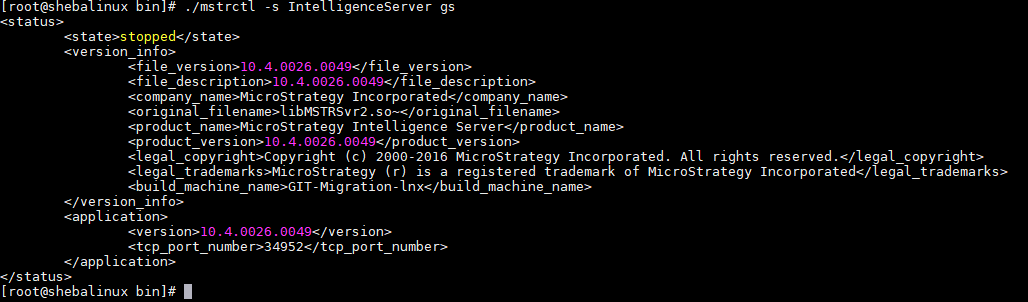
  1. Stop Intelligence Server

./mstrctl -s

ka04W000000ObAcQAK_0EM44000000RX7M.png

 
         2. When Intelligent Server will stop please use this command:


 ./mstrsvr
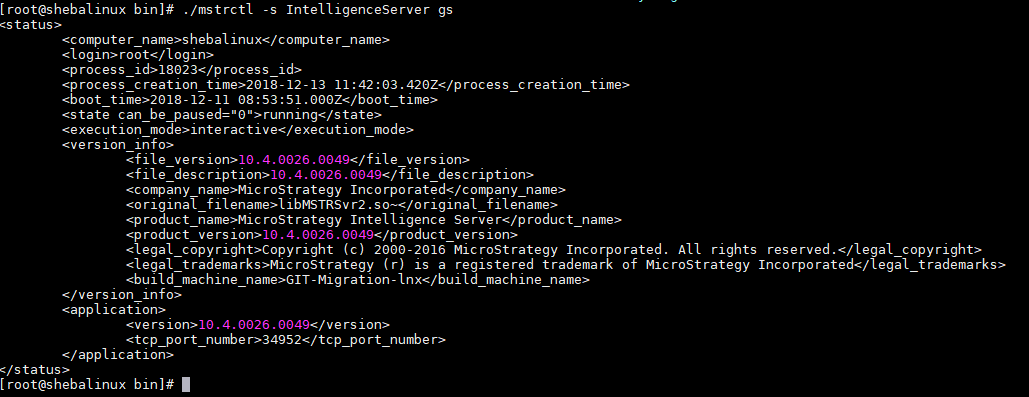
 

ka04W000000ObAcQAK_0EM44000000RX7R.png

 
             3. In order to list the PU use this command:
D
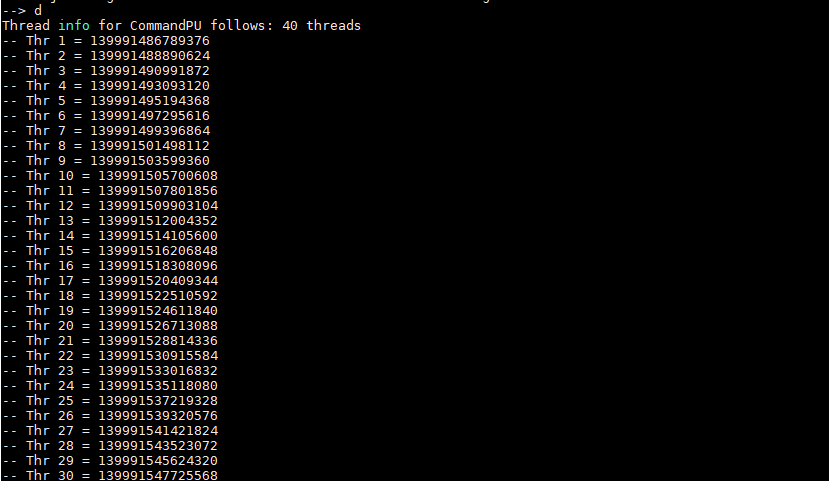
ka04W000000ObAcQAK_0EM44000000RX7b.png

              4. You can save the results into a file
  KB442406


Comment

0 comments

Details

Knowledge Article

Published:

December 18, 2018

Last Updated:

December 18, 2018