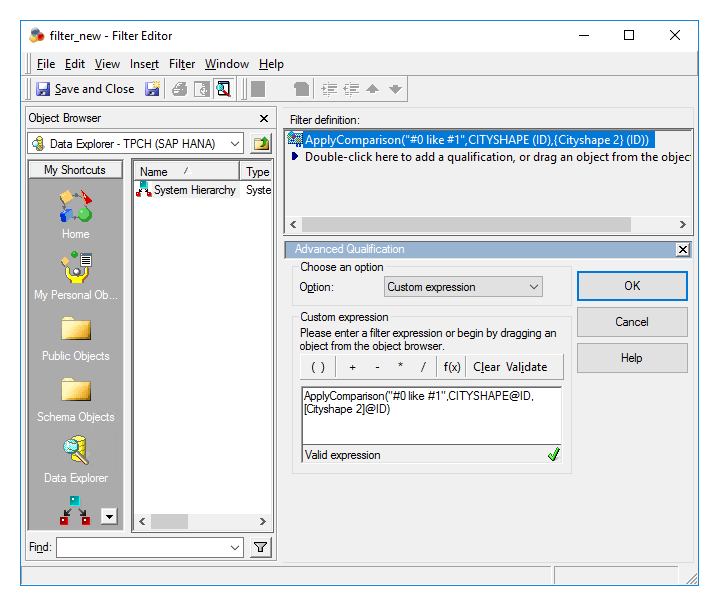
Currently, Strategy does not provide spatial functions; however, you can use spatial functions supported by SAP HANA by adding them to your Warehouse Catalog and modeling them in Architect.
When you add these tables, each column in the SAP HANA table will have a corresponding attribute created.
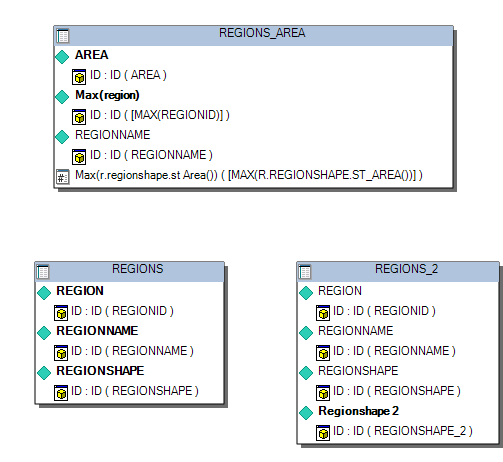
SAP HANA spatial functions can be divided into two groups, those supported by Strategy, and those that are not.
For example, you want to display Region Name and Area on a report using the following table:
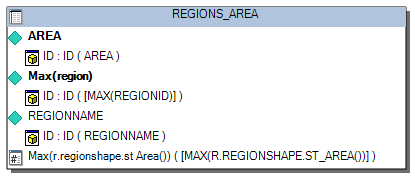
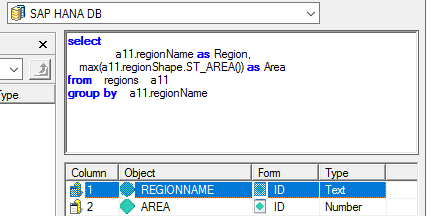
These attributes can be used in a report or used to create a freeform SQL report using the following statement:
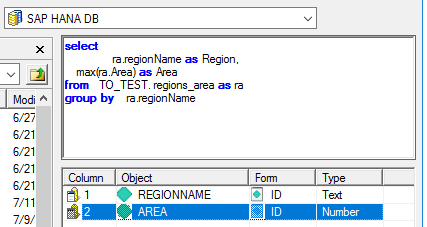
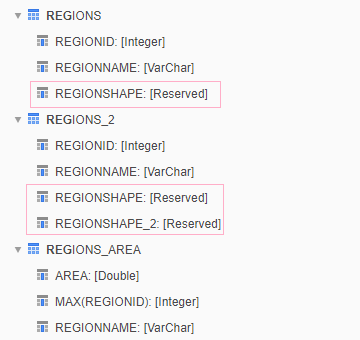
For example, you want to display Region Name and Area on a report using the following table:
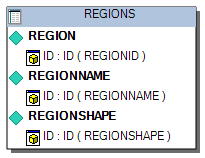
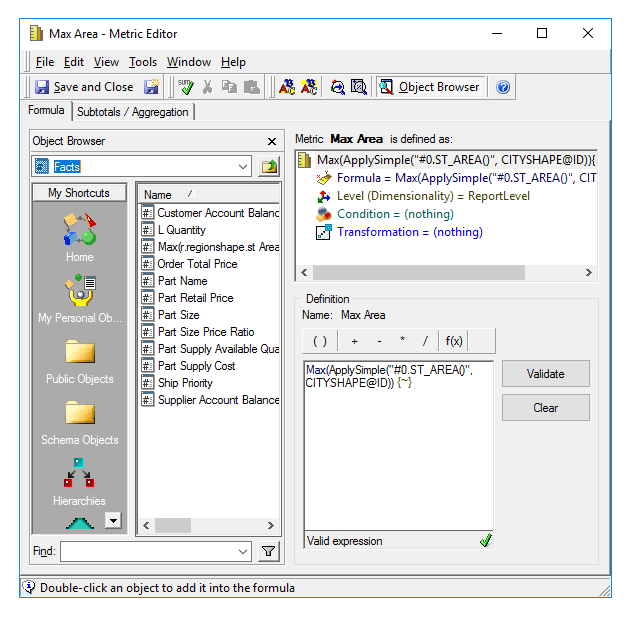
The Regions table contains Region Name and Region Shape. Region Area can be calculated from the Region Shape by applying the ST_AREA spatial function. You can do this in one of two ways:
Another example would be if you want to display Region Name and Area for the regions in which Region Shape and Region Shape 2 are equal on a report using the following table:
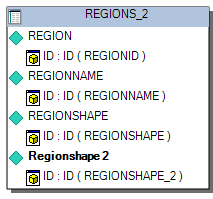
Region Shape and Region Shape 2 are ST_Geospatial objects, so they are not supported; however, you can use them in a filter. The computations are performed on the SAP HANA side.