To use Strategy in RStudio you must enable CORS (Cross-Origin Resource Sharing) settings on Library Administrator page.
When running Strategy for RStudio we can observe that port on which application is listening changes dynamically after each application run. This can cause an issue if you want to whitelist only Specific URLs on Strategy Library Administrator page:
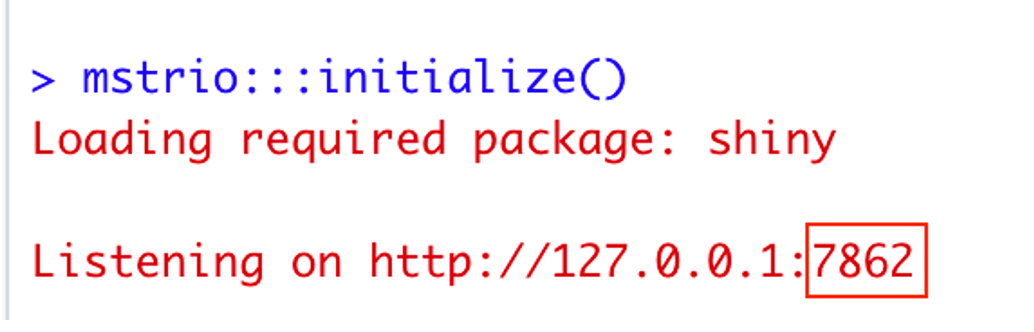
Shiny is an R package that makes it easy to build interactive web apps straight from R. It is the package required to run Strategy in RStudio. If the shiny.port option is set (with options(shiny.port = XX)), then that port will be used. Otherwise, if the port is not specified, random port will be used.
This workaround shows how to set "Allow Library embedding in other sites" to one Specific URL and one port.
You can specify a port on which you want to start the application. Before opening Strategy for RStudio from Addins drop-down, type in the console options(shiny.port=7777) – specify the port that you want to use.
After that, start the mstrio by typing mstrio:::initialize() or open Strategy for Rstudio from Addins drop-down, you will see the port you specified before.

Add http://127.0.0.1:7777 (or http://127.0.0.1:XXXX) in Strategy Library CORS settings and restart Web Server to apply changes:

After whitelisting one specific port you need to remember to set port in RStudio before running Strategy Addin otherwise you will receive CORS related error.
