When parallel republishing schedule cubes with Kerbersized Impala warehouse. Encountered error: Connect failed. Error type: Odbc error. Odbc operation attempted: SQLDriverConnect. [HY000:0: on SQLHANDLE] [Strategy][KerberosSupport] (0) Error occurred during Kerberos library operation: Internal credentials cache error (filename: /tmp/krb5cc_0).Error in Process method of Component: QueryEngineServer, Project ADA ECS Analytics, Job 6672, Error Code= -2147212037.)
The issue should be intermittent, schedule republish cubes in another time slot may succeed after encounter failure.
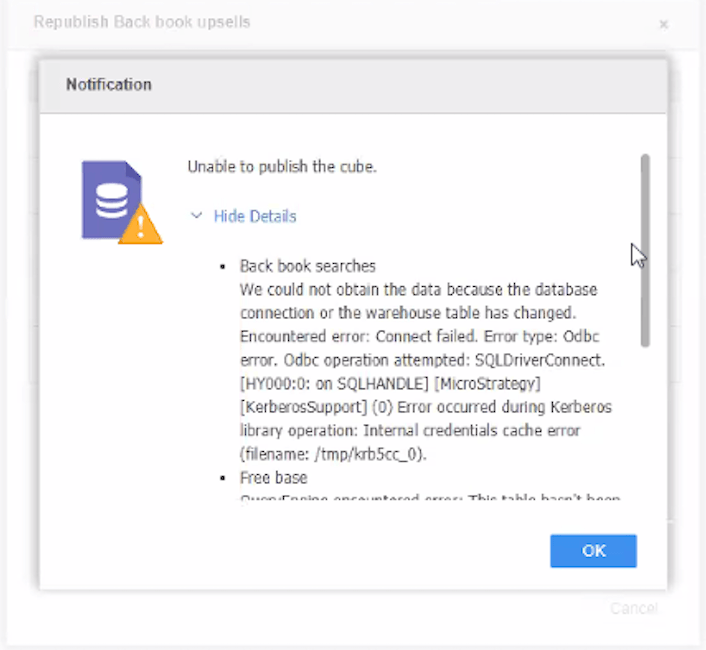
Kerberos library has the limitation that Kerberos credential cache does not support the use of FILE or basic KEYRING to parallel connect.
Publish schedule cubes at the same time would establish multiple processes to create tickets independently, and it is not allowed to use the credential cache.
Modify Kerberos environment variable for Strategy I-server (e.g. set it in Kerberos.sh in I-Server) to making Kerberos KEYRING get valid credentials for each unique process to store credential cache.
export KRB5CCNAME=KEYRING:process:mstrcache
