SUMMARY:
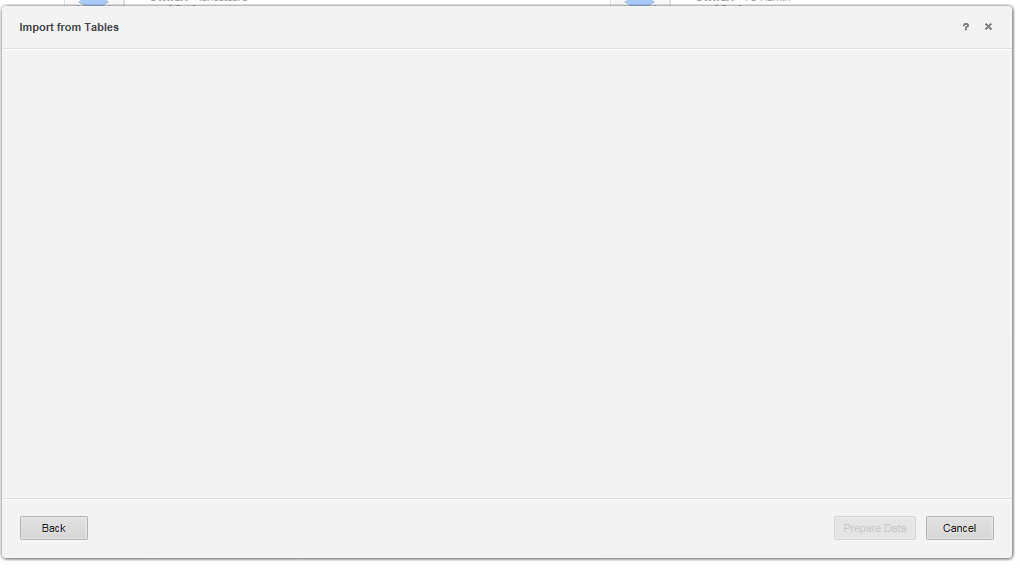
This technical note describes a known issue in Strategy Web 10.x when trying to Add external data from a data source and the “Import from Tables” window is blank and doesn’t show any database instances in the project.
SYMPTOM:
When a user selects ‘Add External Data’ from Strategy Web , chooses ‘Database’ then picks any of the 3 radio buttons from the ‘Select Import Options’ screen, a blank ‘Import from tables’ window is opened instead of showing existing Database Instances to choose from, or the ‘Add’ button to create a new data source.
CAUSE:
An out of the box cube has been deleted from the hidden Object Templates\Reports folder causing the ‘Import from Tables’ screen to display as blank in Web.
ACTION
Please contact Strategy Technical Support for a package containing the missing cubes to import into the problematic project.
KB439382
