In Developer, clicking Rebuild Index results in the following error:
"The search index for project XXX is missing, unusable, or not accessible. Please see DSSErrors.log for details."
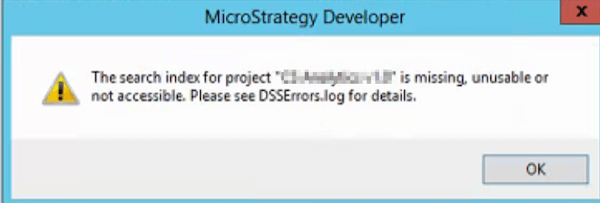
The Quick Search Index for the project is corrupted and the option to Rebuild Index cannot delete the corrupted files even after trying the suggestion in KB482892: How to Rebuild the Index of the Quick Search.
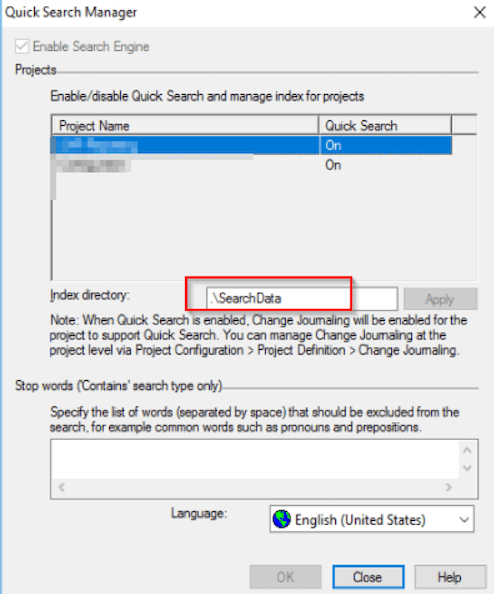
One possible reason for the corrupted files could be how the Search Index directory was configured. While the directory is specified to a local file location, the path can be changed to a shared location, such as \\SharedFolder. When there are multiple nodes in one clustered environment, this setting can be problematic because all the nodes may try to write to the same file at the same time.
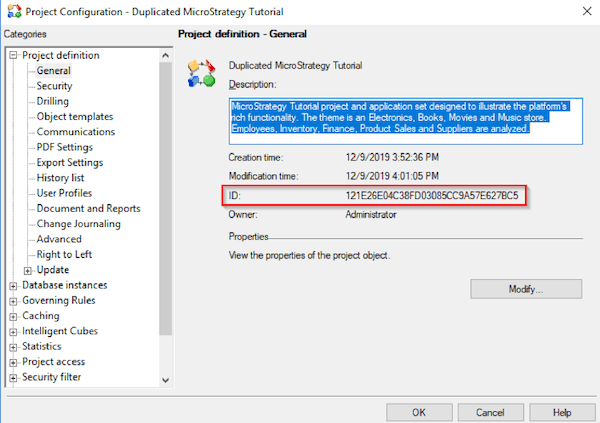
To resolve the error, you should delete all files inside the index folder and then try to rebuild the index again.
KB45313: "Your search could not be completed. The search index is missing, unusable or not accessible. Please try again or contact the Administrator." error appears when performing quick search or using metric editor in MicroStrategy Web 9.4.x or newer
KB482890: Fail to create cache, cube file or quick search index in clustered environment in MicroStrategy 10.x and above
