Starting with the release of Strategy ONE (March 2024), dossiers are also known as dashboards.
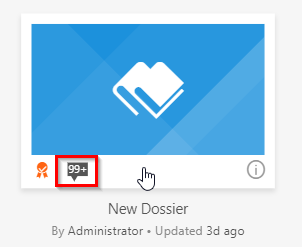
Starting with the Strategy 10.9 release, users with the 'Certify' privilege are able to mark dossiers and documents as 'certified' to help maintain a single version of the truth. With the introduction of this capability, some users have asked questions about moving certified objects between environments. More specifically, users have noticed after importing a certified dossier from one Strategy environment (e.g. Environment A) via .mstr file into another environment (Environment B), the dossier is no longer flagged as certified.
Environment A:
Environment B:
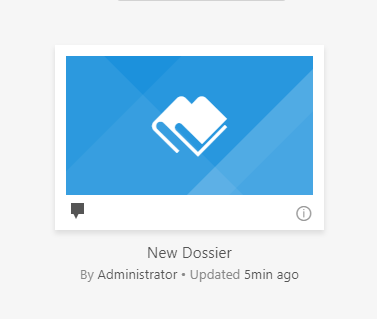
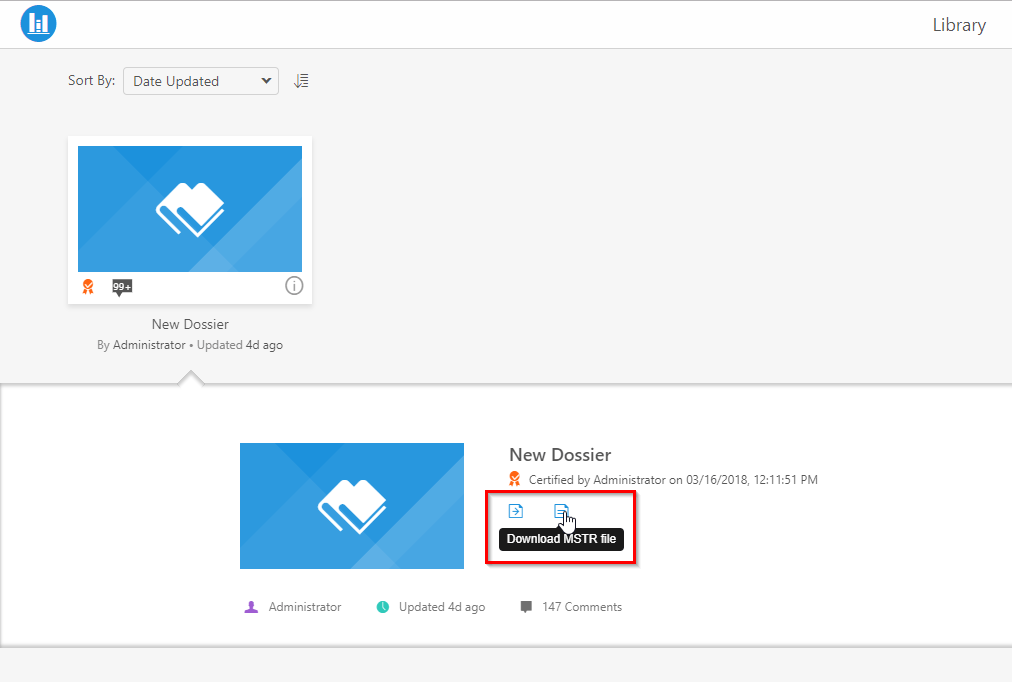
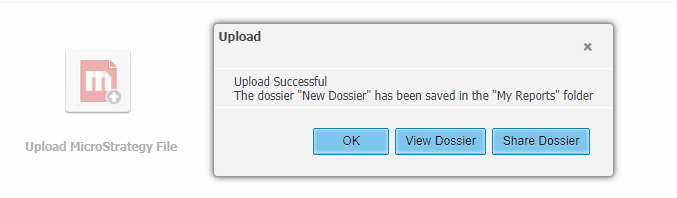
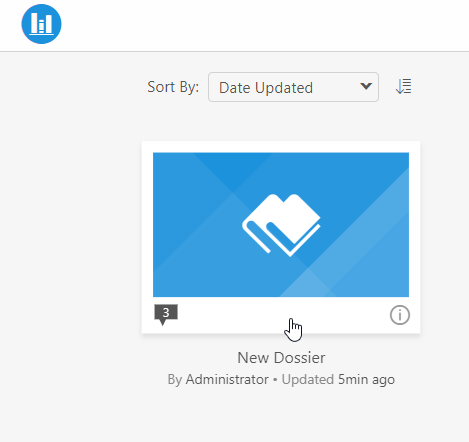
The certification flag is not included in the .mstr file downloaded from the source environment and thus does not carry over to a new environment. While the Dossier has been certified in environment A, that does not guarantee the dossier meets the certification requirements of environment B. Removing the certification flag ensures the dossier will undergo your organization's standard processes and checks before being certified.
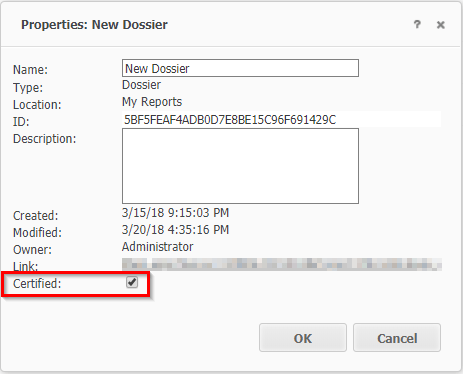
Administrators or users with proper permissions will need to recertify the imported dossier. To certify a dossier, right-click on the dossier and select properties. In the properties window, check the Certified option and okay.
If you are connected to your environment via Strategy Workstation, you can certify your dossier with the following steps:
Have other questions? Feel free to start a discussion or reach out to your Support liaison to open a case!
Want to upgrade to Strategy 2019? Visit the MicroStrategy website !
