In Strategy 2019 Update 3, you may notice that grids in a document display column headers even when the setting "Show" column header is disabled. This occurs when the the grid only contains attributes and the document is viewed in Presentation Mode.

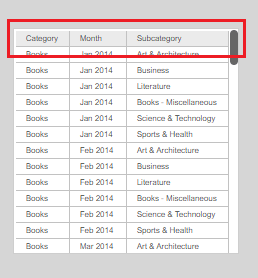
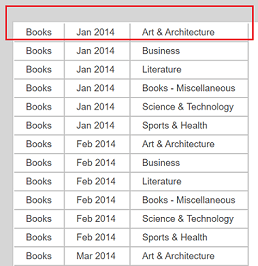
This is an identified defect in Strategy 2019 Update 3.
This issue is resolved in Strategy 2019 Update 4. Upgrade to Strategy 2019 Update 4 or later to take advantage of the fix.
For an immediate solution, you can hide the column headers by adding a metric to the grid and then resizing its width to zero. This hides the column headers in both Presentation and Editable Mode.
