Prior to Strategy 2021 Update 4, there was a link on Project page to install Office legacy plugin that was replaced with “Explore Strategy”. When users click on the link “Explore Strategy”, they are getting the error shown below:
A user must be inside of the project for the link to work.
Go back to the first browser tab that still displays Projects and click on the project then go back to Office tab – error no longer displays and the button “Get the Add-in” is no longer greyed out.
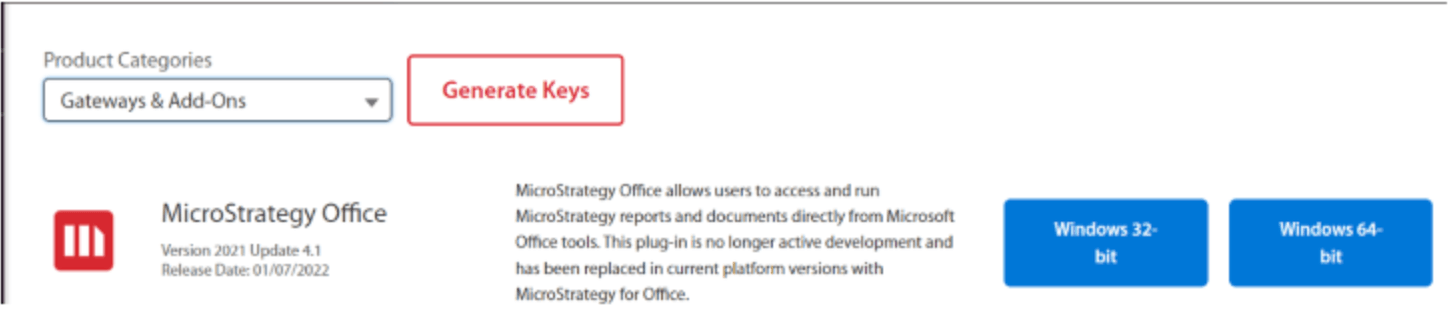
Since the legacy Office plugin (Web Services) was replaced with a new Office plugin on Strategy Project page, the legacy office installer can be downloaded from our download site https://community.Strategy.com/s/products?language=en_US
If it is preferred to have a link available in Strategy Web, this can still be done via the Web preferences. However, the user will need to indicate the correct path in the sys_defaults.properties file with parameter officeLocation=.
If Web Services is deployed on the same tomcat this could be an example: officeLocation=/StrategyWS/Office

