EducationSoftwareStrategy.com
StrategyCommunity

Knowledge Base

Product

Community

Knowledge Base

TopicsBrowse ArticlesDeveloper Zone

Product

Download SoftwareProduct DocumentationSecurity Hub

Education

Tutorial VideosSolution GalleryEducation courses

Community

GuidelinesGrandmastersEvents
x_social-icon_white.svglinkedin_social-icon_white.svg
Strategy logoCommunity

© Strategy Inc. All Rights Reserved.

LegalTerms of UsePrivacy Policy
  1. Home
  2. Topics

In MicroStrategy Web, Fonts Do Not Appear When the Browser Cache is Disabled in Firefox


Community Admin

• Strategy


This knowledge base article describes an issue when using MicroStrategy Web in Firefox. Fonts do not appear when the browser cache is disabled.

Starting with the release of Strategy ONE (March 2024), dossiers are also known as dashboards.

Description

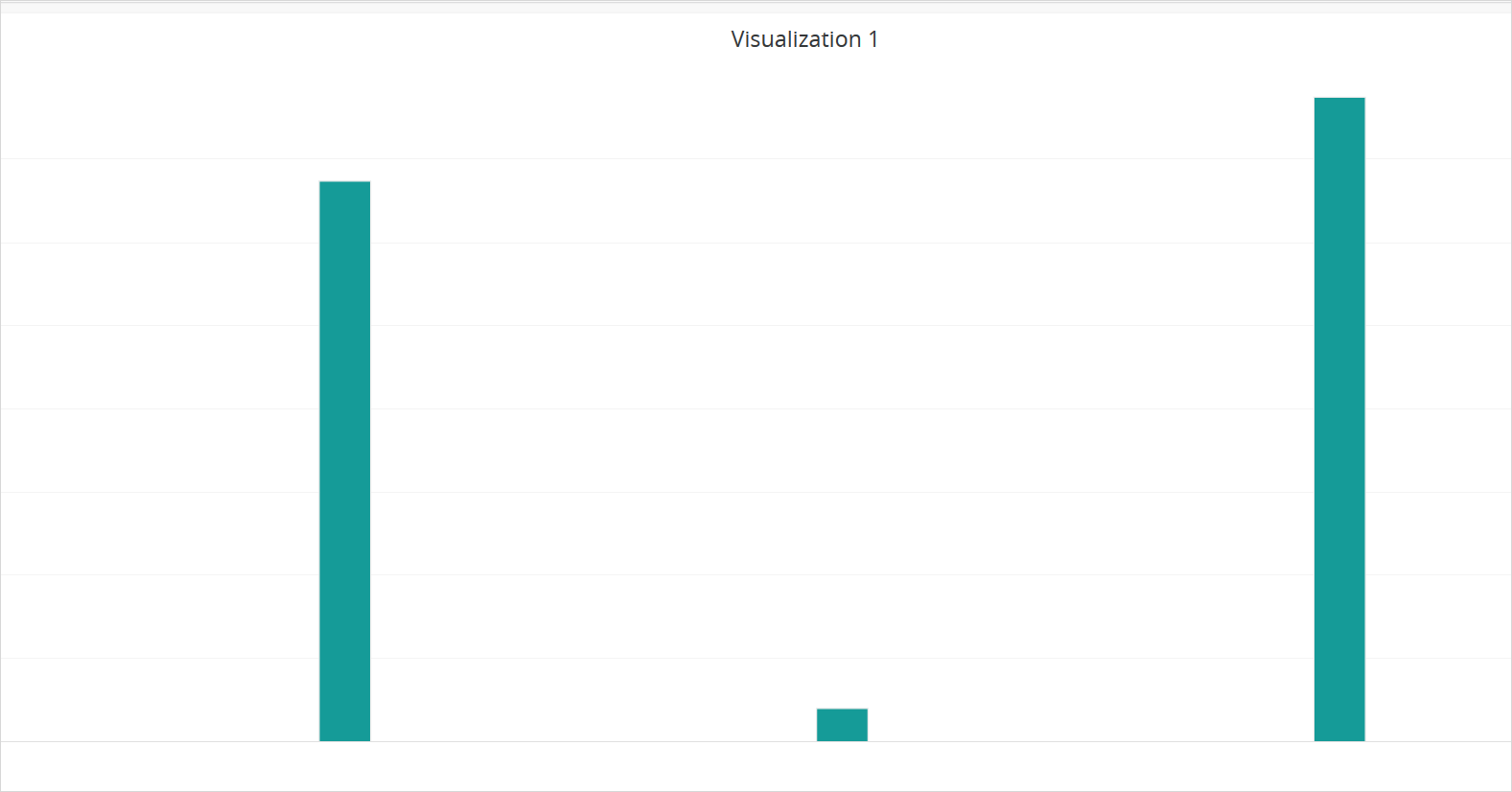
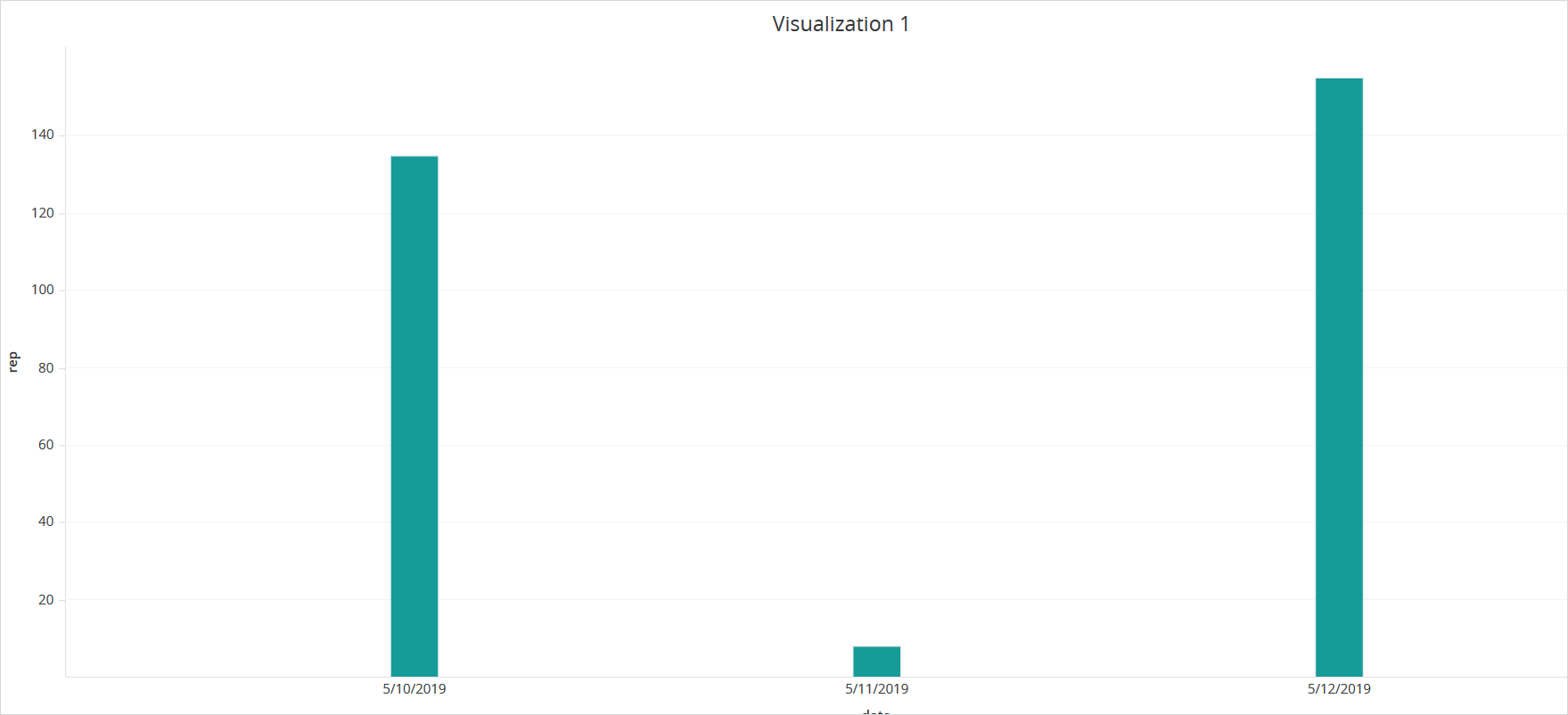
When using Strategy Web in Firefox, fonts do not appear when the browser cache is disabled. Users must manually resize the graph to refresh the visualization and display the text.
Steps to reproduce

  • Open Firefox and log into Strategy Web.
  • In a dossier, create a graph using the new default font, Open Sans.
  • Click Share > Get a link and copy the generated link.
  • Close your browser tab and reopen it with the cache disabled.
  • Paste the link in the browswer. The fonts do no load.
    Cache disabled.
ka0PW0000001JZsYAM_0EM2R000000mEnn.jpeg
  • Cache enabled:
ka0PW0000001JZsYAM_0EM2R000000mEns.jpeg

Solution

Upgrade to Strategy 2019 Update 3 to resolve this issue.


Comment

0 comments

Details

Knowledge Article

Published:

October 1, 2019

Last Updated:

March 21, 2024