Starting with the release of Strategy ONE (March 2024), dossiers are also known as dashboards.
When running any report/document/dossier anywhere (in Developer, in Web, in Library and in Workstation) having an affected Intelligent Cube among its datasets/components, the execution will fail with a similar error message:
Document Execution Failed: One or more dataset reports returned an error.<Cube Name> [<Cube ID>]: (Intelligent Cube (<Cube Name>) for locale <Locale Name> is not published. Error in Process method of Component: CubeServer, Project <Project Name>, Job <Job ID>, Error Code= -2147072488.)
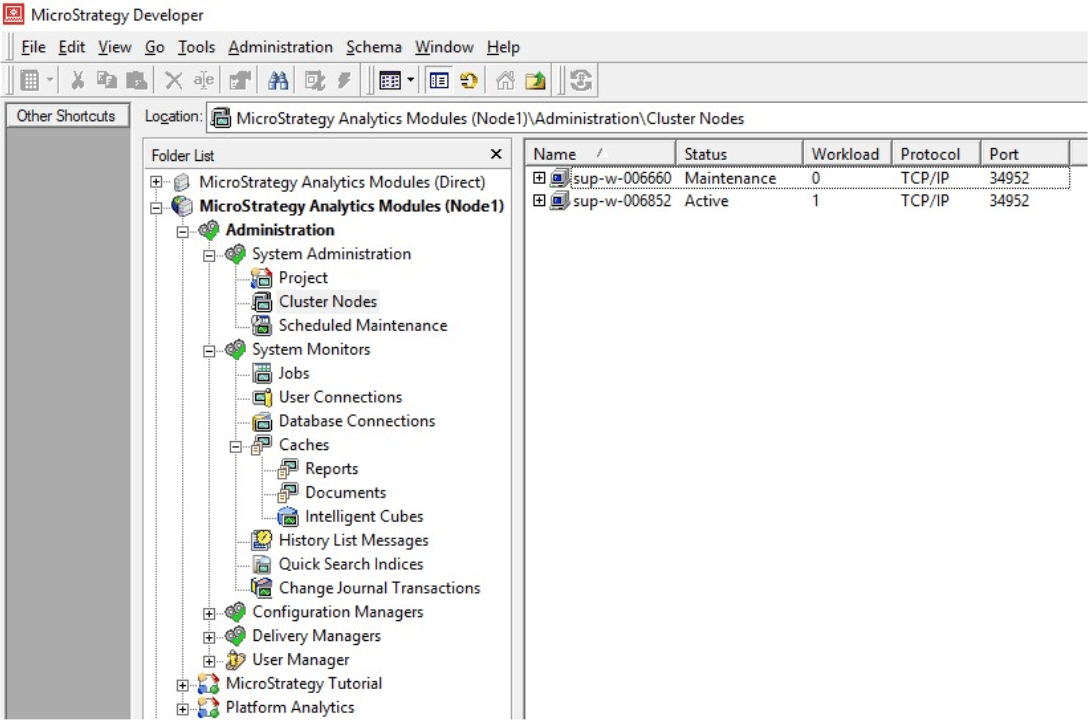
There may be different reasons for the above error message. The purpose of this Tech Note is to explain the behavior of one particular case that explains the error message root cause. In this particular scenario, there is an Intelligence Server cluster, and the Intelligence Server service of one of the nodes was stopped for maintenance, while the Intelligence Server service of the other node was restarted.
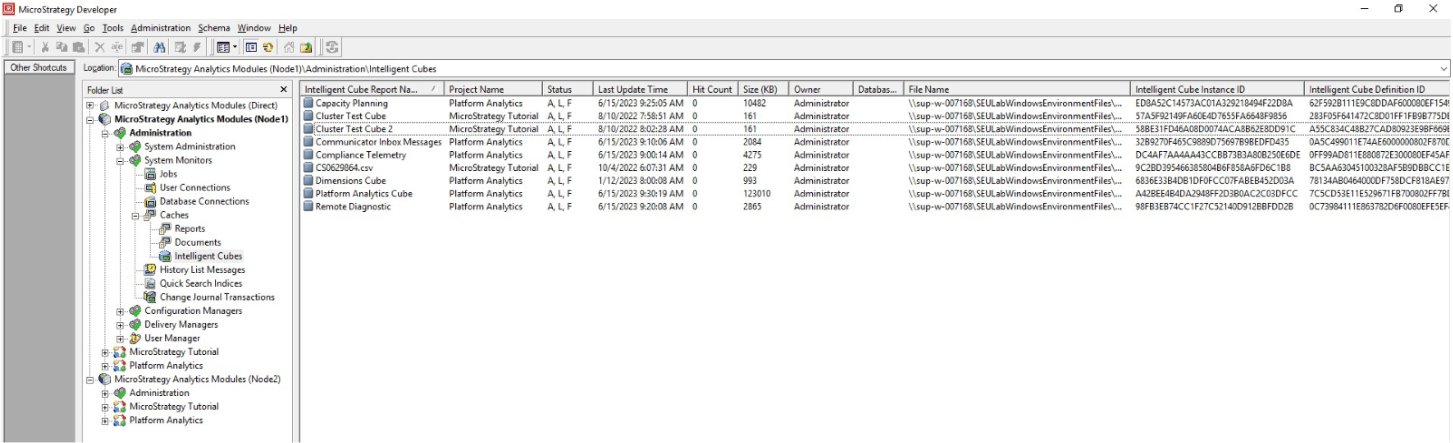
Node 1
Node 2
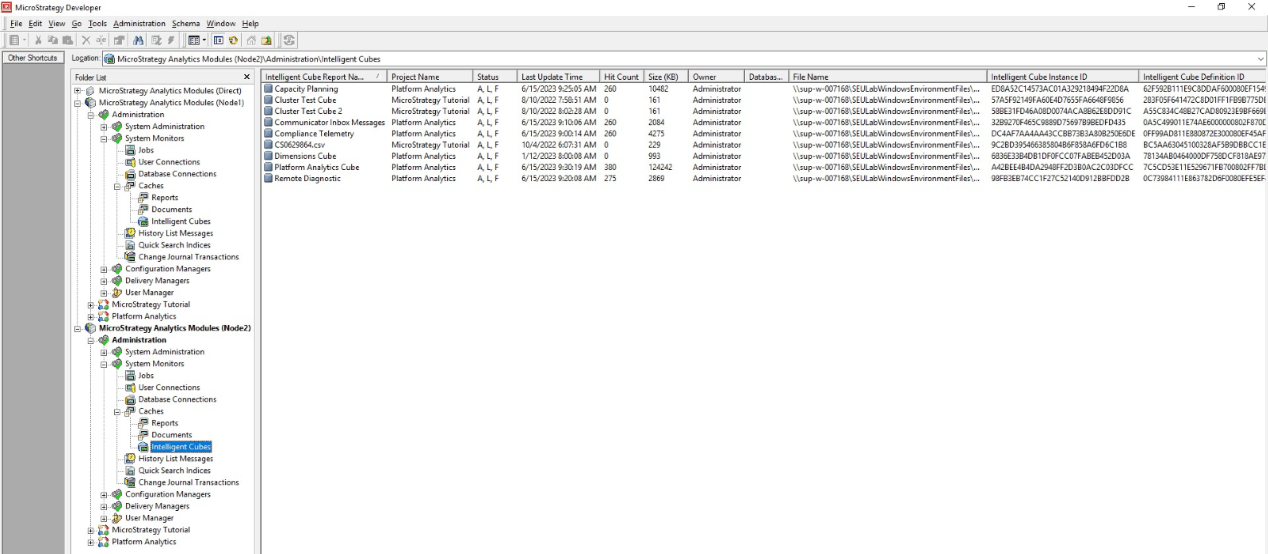
They should have the “A, L, F” status (Active, Loaded, Filed).
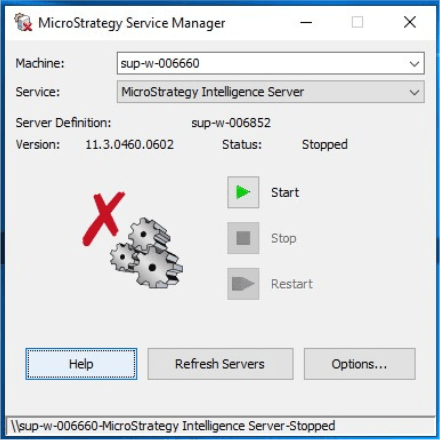
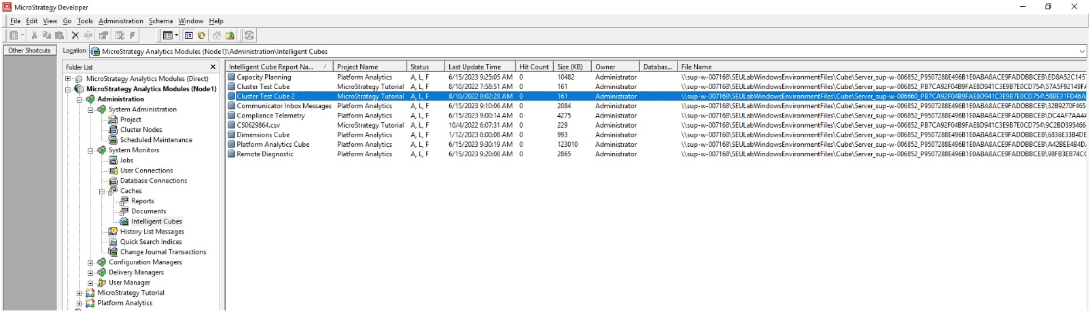
In the above example, the “Cluster Test Cube 2” was selected, as the “File Name” includes the Intelligence Server machine name that is in Maintenance Mode, that is, “sup-w-006660”. This can be observed below at the end:
\\sup-w-007168\SEULabWindowsEnvironmentFiles\Cube\Server_sup-w-006660...
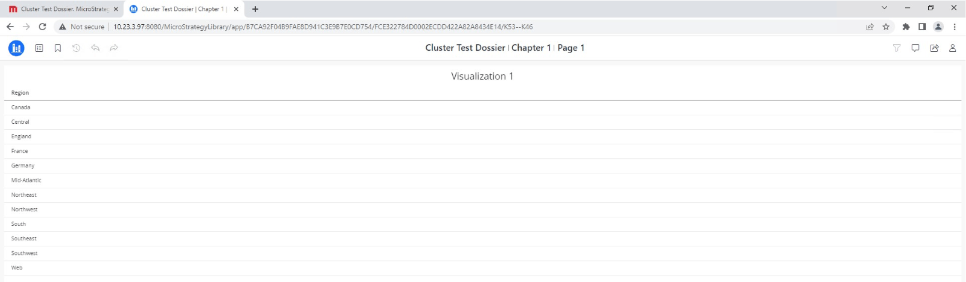
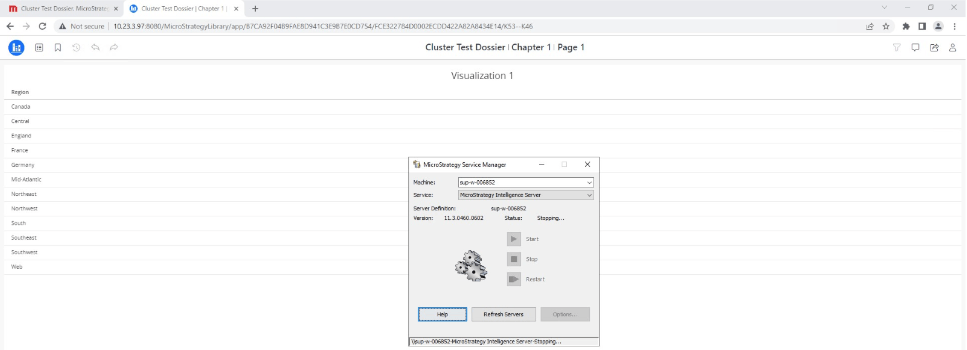

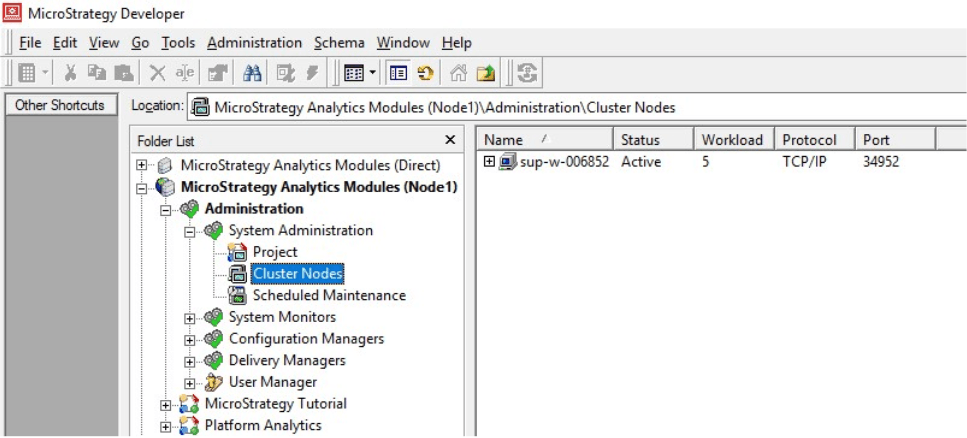
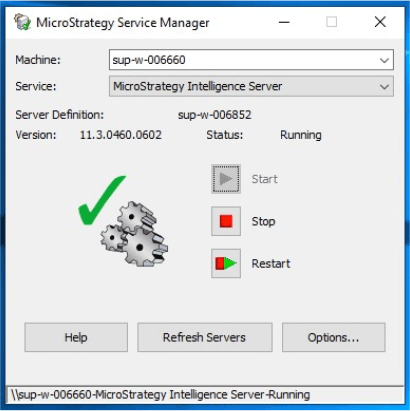
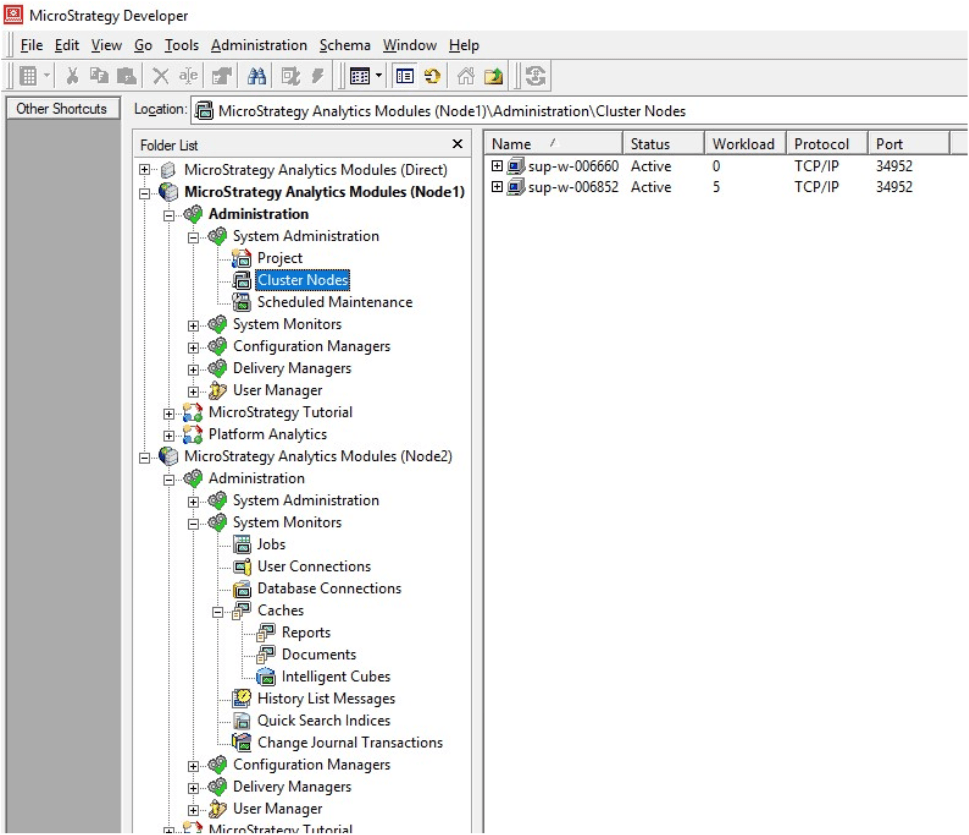
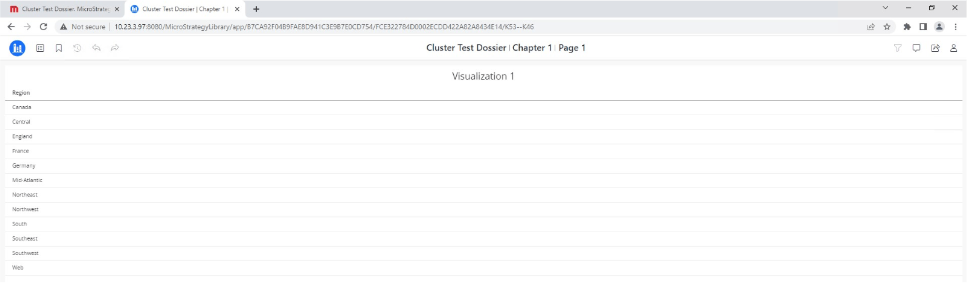
The experienced behavior is currently expected and working as designed. When during the restart of the Intelligence Server service, not all nodes are joining the cluster, then only cubes published by an available node can be hit, even though cube files are stored in a centralized location in a machine not being an Intelligence Server one.
In the provided example, the affected cube was published on node 2, which was in Maintenance Mode. At this point, reports/documents/dossiers based on the involved cube can still be executed successfully from node 1. However, after the Intelligence Server service of node 1 was restarted, the cluster was not rejoined, and therefore node 1 started to act as if there were no cluster. Because of this, node 1 did not have access to the cube files created by node 2, hence the error message.
There are some Enhancement Requests opened to improve the behavior, which is to make cubes accessible by remote nodes after restarting a single node. Please contact Strategy Technical Support for an update.
Option 1: Publish the cube in the Intelligence Server node not being in Maintenance Mode. To avoid duplicates, please ensure that the “Cluster Synch Check Duplicate Cubes” registry setting is enabled so that the oldest duplicate cube will be deleted when the node being in Maintenance Mode is started up. More information in this KB article:
https://community.strategy.com/article/KB221178-How-does-the-registry-setting-Cluster-Synch-Check
Option 2: Start the Intelligence Server service of the node being in Maintenance Mode. If this node has to be in Maintenance Mode, after having started it and confirmed that the cluster was rejoined, it can be stopped again. The other node will have access to the affected cube until the Intelligence Server service of the other node is restarted.
