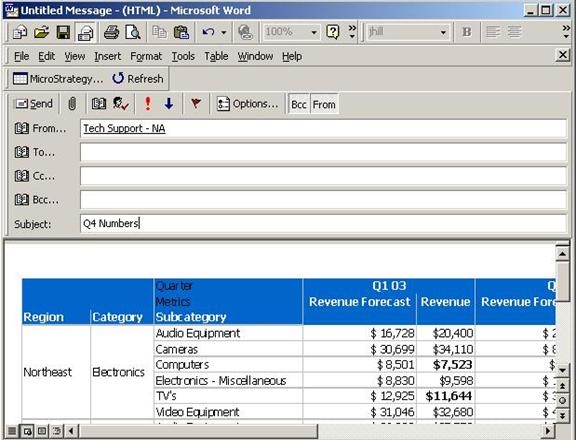
Users have the ability to leverage all of the functionality in Microsoft Word for use with Microsoft Outlook, which includes Strategy Office (provided that it has already been configured with Word). To achieve this level of integration, users must set Microsoft Word as the default mail editor in Microsoft Outlook.
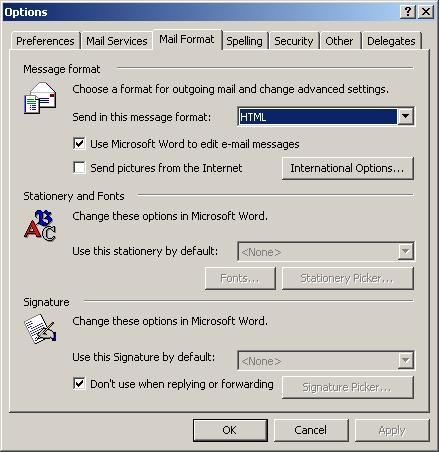
To set Microsoft Word as the default mail editor, select Options from the Tools menu. In the mail format tab, check the box labeled "Use Microsoft Word to edit e-mail messages" as shown in the screen shot below:
Now, Strategy Office tools are available when creating and editing email messages, as shown below: