SYMPTOM:
When using Database Authentication, as described in Knowledge Base document "KB5800-072-0112 - How does Warehouse Passthrough work in Strategy 10.x," users are unable to see the Administrator tab when logging into a Project Source.
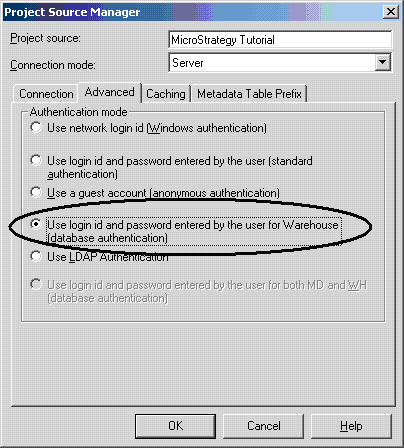
The following illustration depicts the set up of Database Authentication (as described in KB5800-072-0112):
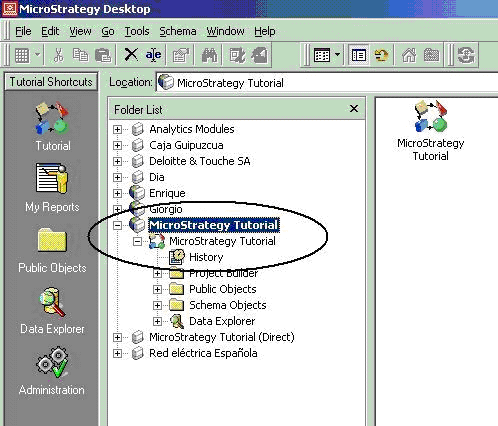
After setting up Database Authentication and logging into a Project Source, however, no users are able to see the Administrator tab:
CAUSE:
Due to the characteristics of this type of security implementation, when users log into the system with Warehouse Passthrough Authentication, the user will have no administration privileges. Because a warehouse login can only authenticate a user against the data retrieved from the warehouse, but not the metadata objects, users that connect to the system with this type of authentication will not be able to see any of the administration options.
ACTION:
Users that want to have administration privileges must define a Project Source to be either 2-tier mode or 3-tier mode and use one of the other methods of authentication.
