This document describes how to create a dynamic prompt and resolve it to N days subtracted or added from a specific day in the current week in Strategy 9.x and 10.x. This document also provides some guidance on reading the dynamic date editor.
The dynamic date editor is always based on the current day's date, so it is the first part to be resolved in the "formula." For example, consider the following dynamic date definition:
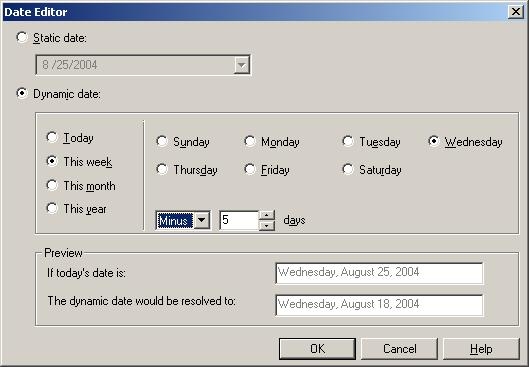
The correct way of reading this is:
"The Wednesday of the week of (today minus 5 days)." So if today was August 25, 2004 (Wednesday), today minus 5 days would be August 20, 2004 and from there you would take the Wednesday of that week, which is August 18, 2004.
In the case that users want to have the Wednesday of this Week as the starting point and subtract 5 days from it, perform the following:


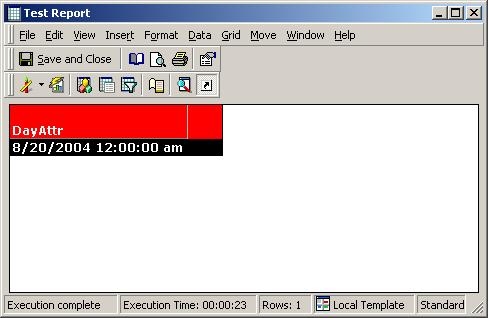
Execute the report and notice that the value returned is the current week's day - 5 days: